

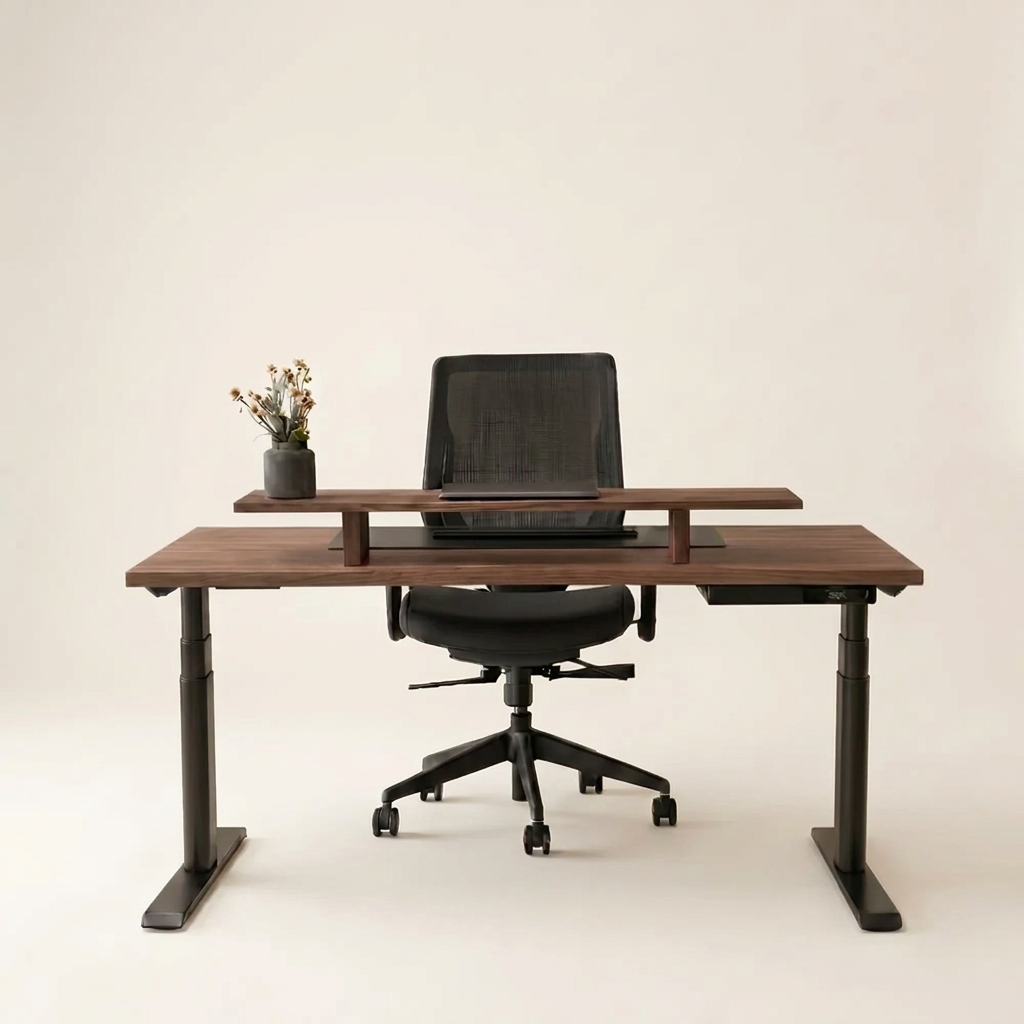
A solid oak desk deserves more than a screen balanced on its original plastic stand. The best monitor arms for oak desks create room to work, bring the display to eye level, and preserve the calm, considered character that makes a natural wood workspace feel different. The right arm should feel as substantial and intentional as the desk beneath it - not like a temporary add-on.
For an oak desktop, choosing well is about more than screen size. You need to consider the thickness and construction of the wood, the total weight of your monitor, how far you want the screen to travel, and whether your desk sits against a wall. Get those details right and a monitor arm becomes one of the most effective ergonomic upgrades in the room.
What Makes a Monitor Arm Right for Solid Oak?
Solid oak is exceptionally well suited to a monitor arm. Unlike lightweight particleboard tops, a properly made solid wood desktop has the density and structural integrity to handle a clamp-mounted arm with confidence. Yet real wood also deserves respect. A powerful clamp tightened carelessly can leave an impression in the timber, especially on an oiled surface or a softer area of the grain.
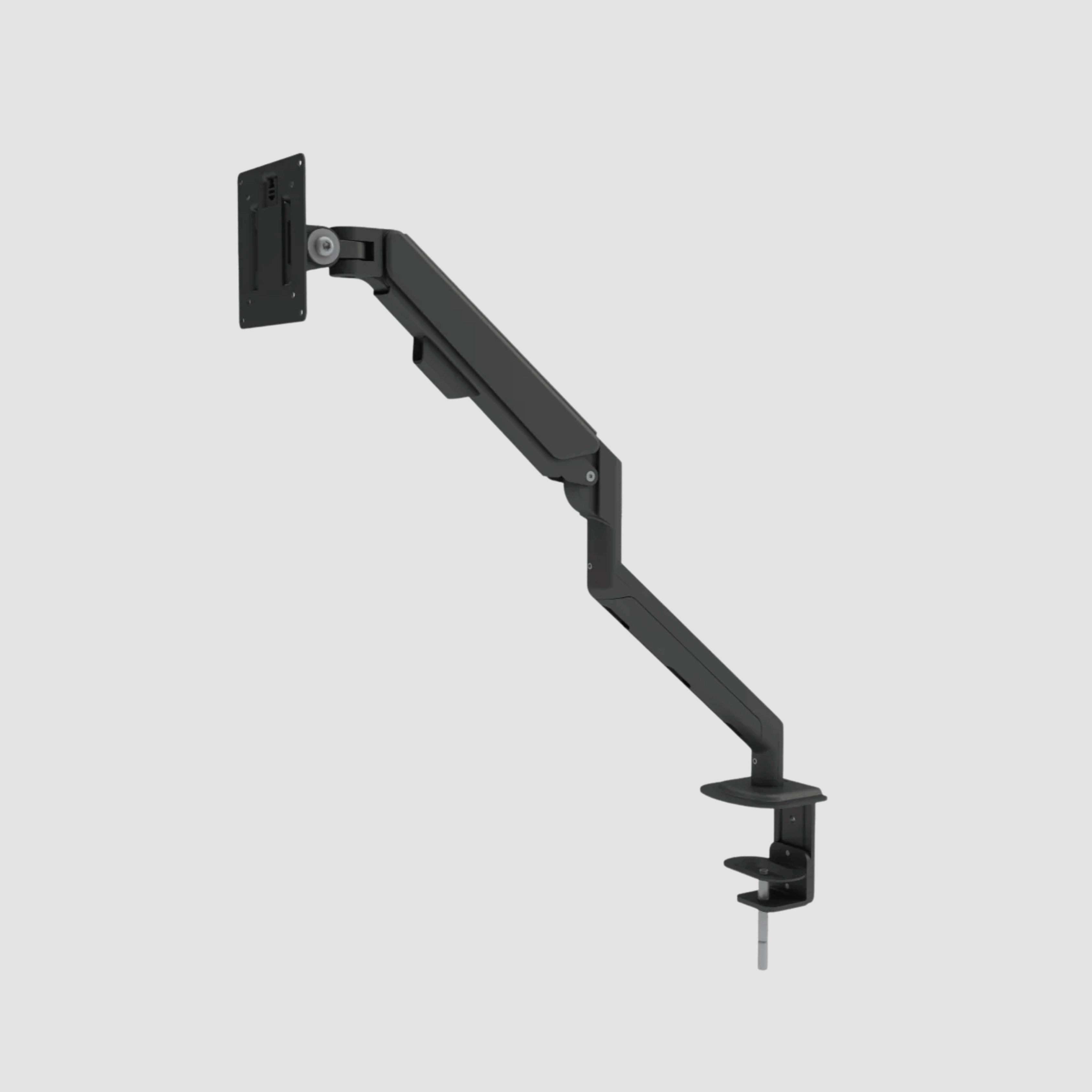
Look for an arm with a wide, padded C-clamp and a solid contact plate. The wider the pressure is distributed, the gentler the connection is to the desk. If a clamp includes a rubber or silicone pad, keep it in place. It protects the finish while helping the arm stay secure as you reposition the monitor.
Desk thickness matters, too. Most premium oak desktops sit comfortably within the clamp range of quality monitor arms, but always confirm the manufacturer’s minimum and maximum thickness before ordering. Measure the desktop itself, not the full edge profile or any added cable tray beneath it.
A grommet mount can be an excellent alternative when your desk has a cable port in the right position. It creates an exceptionally tidy, stable installation, although it is less flexible if you later want to move the arm. For many home offices, a well-designed clamp mount is the better balance of strength, adjustability, and simplicity.
The Best Monitor Arms for Oak Desks Depend on Your Setup
There is no single best monitor arm for every oak desk. A compact laptop-and-monitor arrangement has very different needs from a dual-screen trading desk or an ultrawide display used for editing. Start with the way you work, then choose the arm architecture that supports it.
A single arm for focused work
A single gas-spring monitor arm is the natural choice for most home offices. It clears the desk surface, allows easy height adjustment, and lets you pull the display closer for focused work or push it back when you need room to sketch, write, or use a laptop.
Choose an arm with enough height range to position the top third of the screen at, or slightly below, eye level when you are seated. If you use a standing desk, height range becomes even more valuable. The monitor must rise with the desk and still land comfortably in your line of sight when you stand.
Gas-spring arms are best when you adjust your screen often. A static post mount costs less and can look beautifully minimal, but it is designed for occasional repositioning rather than daily movement.
A dual arm for two-screen work
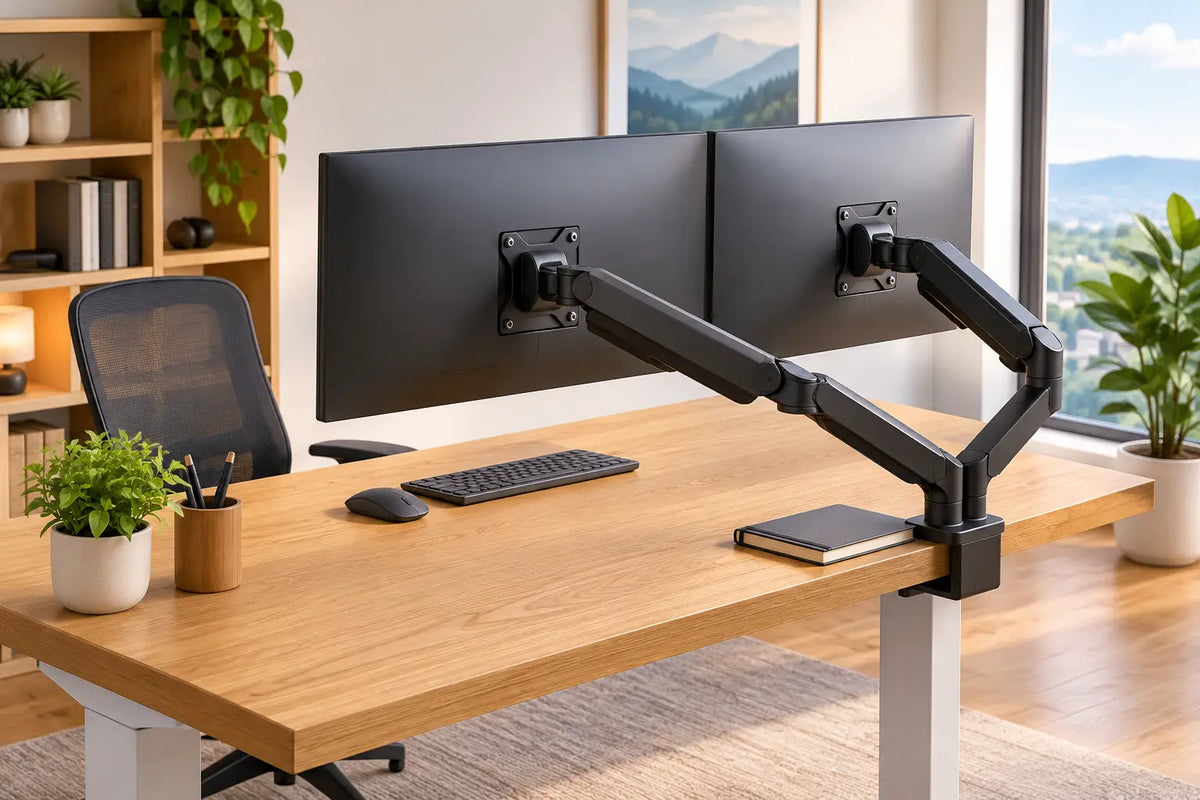
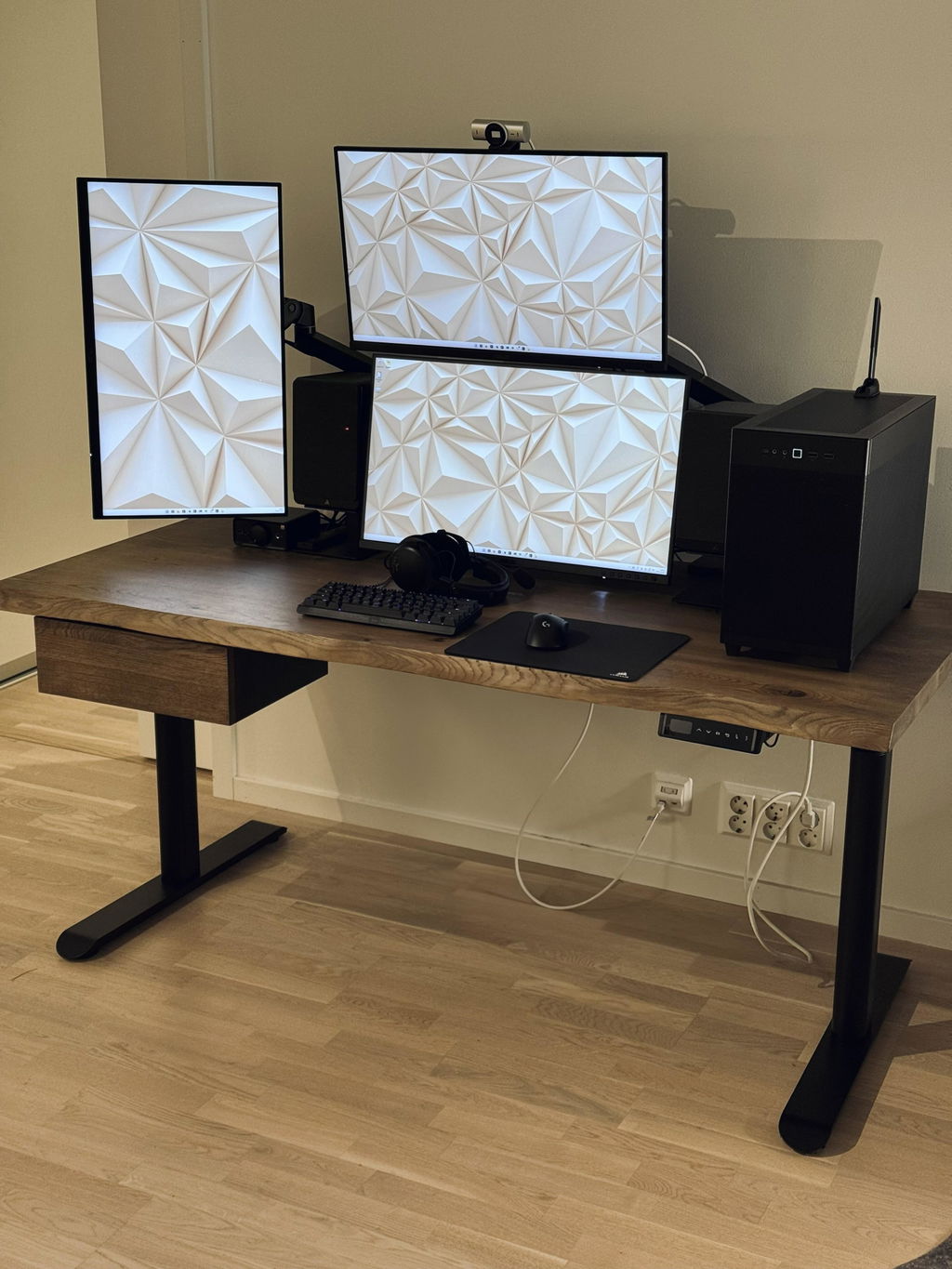
A dual monitor arm can make a large desk feel notably calmer. Two displays float above the oak surface rather than consuming it, leaving space for a keyboard, notebook, speakers, and the small working rituals that make a desk personal.
The trade-off is load and reach. Check the weight rating for each arm individually, not merely the combined total. Two 27-inch monitors may be well within capacity, while two larger high-resolution displays can push an entry-level dual arm beyond its comfort zone. A quality dual arm should hold both screens level without slowly drifting or requiring constant retightening.
For symmetrical work, use two matching displays in a shallow curve around your seated position. For creative work, one primary monitor with a secondary screen in portrait orientation often feels more useful. Make sure the arm offers independent adjustment, so one screen is not compromised by the placement of the other.
A heavy-duty arm for ultrawide displays
Ultrawide monitors demand particular care. Their physical weight, depth, and wide centre of gravity can exceed what a standard arm is built to support, even when the stated weight rating appears close.
Choose a heavy-duty arm rated specifically for your monitor’s weight without its stand. Give yourself a margin rather than buying at the limit. A display that is technically supported but difficult to hold in position will turn every adjustment into a frustration.
Also consider depth. On a desk placed close to the wall, a long arm may not have enough rear clearance to fold back naturally. In that case, a shorter-reach arm or post-mounted design may produce a neater result.
Check Weight, VESA and Reach Before You Buy
The most common monitor arm mistake is choosing by screen inches alone. Screen size is only a rough indicator. A 32-inch monitor can weigh far more than another 32-inch model, depending on the panel, internal components, and construction.
Find the monitor’s weight without its original stand and compare it with the arm’s supported range. The lower limit matters as much as the upper one. A very light screen can cause some gas-spring arms to rise on their own, while a heavy one can gradually droop if the arm is under-rated.
Next, confirm the VESA pattern on the back of the display. VESA 75 x 75 mm and 100 x 100 mm are common, but larger displays may require another format. This is a small detail that prevents an otherwise avoidable compatibility problem.
Finally, assess reach in the context of your desk depth. A deeper oak desk gives you more freedom to position a screen at a healthy viewing distance. On a shallower desk, the ability to move the display backwards can be more valuable than an arm that extends dramatically forward.
Protect the Desk, Keep the Desk Clear
An oak desk is made to be used, not treated as a museum piece. Still, careful installation protects the surface and keeps the setup looking composed over time.
Place the clamp where the desktop is fully supported, away from unusually thin edges, decorative cut-outs, or an unsupported overhang. Tighten it until secure, then stop. Excess force does not create a better installation; it only increases pressure on the wood.
If the arm’s supplied pad feels narrow or firm, a thin protective layer between the clamp and the desk can help distribute pressure. It should be non-slip and non-abrasive, never a thick soft material that allows the clamp to shift. Recheck the clamp after the first week, particularly if the wood is new and settling into a different indoor climate.
Cable management is where a monitor arm earns its place visually. Route power and display cables through the arm’s integrated channels where possible, leaving enough slack at every joint for full movement. Then guide the remaining cables down one leg of the desk. The aim is not to hide every line at all costs, but to make each one purposeful.
A clean underside matters just as much on a height-adjustable desk. Cables need enough length to travel from seated to standing height without pulling tight, hanging in loops, or catching on the frame.
Design Details That Make the Difference
On an oak desktop, finish is not an afterthought. Matte black monitor arms create a confident contrast with warm timber and pair naturally with black steel standing-desk frames. Soft white can suit a lighter, quieter interior, while silver gives a more technical expression. Choose one finish and repeat it through the workspace, from desk frame to lamp, cable accessories, and storage details.
Avoid oversized hardware unless your monitor genuinely requires it. A finely built oak surface has visual presence already. The best setup balances that warmth with a monitor arm that appears precise, restrained, and capable.
At OAKO, the principle is simple: where oak meets technology, neither element should diminish the other. Your arm should make the screen easier to use while allowing the material beneath it to remain the visual anchor.
A Better Position Is a Better Working Day
Set the monitor roughly an arm’s length away, then adjust from there according to screen size, text scale, and eyesight. The screen should sit directly in front of you, with the top portion near eye level. Tilt it slightly upward or downward only as needed to reduce glare and keep your neck neutral.
If you work at a sit-stand desk, save a moment to test both positions. A monitor arm is only ergonomic if the screen remains correctly placed when the desk moves. Your keyboard, elbows, and display should work together rather than forcing you to lean forward or lift your shoulders.
Choose an arm that respects the weight of your monitor, the proportions of your desk, and the way you move through the day. Then let the oak surface do what it does best: bring a sense of permanence and quiet focus to work that asks a great deal of you.


Zostaw komentarz
Ta strona jest chroniona przez hCaptcha i obowiązują na niej Polityka prywatności i Warunki korzystania z usługi serwisu hCaptcha.