


A beautiful desk is only half a workspace. By late afternoon, the real test is simpler: can you still think clearly, move freely and work without shifting in your chair every few minutes? Good desk ergonomics turn a home office from a place you tolerate into one that supports the way you work.
For many people, discomfort is not caused by one dramatic mistake. It is the accumulation of small compromises: a screen placed too low, a chair that cannot support the lower back, a desk height borrowed from dining furniture, or a laptop setup that asks the neck to do too much. The answer is not a rigid, clinical setup. It is a considered workspace with enough adjustment to suit your body, your work and your day.
Desk Ergonomics Start With Your Body
Ergonomics is often presented as a checklist of exact measurements. Measurements are useful, but they are not the point. Your body proportions, the shoes you wear, the type of work you do and even the way you prefer to sit all affect what feels right.
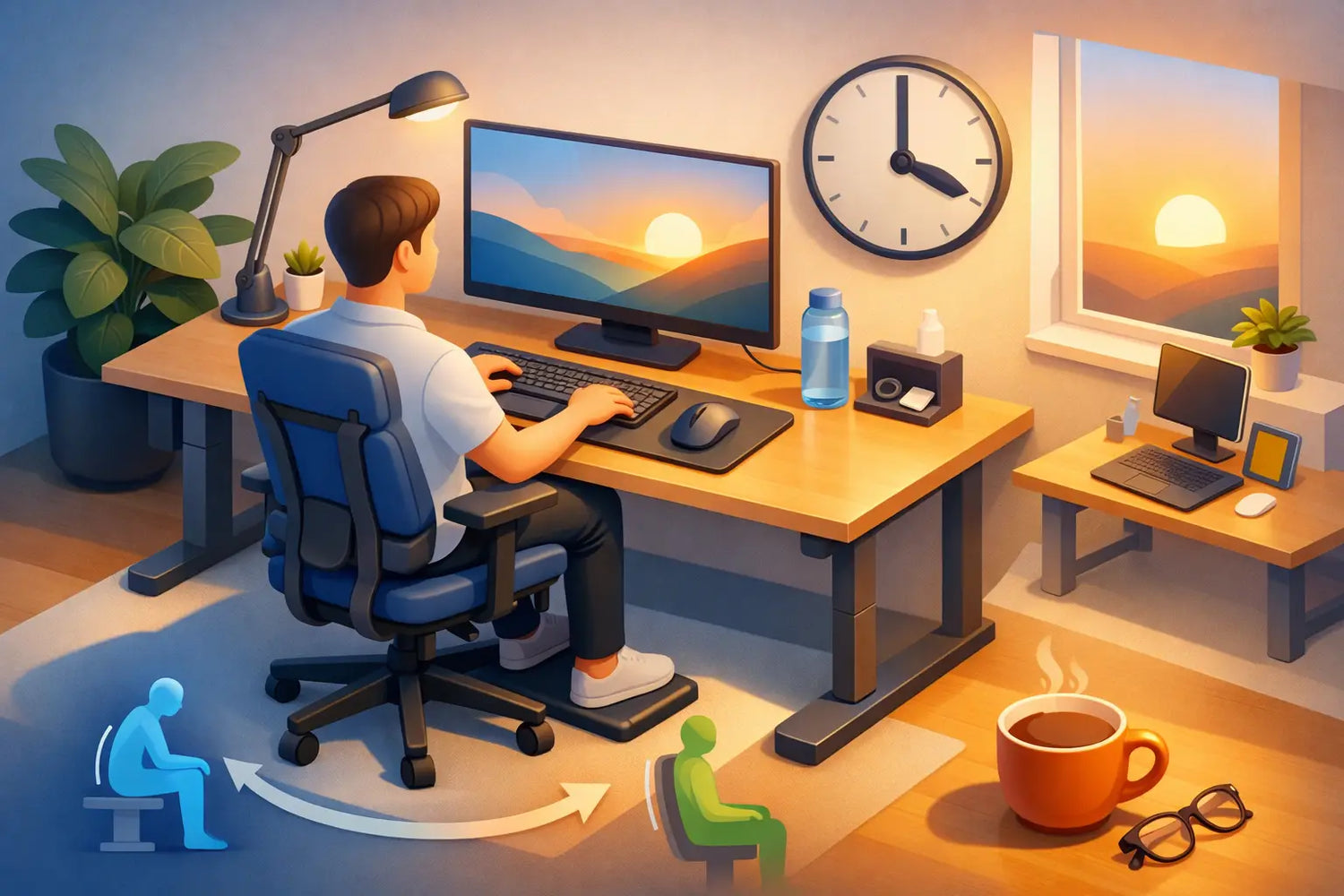
Start by sitting back in your chair with your feet resting fully on the floor. Your hips should be level with, or slightly higher than, your knees. This position usually makes it easier to maintain the natural curve of the lower back without forcing it. If your feet do not reach the floor, use a stable footrest rather than lowering the chair until your arms are in the wrong place.
Let your shoulders relax, then place your hands where you naturally use your keyboard. Your elbows should sit roughly around a right angle, close to your sides, with forearms supported and wrists neutral. You should not need to lift your shoulders to reach the desk, nor bend your wrists sharply upward to use the keyboard.
This is why the desk and chair must work as a pair. A well-made chair cannot compensate for a fixed desk that is too high, and a height-adjustable desk cannot solve a chair that offers little support. Consider the workspace as one system rather than a collection of separate purchases.
Set Your Desk Height Before You Perfect the Rest
For seated work, desk height should follow elbow height, not an arbitrary number. Adjust the desk until your keyboard can sit at a level where your shoulders stay down and your elbows remain comfortably bent. If the desk is fixed and too high, raise your chair and add a footrest if necessary. It is not the most elegant workaround, but it is better than spending every day with raised shoulders.
A height-adjustable desk offers a more lasting solution because it accommodates both seated and standing work. It also makes a desk easier to share between partners, colleagues or changing work routines. The value is not standing for eight hours. Few people find that comfortable or practical. The value is choice.
A solid oak standing desk brings a particular benefit to this daily routine: it feels substantial enough to become a permanent part of the room, rather than a temporary piece of office equipment. When a desk is built from real material and designed for long-term use, adjusting it becomes part of your working rhythm, not an afterthought.
When Standing, Think Movement Rather Than Posture
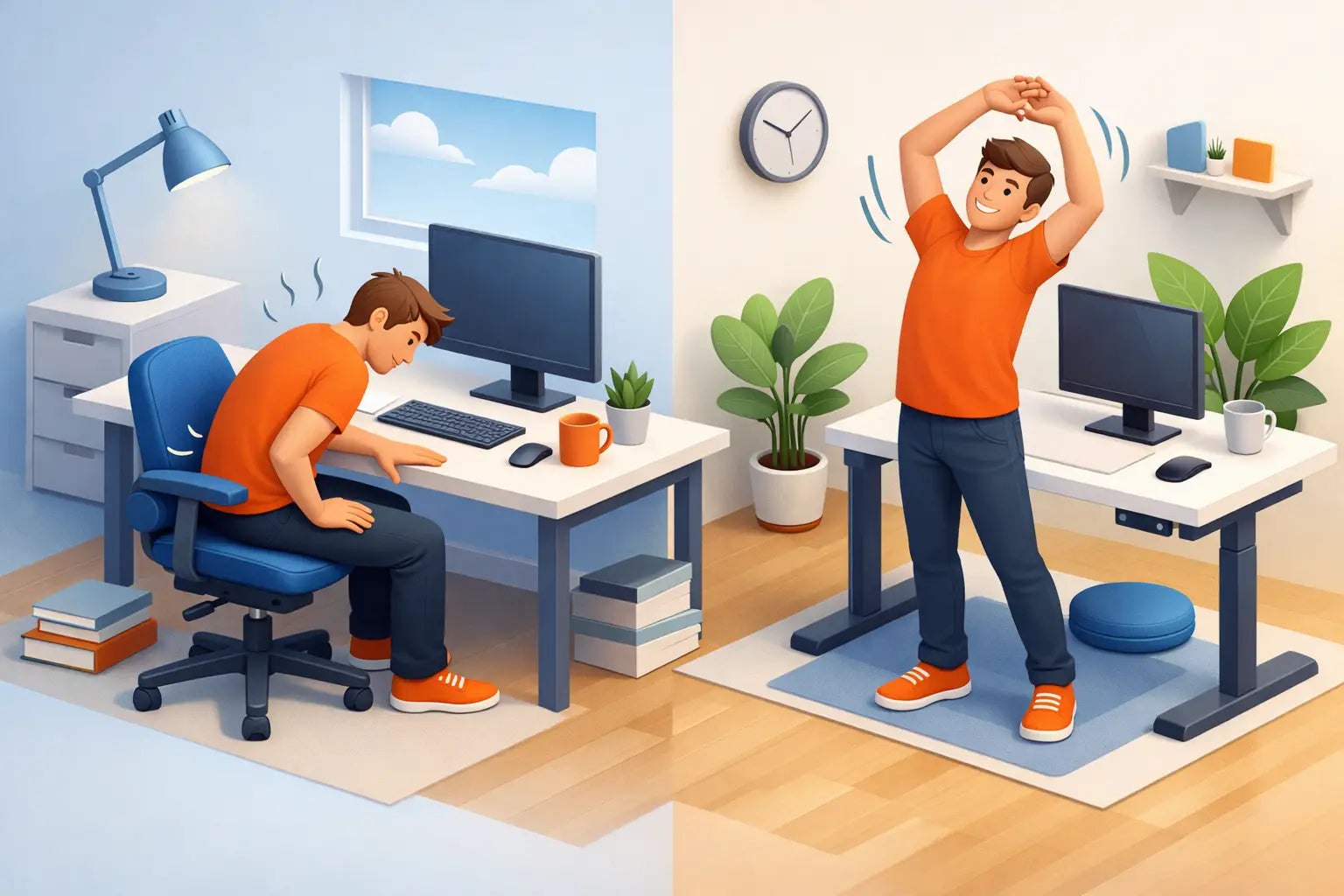
There is no single perfect standing posture to hold all day. Standing still for too long can be as tiring as sitting still. Raise the desk until your elbows are relaxed at keyboard height, keep the screen at a comfortable viewing level, and distribute your weight naturally across both feet.
Then move. Shift position, take a short walk for water, answer a call away from the desk or sit down again when concentration demands it. A supportive floor mat can reduce fatigue for people who stand regularly, especially on hard wood, tile or concrete floors.
The best sit-stand pattern depends on the person and the task. Writing, design work and deep focus may suit a longer seated period. Short meetings, email and administrative work can be ideal moments to stand. Change position before discomfort becomes the signal to do so.
Place Your Screen Where Your Neck Can Relax
Screen placement is one of the most visible parts of desk ergonomics, yet it is often overlooked in laptop-based home offices. If you regularly look downward, your neck and upper back carry the cost.
Position the top third of the monitor around eye level, or slightly below, at a distance where text is easy to read without leaning forward. For most people, that means roughly an arm's length away, with adjustments for screen size, vision and personal comfort. The screen should sit directly in front of you for your primary task, not off to one side.
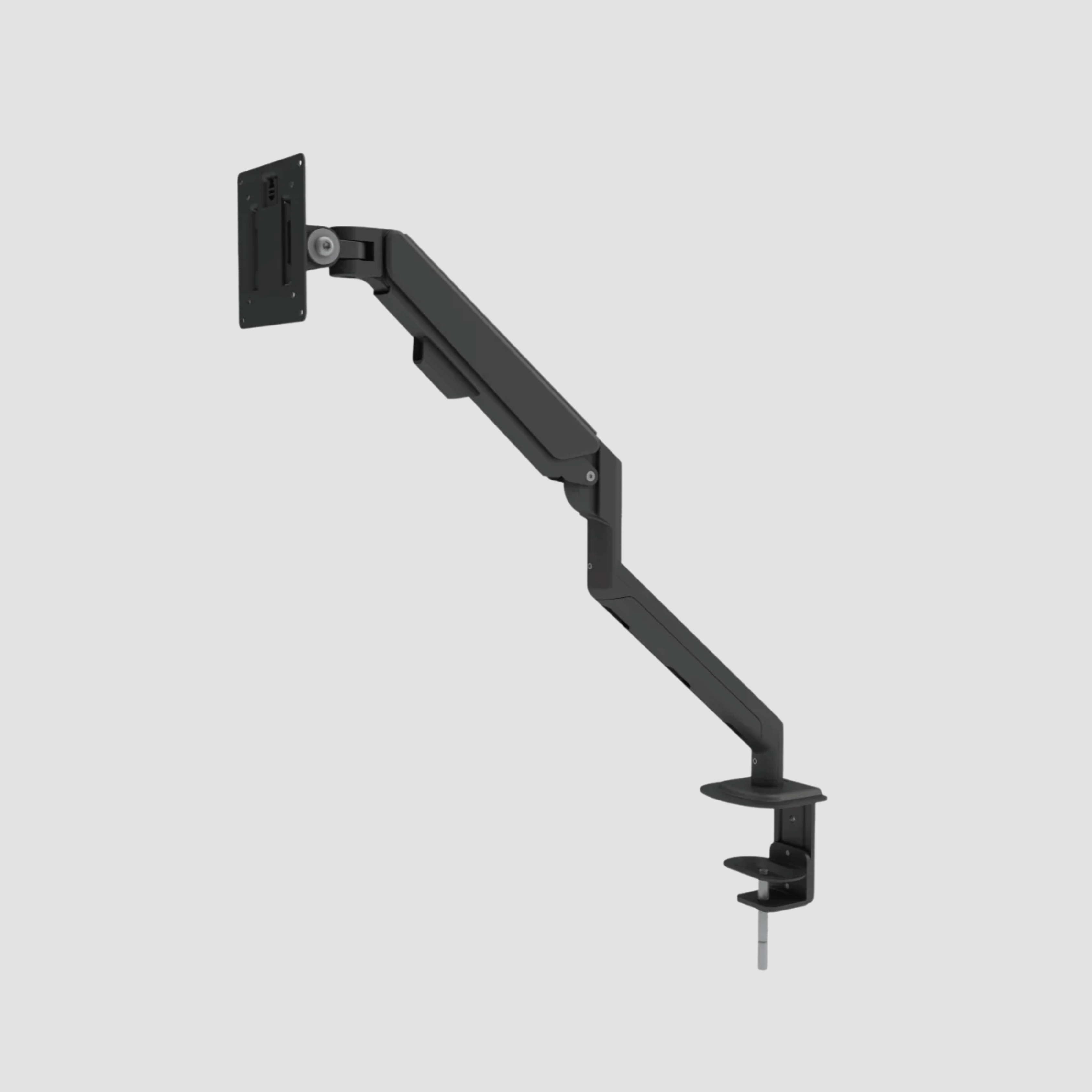
A monitor arm makes this easier. It allows the screen to be raised, brought closer or moved aside without filling the desk with a large fixed stand. It also creates a cleaner surface, which matters more than aesthetics alone. A clear desk gives your hands space to work and reduces the visual noise that competes for attention.
Laptop users have a particular trade-off to solve. If the laptop screen is raised to the correct height, the built-in keyboard becomes too high to type on comfortably. The practical answer is a separate keyboard and mouse. It is a small change that can transform a laptop setup from a compromise into a proper workstation.
Give Your Chair a Proper Role
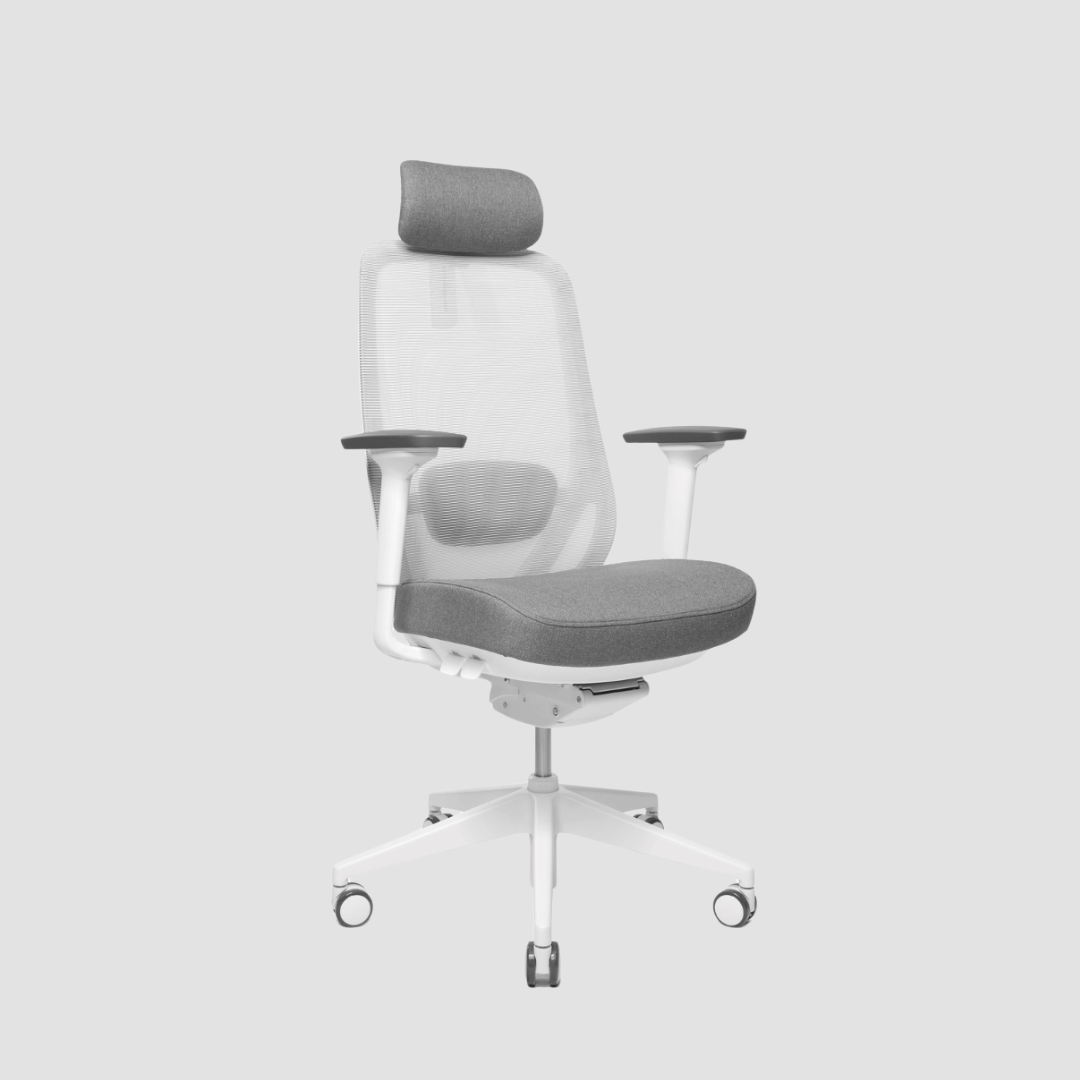
A chair should support you without asking for constant attention. Look for adjustable seat height, lower-back support, armrests that can be set low enough for relaxed shoulders, and a seat depth that lets you sit back without pressure behind the knees.
Do not assume that a softer chair is automatically more ergonomic. Deep, soft cushioning may feel inviting for a short time but can make it harder to change position or maintain support through a full workday. A firmer, well-shaped seat often performs better over time.
Armrests are useful when they support the forearms lightly during pauses. They become a problem when they push the shoulders upward or prevent the chair from moving close enough to the desk. If that happens, lower them or move them out of the way. Your desk should allow you to sit close to your work without reaching forward.
Design the Reach Zone, Not Just the Desktop
The objects you use most should live close to you: keyboard, mouse, notebook, phone and the tools required for your main task. Reaching repeatedly for an item placed far away may sound minor, but hundreds of small reaches can create tension in the shoulder and upper arm.
Keep the mouse close to the keyboard. If you use a second screen, position it according to how often you use it. A secondary display for occasional reference can sit to the side. A display used all day should take the central position, even if that means moving the laptop or creating a more deliberate dual-screen layout.
Cable management also has an ergonomic role. Loose cables restrict desk movement, gather dust and make it harder to adjust a sit-stand desk freely. More importantly, they create a sense of unfinished work around the place where you are trying to focus. Route power and charging cables with intention, leaving only what needs to be visible.
Light, Materials and Focus Belong in the Same Conversation
Ergonomics is not limited to angles and heights. Light affects how you hold your body too. Glare on a screen encourages squinting, leaning and awkward head positions. Place monitors perpendicular to windows where possible, and use adjustable task lighting for darker Danish mornings and winter afternoons.
Materials matter because your workspace is a daily environment, not a machine. The grain, warmth and quiet presence of solid oak can make an office feel less transient and more personal. That does not replace correct screen height or chair support, but it changes the experience of returning to the desk each day.
At OAKO, the strongest workspace setups are rarely the ones with the most equipment. They are the ones where every element has a clear purpose: a desk with room to adjust, a chair that supports movement, a screen placed well, and storage that lets the surface stay calm.
A Setup Is Never Finished, and That Is the Point
Use your first week with a revised workstation as a test period. Notice where tension appears, whether you lean towards the screen, and whether you avoid standing because the transition feels inconvenient. Make one small adjustment at a time so you can tell what actually improves the experience.
The goal is not to sit perfectly or stand perfectly. It is to build a workspace that makes better positions easier, movement more natural and long days more comfortable. When your desk supports you quietly, your attention can stay where it belongs: on the work you came there to do.


Leave a comment
This site is protected by hCaptcha and the hCaptcha Privacy Policy and Terms of Service apply.