


A heavy, restless feeling in the lower back at 15:30 is rarely a sign that you need more discipline. More often, it is the predictable result of holding one position for too long. Learning how to reduce sitting fatigue is less about finding a perfect posture and more about building a workspace that lets your body change position naturally throughout the day.
For focused work, your desk should support you quietly. The chair should feel stable rather than restrictive, the screen should not pull your head forward, and the surface beneath your hands should give you enough room to work without hunching over it. Good ergonomics is not an accessory to productive work. It is part of the foundation.
Why sitting creates fatigue in the first place
Sitting is not inherently the problem. The real issue is prolonged, static sitting. When the same muscles hold you in the same position for hours, blood flow is reduced, joints stiffen and the body begins to compensate. Your shoulders creep upward, your pelvis rolls backwards, or your head moves closer to the screen.
That compensation takes energy. By the end of the day, fatigue can show up as a tight neck, aching hips, heavy legs, headaches or a vague inability to concentrate. A beautifully designed home office cannot remove every demand of desk work, but it can reduce the unnecessary strain that builds up in the background.
There is also no single ideal posture to maintain from morning to evening. Even an ergonomically sound position becomes tiring if it never changes. The most supportive posture is usually the next one.
Start with a desk and chair that fit your body
The right setup should make neutral alignment feel easy, not something you must constantly correct. Begin with chair height. With your feet flat on the floor, your knees should sit roughly level with, or slightly lower than, your hips. This allows the pelvis to stay more balanced and helps reduce pressure through the lower back.
Bring your chair close enough to the desk that you do not need to reach for the keyboard or mouse. Your elbows should rest near your sides at approximately a right angle, while your shoulders remain relaxed. If the desk is too high, you may lift your shoulders without noticing. If it is too low, you tend to fold forward through the upper back.
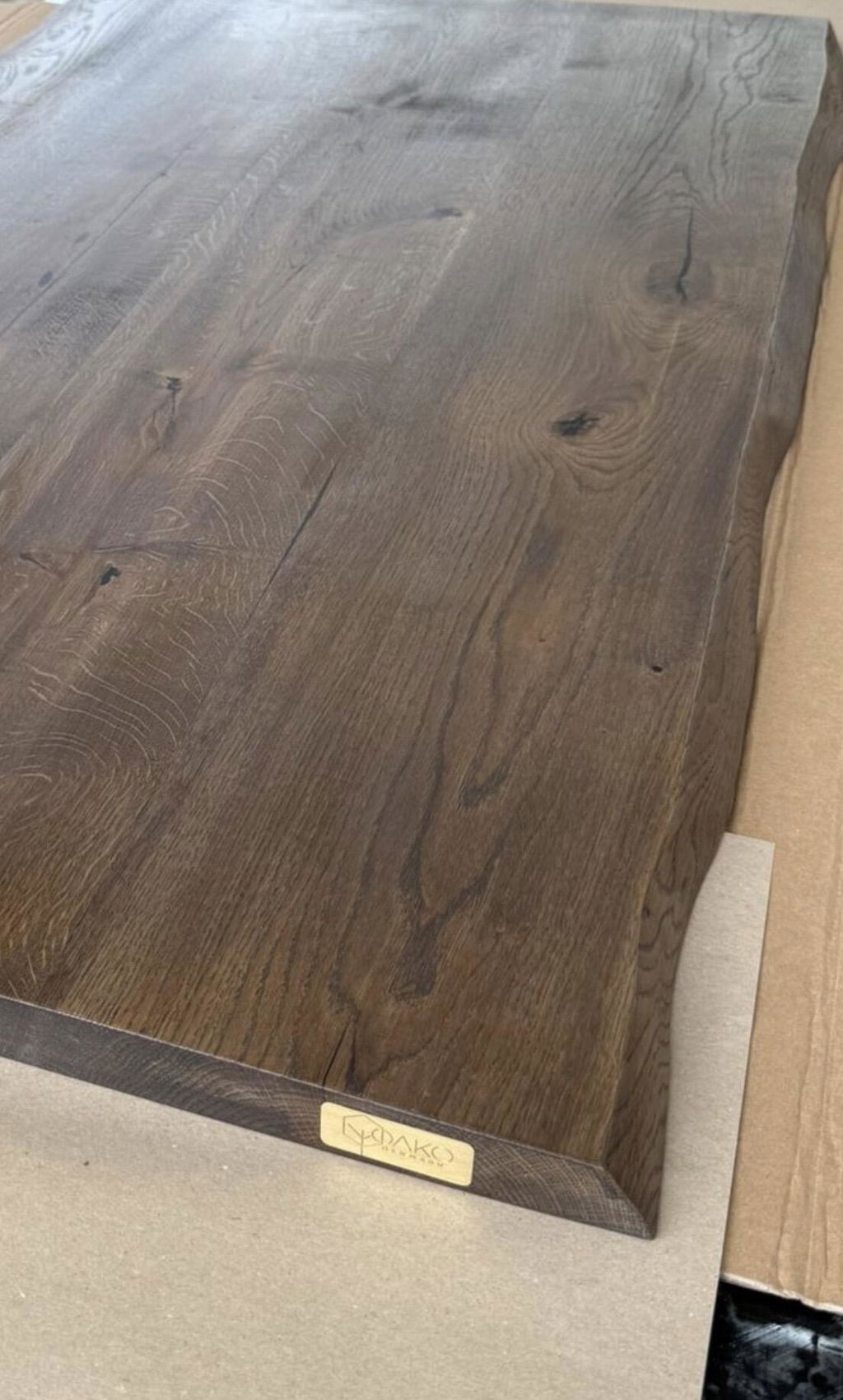
Desk depth matters as much as height. A shallow surface can place the screen uncomfortably close and leave too little space for the arms. A generous solid oak desktop gives room for a monitor, keyboard, notebook and forearms without turning the workstation into a compromise. The weight, warmth and permanence of real wood also create a more grounded setting for long working days.
Set your monitor at a comfortable distance
Position the top of the screen at or just below eye level, depending on your glasses and natural gaze. Keep it about an arm's length away as a useful starting point. The goal is to read without tipping your chin down or stretching your neck towards the display.
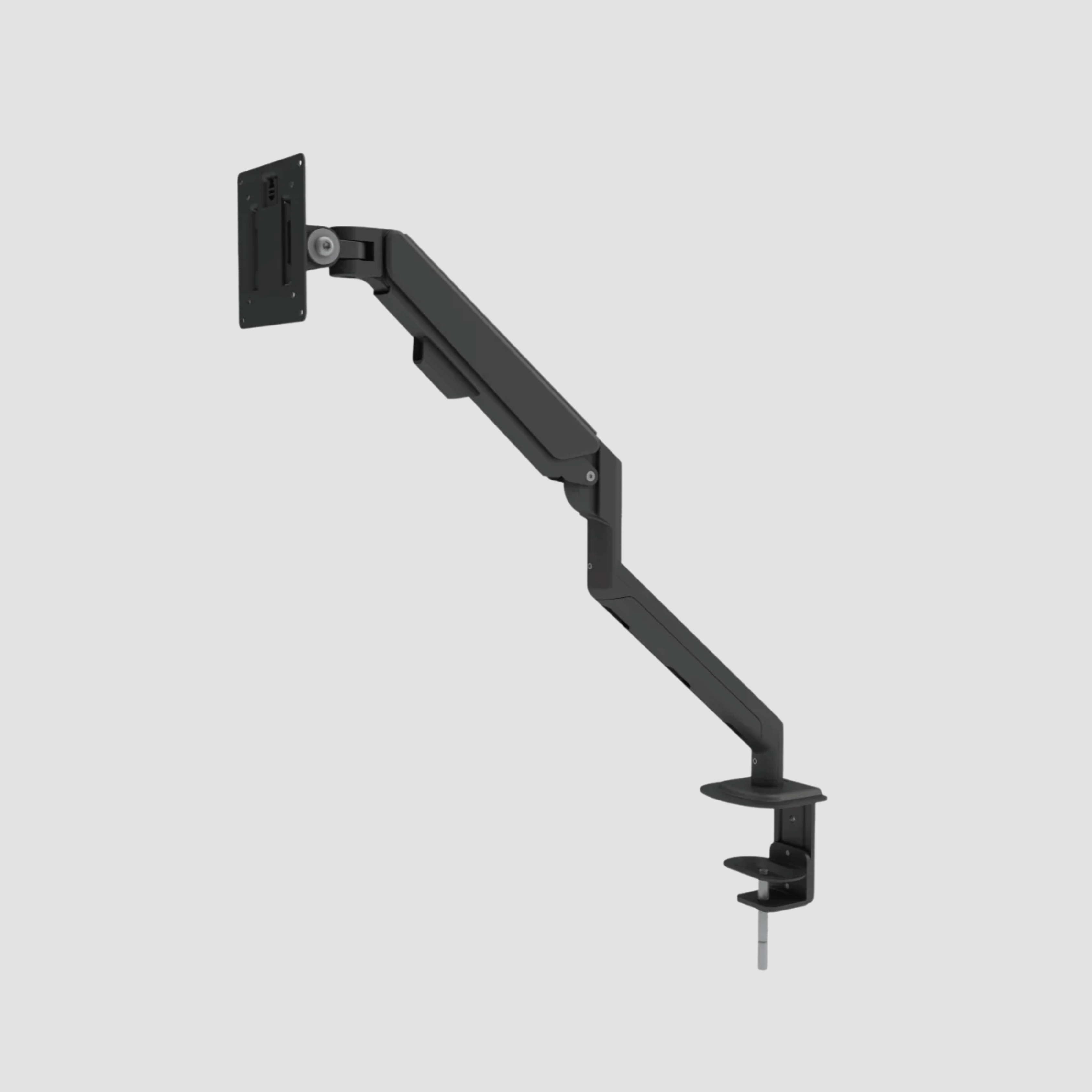
For laptop users, this is often the most meaningful upgrade. A laptop placed directly on a desk forces a choice between looking down at the screen or raising the arms to type. Use a separate keyboard and mouse, then elevate the laptop screen. If you work with a larger display, a monitor arm can make small adjustments quick and keep valuable desk space clear.
Change position before discomfort asks you to
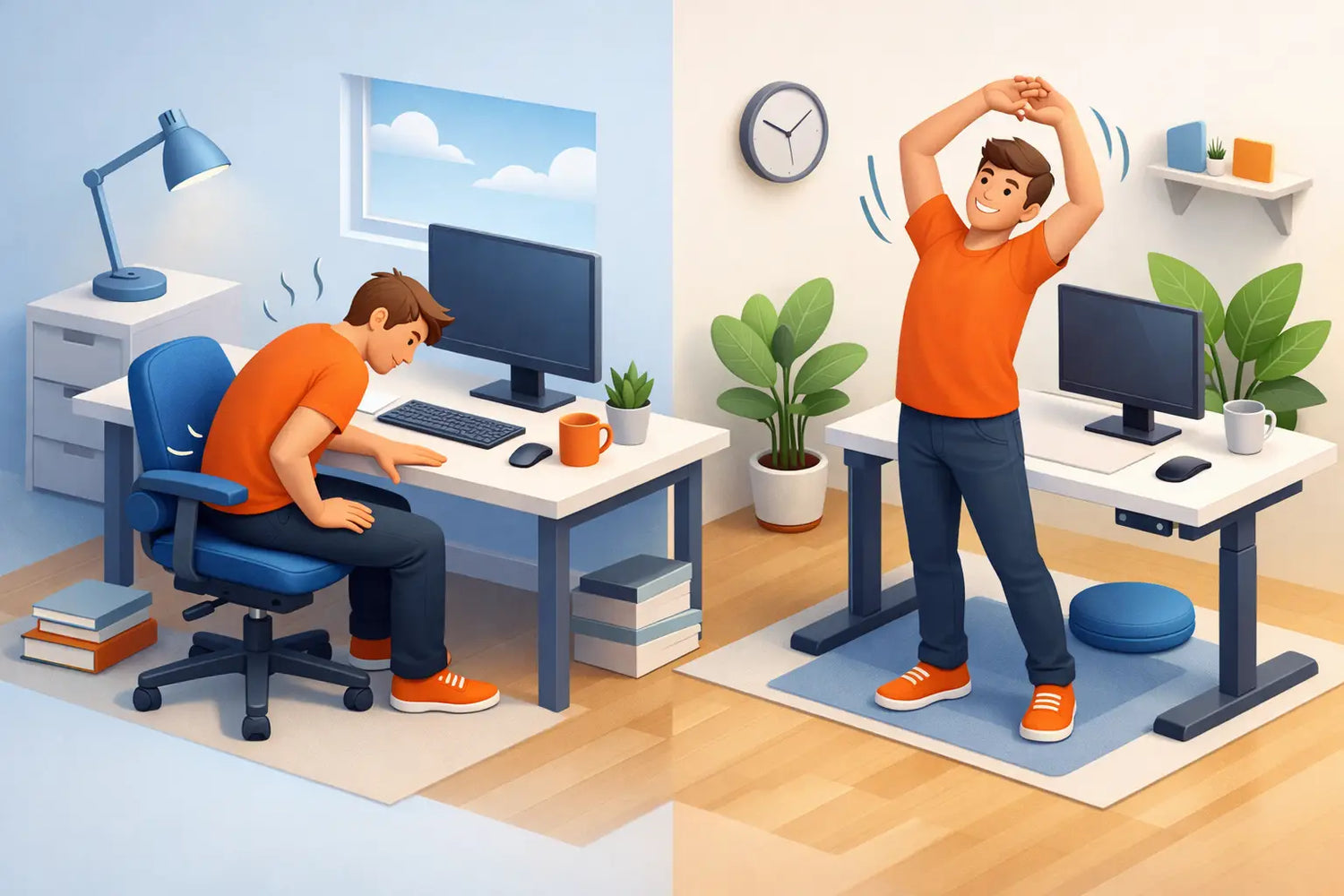
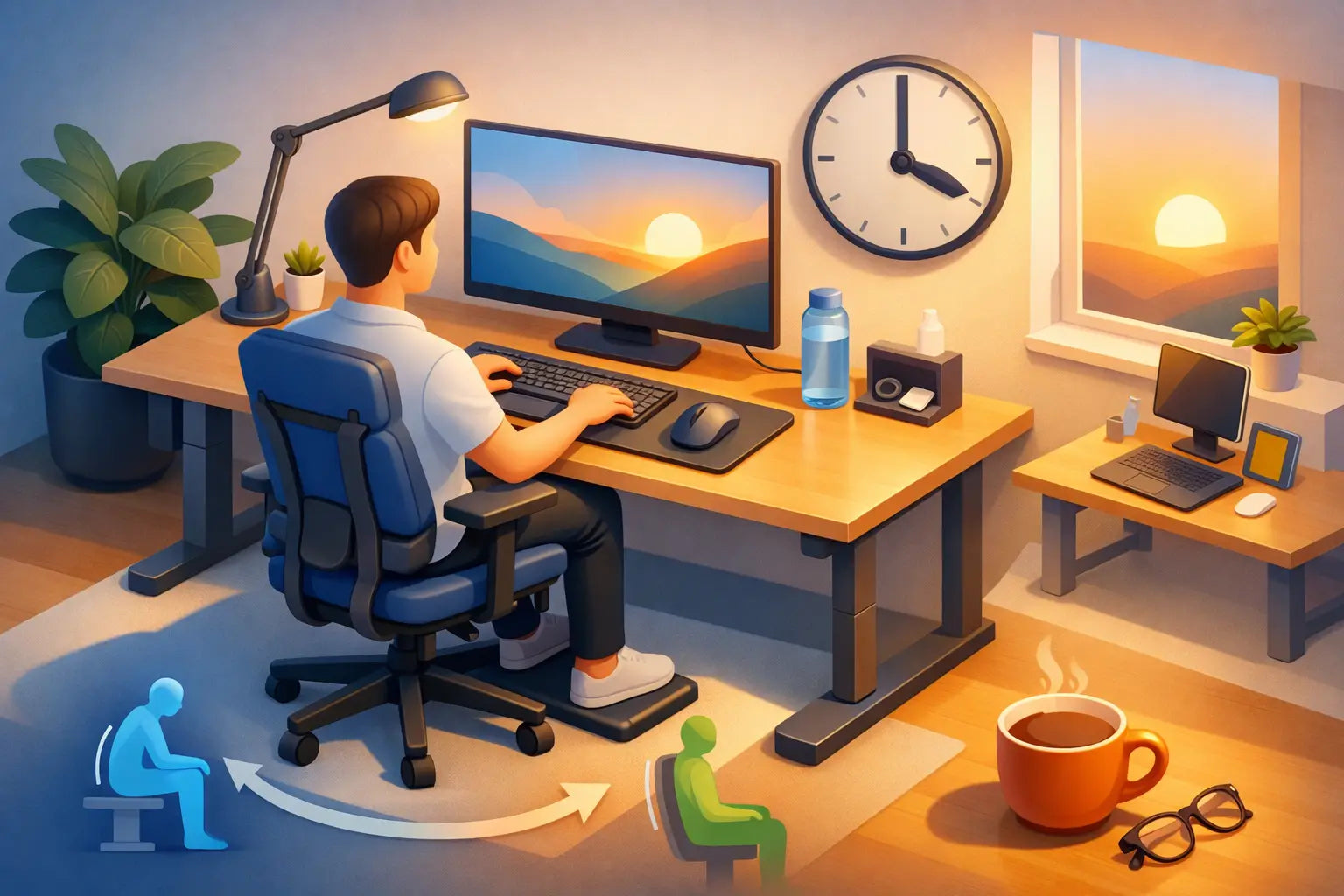
The practical answer to how to reduce sitting fatigue is not to abandon sitting altogether. It is to interrupt stillness with regular, low-effort movement. A height-adjustable desk is valuable here because it makes changing position part of the workflow rather than a separate task.
Try working seated for 30 to 60 minutes, then stand for 15 to 30 minutes. The exact rhythm depends on your work, concentration and physical comfort. Some people enjoy long standing periods; others find that standing all afternoon shifts discomfort into the feet and lower back. Neither extreme is the goal. Alternating is.
When you stand, set the desk so your forearms can remain relaxed and your wrists stay straight. Avoid locking your knees. Shift your weight, take a few steps while reading, or use a footrest to alternate one foot slightly higher. A supportive floor mat can be worthwhile if your workspace has a hard floor, particularly when standing occupies a larger part of your day.
Small movement breaks matter too. Stand to take a call. Walk to refill your water. Roll the shoulders back while a file loads. These actions are not lost time. They reset the body before stiffness becomes a distraction.
Build movement into the working rhythm
Waiting until pain appears is an unreliable reminder system. By then, you have often been fixed in one position for much longer than intended. Instead, attach movement to moments that already occur in your day: the end of a meeting, a coffee refill, sending a proposal or changing tasks.
A simple routine can work well:
- Change between sitting and standing at least a few times during the day.
- Take a short walk or stretch break every hour, even if it lasts only two minutes.
- Look away from the screen regularly and let your eyes focus on something farther away.
- Use calls that do not require note-taking as an opportunity to stand or walk.
Reduce the small strains around your hands and shoulders
Sitting fatigue often begins further up the body than expected. A mouse placed too far away can keep the shoulder working all day. A keyboard angled too steeply can encourage bent wrists. A cluttered desk can make you twist or reach hundreds of times without thinking about it.
Keep the tools you use most within easy reach. Place the keyboard directly in front of you, and keep the mouse close beside it. If you regularly write by hand, create a clear area where a notebook can sit without forcing you to push the keyboard aside every time.
Cable management has an ergonomic benefit as well as a visual one. When chargers, power strips and cables are organised, it becomes easier to raise and lower a desk freely and easier to keep the floor clear. A calm workspace encourages calmer movement. You are more likely to use the full function of a height-adjustable desk when nothing is catching, tangling or visually demanding attention.
Make comfort personal, not prescriptive
Ergonomic guidance offers strong starting points, but your body gives the final feedback. Someone with longer legs may need a footrest under a fixed-height desk. A shorter person may need an adjustable chair with a wider height range. A designer working across two monitors will need a different screen arrangement from someone writing on a laptop.
Pay attention to patterns rather than isolated aches. Does your neck tighten after video calls? Check screen height and whether you are leaning towards the camera. Do your hips feel compressed after concentrated work? Adjust chair height, take more standing intervals and see whether the seat depth is allowing support without pressing into the backs of the knees.
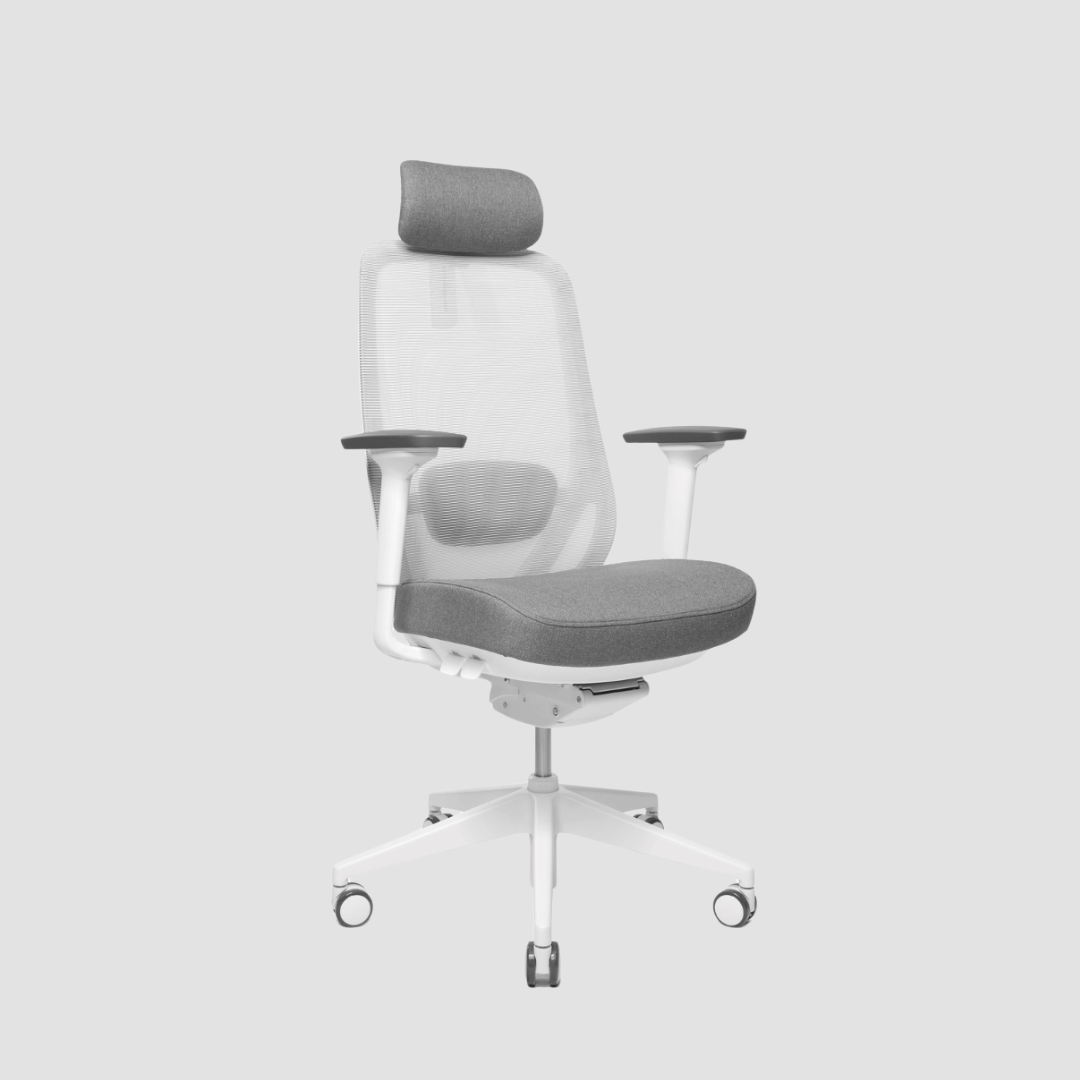
The chair deserves particular attention. It should allow your back to be supported while still leaving room to move. Firm does not have to mean hard, and soft does not automatically mean comfortable. Look for adjustable height, sensible lumbar support, stable armrests and a seat depth that suits your legs. A premium workspace is not defined by one impressive object, but by how each piece works with the next.
Choose quality where it affects daily use
A desk that wobbles when raised, a chair that cannot be adjusted properly or a surface that feels too cramped can make good habits harder to keep. These are not details when you use the workspace five days a week. They shape how willingly you change position, how easily you focus and how your body feels at the end of the day.
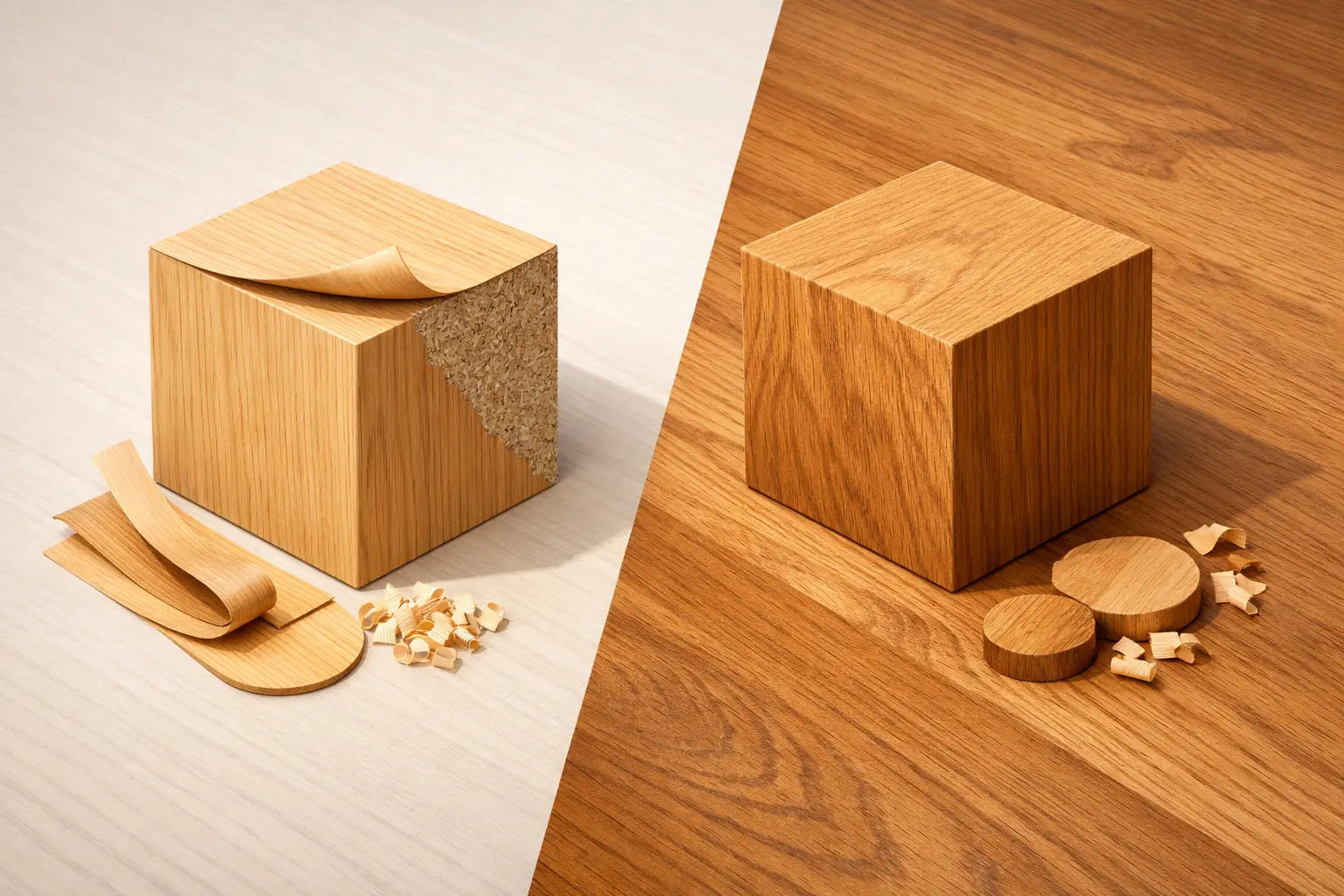
This is where considered materials and construction earn their place. A solid oak desk has a presence that laminate cannot imitate, but its value is not only visual. It is a substantial, durable surface designed to be lived with for years. Paired with a reliable dual-motor frame, it becomes a practical tool for moving between focused sitting and active standing. At OAKO, that meeting of natural oak and ergonomic technology is central to the idea of a workspace built to last.
Do not expect a new desk to solve fatigue on its own. The trade-off is simple: better furniture gives you better options, but you still need to use them. Set the height correctly, clear the surface, vary your position and let movement become an ordinary part of the work.
A good workday should not end with the feeling that your body has been held hostage by your chair. Give yourself room to shift, stand and reset, and your workspace can become a place that supports both your concentration and your comfort.

Leave a comment
This site is protected by hCaptcha and the hCaptcha Privacy Policy and Terms of Service apply.