


En arbejdsplads kan se gennemtænkt ud og alligevel være skadelig for kroppen. Skrivebordet kan være for lavt, skærmen kan trække hovedet fremad, og stolen kan være blød uden at yde reel støtte. Ergonomiske møbler til arbejdspladsen ændrer på det. De giver kroppen plads til at bevæge sig, understøtter de kropsholdninger, du indtager hele dagen, og gør, at koncentreret arbejde føles mindre som en udholdenhedsprøve.
Når det drejer sig om et hjemmekontor, der er en integreret del af din bolig og ikke blot et midlertidigt hjørne, bør ergonomi ikke være noget, man først tænker på i sidste øjeblik. Den bør være indbygget i de møbler, du rører ved, justerer og lever med hver dag.
Start med skrivebordet, ikke tilbehøret
Dit skrivebord sætter den fysiske rytme for dagen. Det bestemmer, hvor dine albuer hviler, hvordan dine skuldre ligger, hvor tæt du sidder på skærmen, og om det at stå op er en praktisk mulighed eller blot en god intention. Et skrivebord med fast højde kan være det rigtige valg til en nøje tilpasset opsætning til én bruger, men det kræver, at din krop tilpasser sig én bestemt stilling. Et højdejusterbart skrivebord gør det muligt at tilpasse stillingen til dig.
Den forskel betyder mest på lange arbejdsdage. At sidde er ikke i sig selv forkert, og at stå i otte timer er heller ikke løsningen. Den gode vane er afveksling: Sæt dig ned til opgaver, der kræver koncentration, stå op under telefonsamtaler eller lettere arbejde, og skift stilling, inden ubehag tvinger dig til det. Et pålideligt stel med to motorer gør disse skift lydløse, stabile og så nemme, at de bliver en naturlig del af dagen.
Skrivebordets højde bør være sådan, at underarmene kan hvile nogenlunde parallelt med gulvet, med afslappede skuldre og håndled, der ikke er bøjet opad. For mange mennesker betyder det en siddehøjde på omkring 68 til 76 cm, men kropsproportioner og stolens højde er vigtigere end et universelt tal. Når man står, gælder det samme princip: albuerne skal være tæt på 90 grader, skuldrene ned, og man skal ikke læne sig ind mod arbejdsfladen.
Hvorfor bordpladens materiale er vigtigt
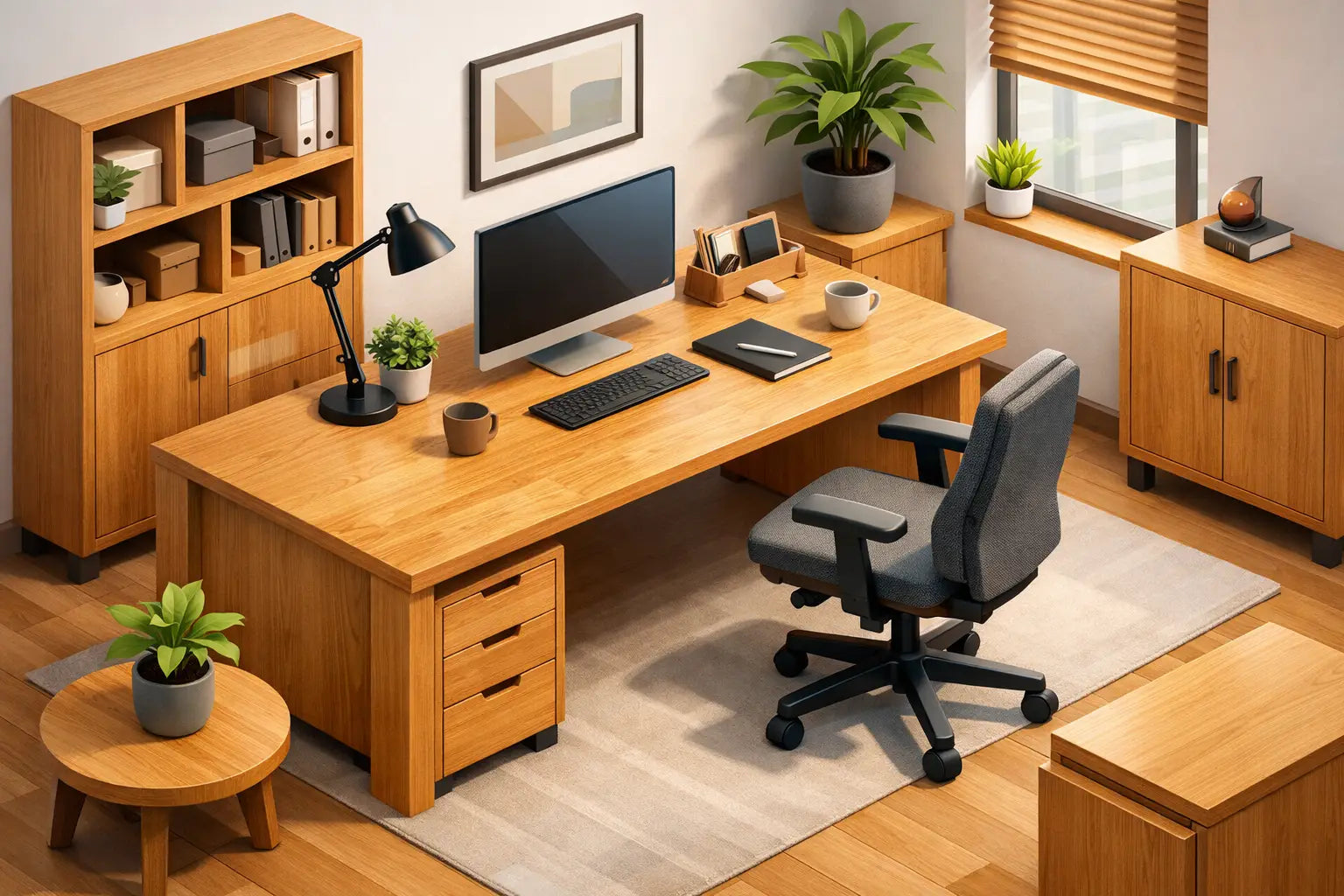
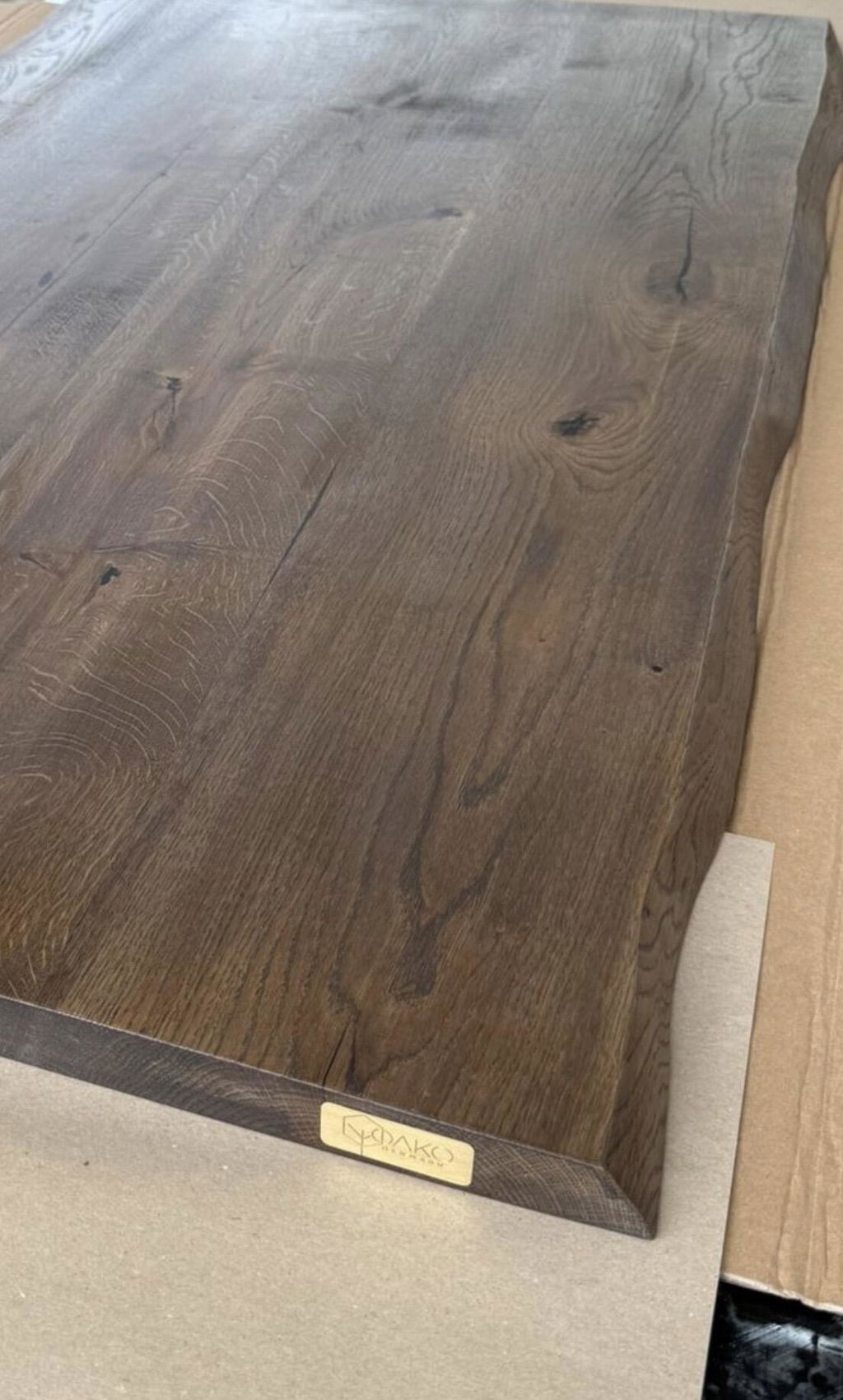
Ergonomi bliver ofte diskuteret som et spørgsmål om målinger. Det handler også om, hvorvidt et møbel indbyder til daglig brug i mange år. En massiv bordplade af massivt egetræ har en rolig, varm overflade, der får skrivebordet til at virke som en fast del af omgivelserne snarere end en midlertidig løsning. Den bærer skærme, bærbare computere og de små spor fra arbejdslivet med større tyngde end en tynd laminatplade.
Der er også en praktisk side ved det. En stabil, tyk overflade mindsker fornemmelsen af vibrationer, når man skriver på tastaturet, og udgør et pålideligt underlag for skærmarme og tilbehør. Massivt træ kræver omhyggelig pleje og reagerer på ændringer i lys og omgivelser over tid. Det er ikke en fejl. Det er et naturligt materiales særpræg og en del af at vælge møbler, der er bygget til at bevare deres værdi i stedet for at blive udskiftet ved den næste flytning.
Udvikl ergonomiske møbler til arbejdspladsen som et system
De bedste løsninger er ikke afhængige af ét enkelt flagskibsprodukt. De fungerer, fordi skrivebordet, stolen, skærmens placering og kabelføringen supplerer hinanden. Det kan være en god idé at købe delene hver for sig, når man skal forbedre et eksisterende kontor, men det kan også medføre små kompromiser, der hober sig op: en stol, der ikke kan skubbes ind under skrivebordet, en skærm, der sidder for lavt, eller kabler, der begrænser skrivebordets bevægelighed.
Tænk først på din primære arbejdsopgave. En designer, der bruger en stor skærm, har brug for en anden skrivebordsdybde end en person, der hovedsageligt arbejder på en bærbar computer. En person, der skifter mellem arbejde, der kræver dyb koncentration, og videomøder, har gavn af en overskuelig stående position og en ryddelig baggrund foran kameraet. I en kompakt lejlighed i København kan et mere kompakt design være det rigtige valg, forudsat at der stadig er tilstrækkelig dybde til at skabe en behagelig afstand til skærmen.
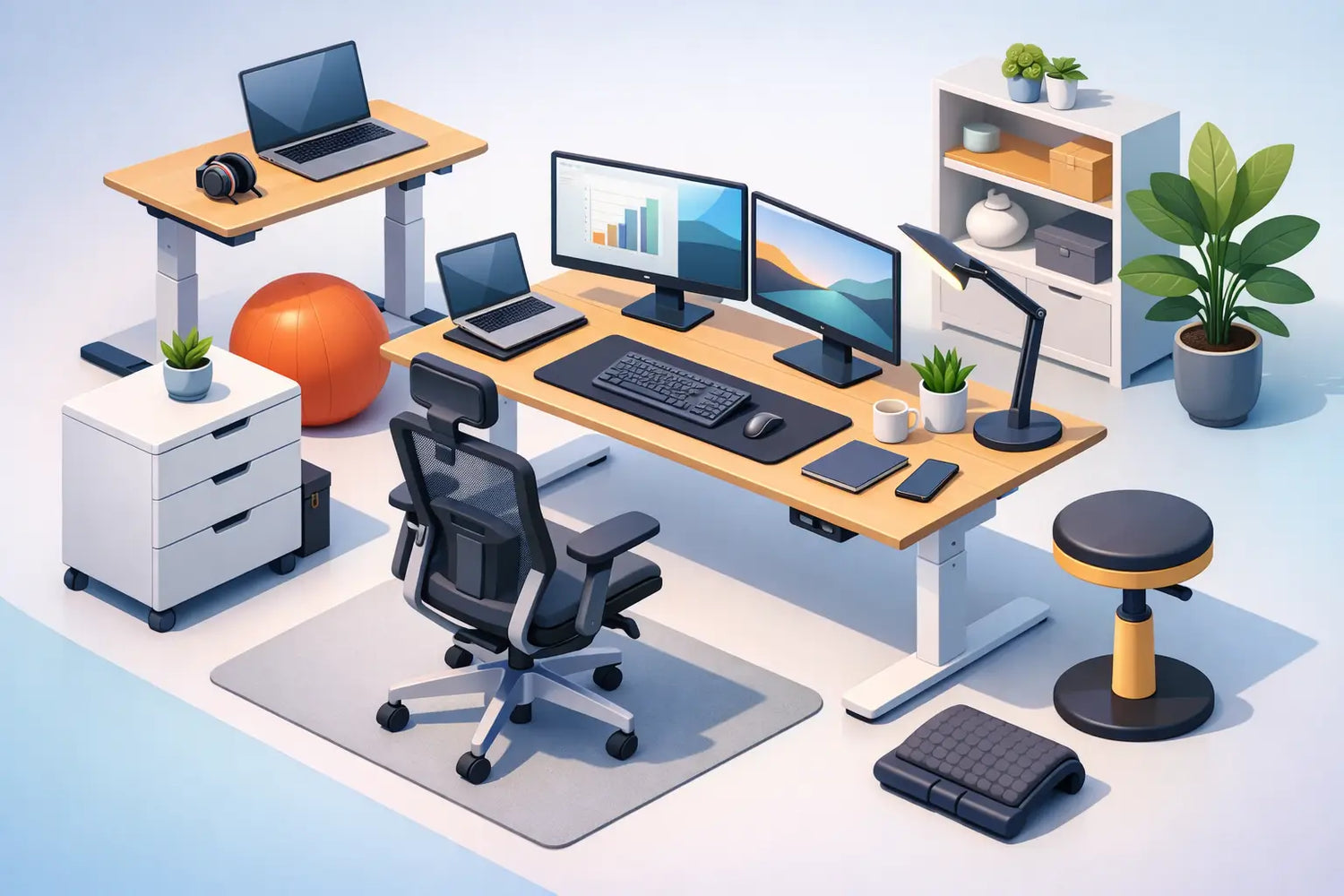
Et praktisk system omfatter normalt følgende elementer:
- Et højdejusterbart skrivebord med tilstrækkelig bredde og dybde til netop din arbejdsmåde.
- En justerbar stol, der støtter lænden og gør det muligt for begge fødder at nå gulvet.
- En skærmarm eller et stativ, der bringer den øverste tredjedel af skærmen tæt på øjenhøjde.
- Kabelstyring, der sikrer, at strømkabler, opladere og betjeningsknapper på skrivebordet er beskyttet og skjult.
- En gulvmåtte eller fodstøtte, hvor underlaget har indflydelse på komforten og bevægeligheden.
Vælg en stol ud fra funktionalitet, ikke kun udseendet
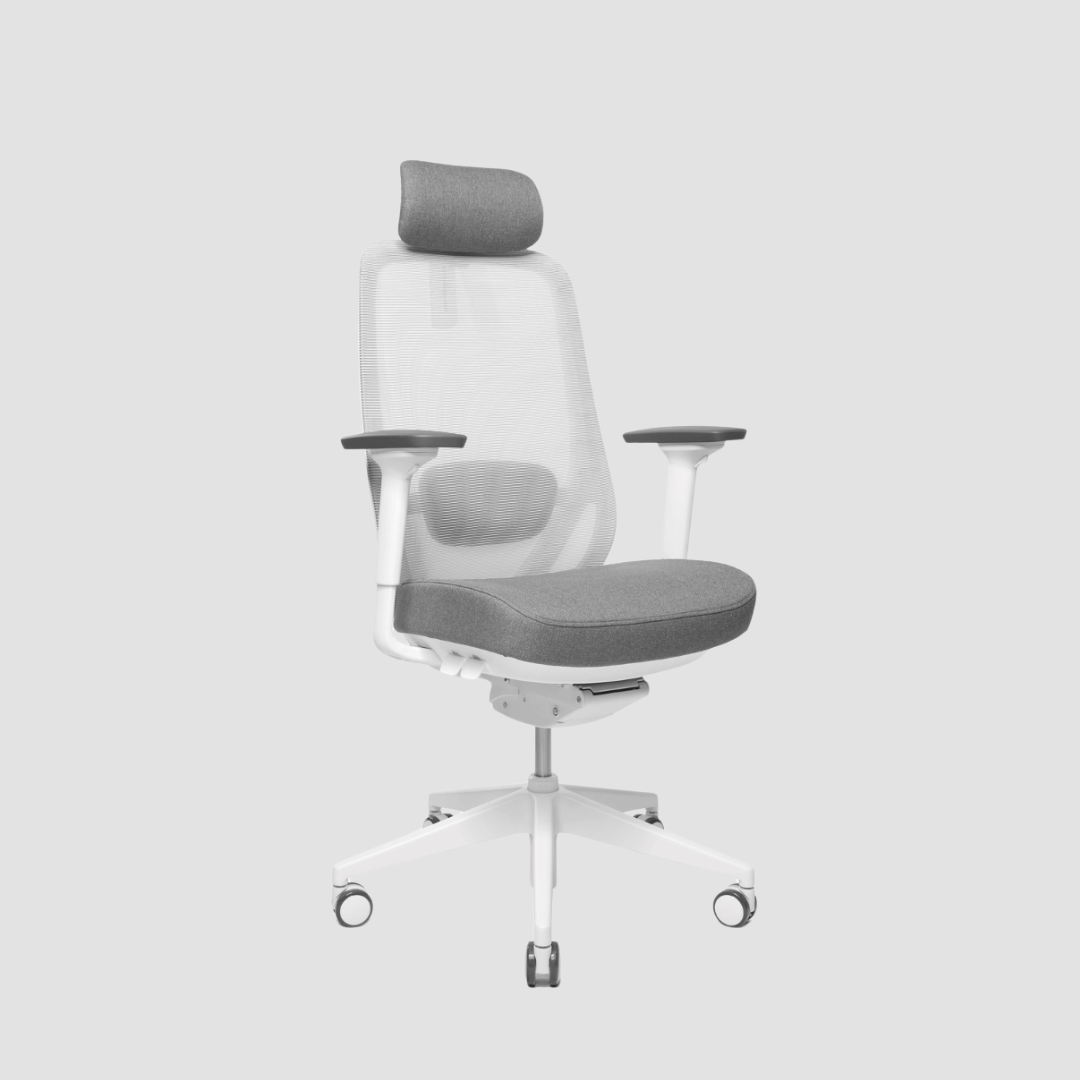
En smuk stol kan være en del af et stilfuldt kontor, men en arbejdsstol skal fortjene sin plads ved at yde den rette støtte. Gå efter en stol med justerbar sædehøjde, lændestøtte, justerbar rygstøtte og armlæn, der kan indstilles lavt nok til, at dine skuldre kan slappe af. Ideelt set bør sædedybden give plads til et lille mellemrum bag knæene i stedet for at trykke mod dem.
Det rigtige valg afhænger af, hvor længe du sidder, og hvordan du arbejder. Hvis du tilbringer det meste af dagen ved et skrivebord, bør du lægge vægt på justeringsmulighederne og rygstøtten. Hvis stolen også skal bruges ved et spisebord eller i et multifunktionsrum, kan det visuelle indtryk af lethed være vigtigere, men det bør ikke gå ud over den grundlæggende pasform. En stol er mere personlig end et skrivebord, så målene fortjener større opmærksomhed end produktbillederne.
Dine fødder skal hvile helt på gulvet. Hvis skrivebordets højde, der passer til dine arme, betyder, at dine fødder hænger i luften, skal du bruge en fodstøtte i stedet for at sænke stolen og dermed forringe skrivebordets placering. Denne lille justering kan gøre en markant forskel for blodcirkulationen og komforten i lænden.
Placer skærmen, så din nakke kan holde en neutral stilling
Den bærbare computer er en af de mest almindelige årsager til dårlig kropsholdning, når man arbejder hjemmefra. Skærmen er placeret lavt som følge af dens konstruktion, hvilket får hovedet til at vippe fremad. Ved korte arbejdsperioder kan det måske godt gå an. Ved en hel arbejdsdag bør du bruge en bærbar computerholder sammen med et eksternt tastatur og en mus eller arbejde fra en separat skærm.
Placer skærmen lige foran dig i en afstand svarende til en armslængde eller lidt længere væk, afhængigt af dens størrelse og opløsning. Den øverste del af skærmen bør være i øjenhøjde. Hvis du bruger progressive briller, kan en lidt lavere placering være mere behagelig, da en for høj skærm kan få dig til at vippe hovedet bagover.
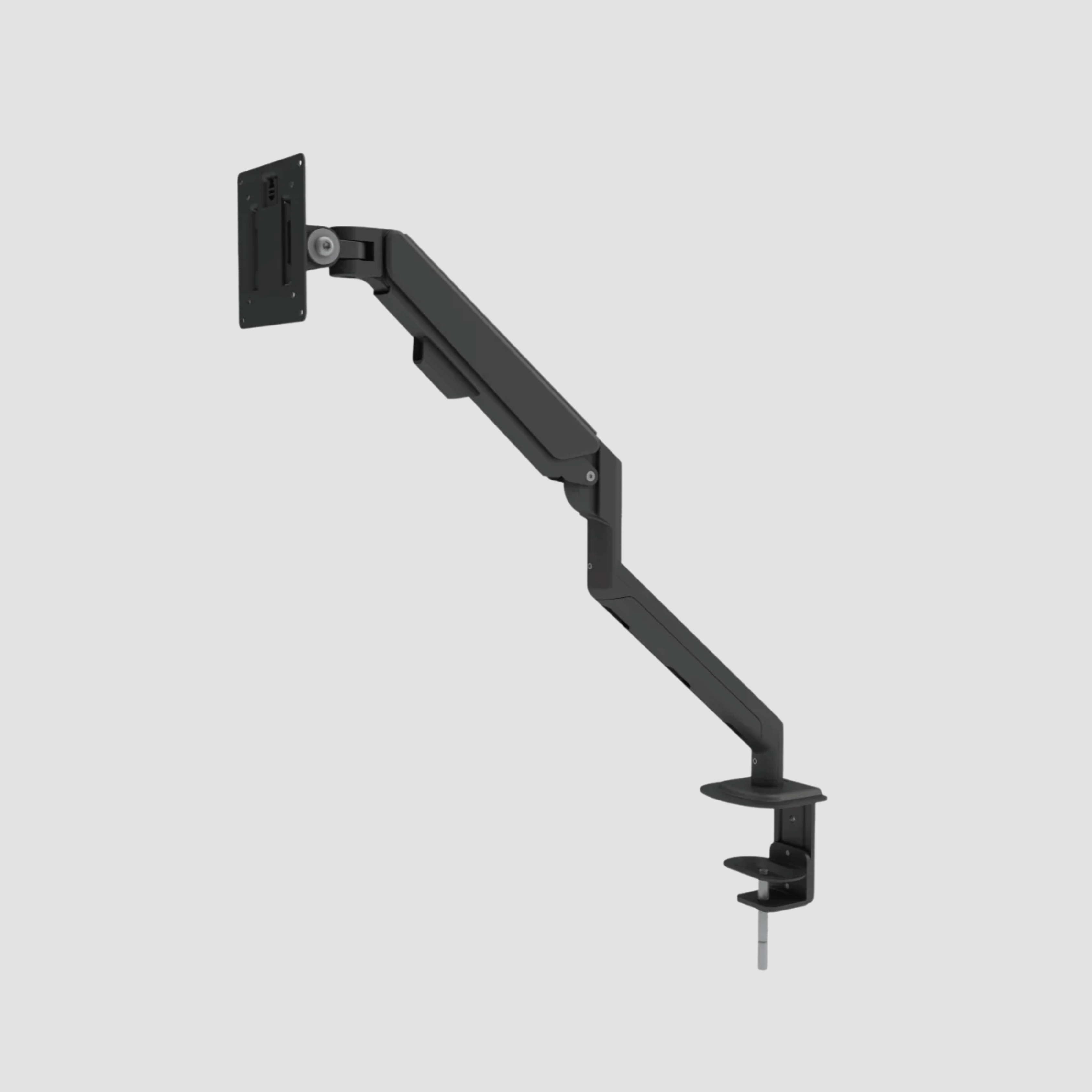
Skærmarme er især nyttige på højdejusterbare skriveborde, da de sparer værdifuld plads på bordpladen og muliggør præcis justering. De gør det også nemmere at holde skærmen i en ensartet højde, når skrivebordet skifter fra siddende til stående position. Sørg blot for, at bordpladen og armen er egnet til skærmens vægt og krav til fastgørelse.
Gør bevægelsen så nem, at den er let at gentage
En ergonomisk arbejdsplads kræver ikke en perfekt kropsholdning. Tanken om at sidde i én ideel stilling hele dagen er urealistisk. Det, der hjælper, er friheden til at bevæge sig, strække sig og skifte opgaver uden at skulle omarrangere skrivebordet hver gang.
Indfør en enkel rytme: Stå op, når du taler i telefon, sæt dig ned, når du skriver, tag en pause mellem krævende opgaver, og juster skærmen eller stolen, når det begynder at føles anstrengende. En støttende anti-træthedsmåtte kan gøre det mere behageligt at stå for nogle mennesker, især på hårde gulve, men det er ikke nødvendigt for alle. Hvis det at stå gør dig mere træt, bør du nedsætte varigheden i stedet for at betragte det som en disciplinprøve.
Sørg for, at de værktøjer, du bruger ofte, er inden for rækkevidde. Tastaturet og musen bør ikke tvinge dig til at strække armene. Et headset, en bærbar computer, et opladerkabel og et vandglas bør have en plads, der ikke forstyrrer din arbejdsstilling. Det er her, gennemtænkt opbevaring og kabelstyring viser deres værdi: De bevarer rummets visuelle ro og gør samtidig skrivebordet nemmere at bruge.
Invester der, hvor kroppen møder arbejdet
Premium-møbler handler ikke blot om at eje mere. Det handler om at vælge de møbler, der bærer den største del af det daglige ansvar. Et skrivebordsstel, der står stabilt, selv når man arbejder stående, en stol, der tilpasser sig din krop, og en bordplade i massivt egetræ, der er skabt til at ældes med værdighed, er investeringer i kvaliteten af din arbejdstid.
Hos OAKO er omdrejningspunktet klart: ægte europæisk eg, omhyggeligt håndlavet, kombineret med teknologi, der understøtter en mere fleksibel arbejdsdag. Det er ikke kun det visuelle, der tiltrækker. Det er trygheden ved at bruge møbler, der føles solide, fungerer præcist og passer ind i hjemmet langt ud over en enkelt sæson.
Mål dit rum, dit eksisterende udstyr og, hvis det er muligt, afstanden fra gulvet til din afslappede albue. Vælg derefter færre, men bedre møbler, der passer til disse forhold. Det rigtige arbejdsområde bør ikke tvinge dig til at ignorere din krop. Det bør give dig en grund til at slå dig til ro, bevæge dig frit og yde dit bedste i mange år fremover.


Efterlad en kommentar
Dette websted er beskyttet af hCaptcha, og hCaptchas privatlivspolitik og servicevilkår gælder.