


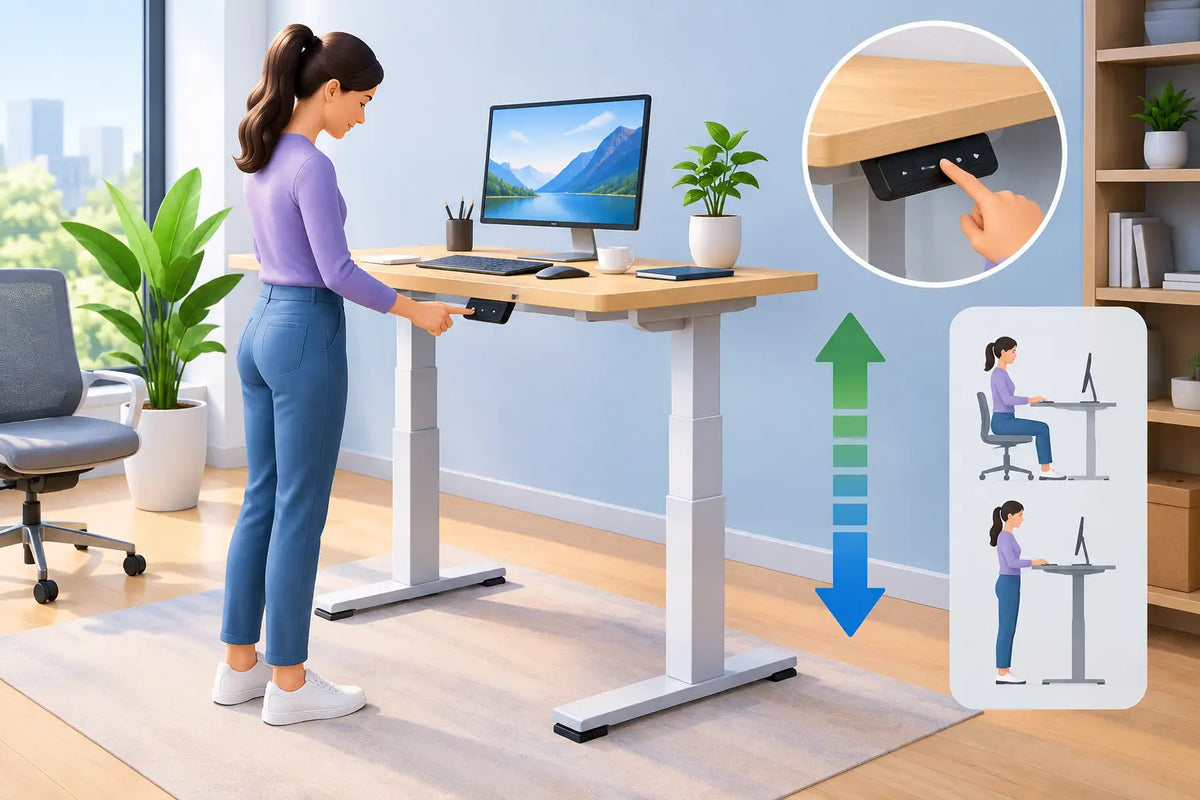
Ask what chair works with standing desks, and the answer is rarely a tall stool alone. A standing desk is designed to let you change position throughout the day, not to keep you upright from morning to evening. The right chair should make the seated part of that rhythm feel just as considered as the standing part: supportive, adjustable, durable, and visually at home beside a desk built from real materials.
For a workspace that is meant to last, treat the chair and desk as one system. Your desk height changes. Your chair must follow it. And because you spend hours looking at both, comfort should never come at the expense of proportion, material honesty, or calm design.
What chair works with standing desks?
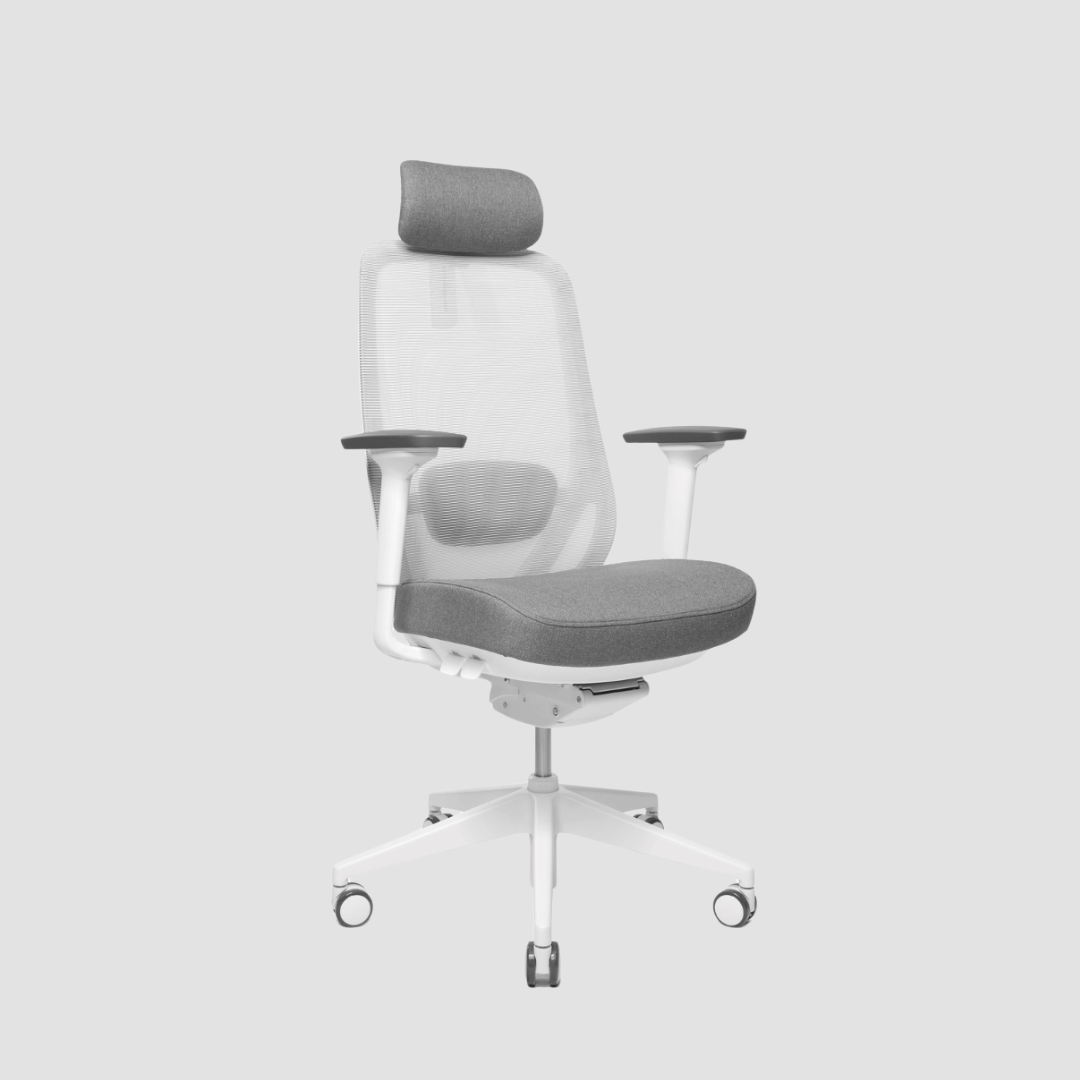
For most people, a fully adjustable ergonomic office chair is the best match for a standing desk. Look for adjustable seat height, lumbar support, armrests, seat depth, and a stable five-star base. These are not unnecessary extras. They allow the chair to meet your body correctly when the desk is lowered for sitting.
A height-adjustable desk gives you freedom to work standing, but it does not remove the need for a proper seated posture. When sitting, your feet should rest flat on the floor or on a footrest, your knees should sit close to a 90-degree angle, and your elbows should meet the desktop without lifting your shoulders. A quality ergonomic chair makes these positions achievable across a range of desk heights.
The most suitable seat is therefore usually a standard-height task chair with generous adjustment, rather than a permanently elevated chair. Most height-adjustable desks can lower far enough to work well with this format. It also gives you the greatest flexibility if your desk is shared by more than one person.
Start with the desk's lowest height
Many chair decisions go wrong because buyers focus on the desk at standing height. The more useful measurement is its lowest setting. Measure from the floor to the top of the desktop, then consider your own seated elbow height. If the desk lowers sufficiently for your shoulders to remain relaxed, a conventional ergonomic chair is the natural choice.
A desk with a thick solid oak top may sit slightly higher than a desk made from a thin laminate panel. That is part of its presence and durability, but it makes range especially worth checking. A chair with a broad seat-height adjustment range gives you more room to achieve a precise fit.
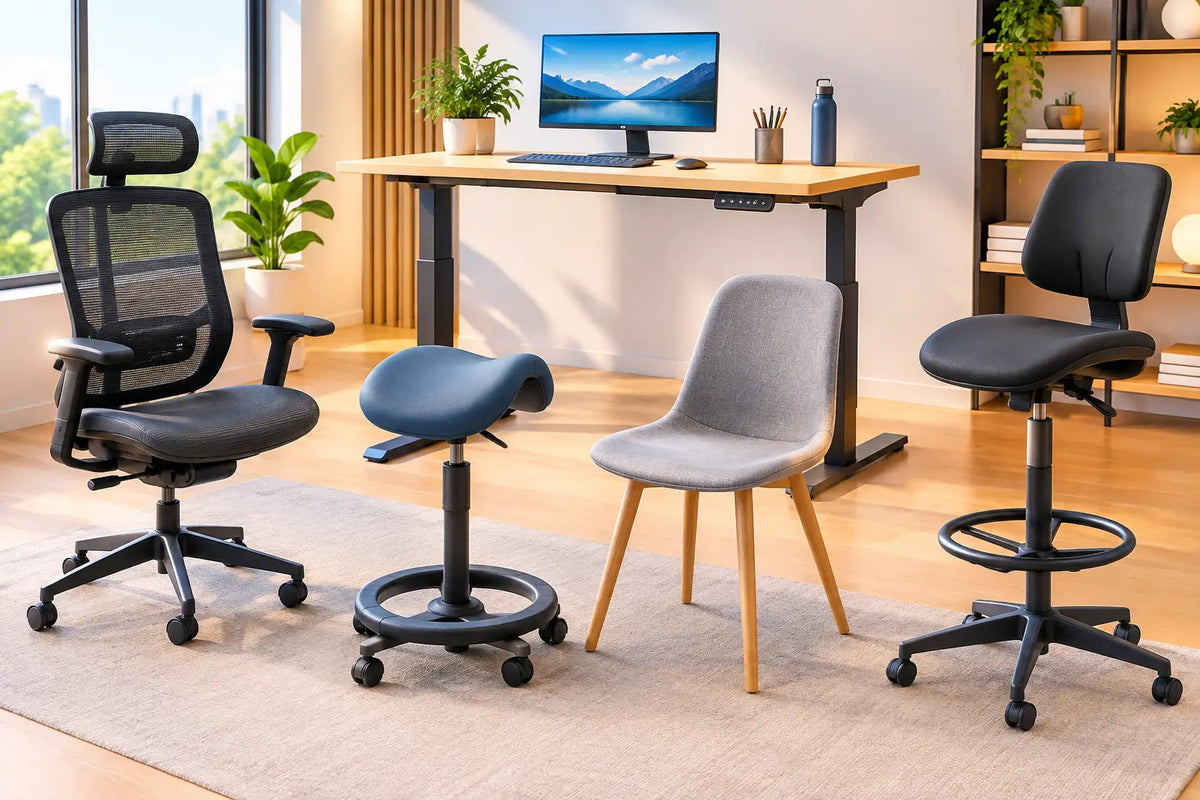
If the desk cannot lower enough for a conventional chair, a drafting chair can help. It has a taller gas lift and usually includes a foot ring. This is a practical solution for high desks, tall work surfaces, or raised meeting tables. For a typical electric sit-stand desk, however, it can create more compromises than it solves, especially if you also want to sit at a normal dining or meeting table.
Choose support that encourages movement
The best ergonomic chair does not hold you still like a mould. It supports you while allowing small, natural changes in posture. This matters beside a standing desk because the goal is variation. You may sit for focused writing, stand for calls, perch briefly while reviewing work, then return to a supported seated position.
Prioritise adjustable lumbar support that meets the natural curve of your lower back rather than pressing aggressively into it. A seat pan with adjustable depth is equally valuable. Leave roughly two to three fingers of space between the front edge of the seat and the back of your knees. Too deep, and the chair can press into the legs. Too shallow, and it may not provide enough support beneath the thighs.
A recline function is often overlooked. Slight recline can reduce the sense of being fixed in one position during long work sessions. Choose a mechanism that moves smoothly and offers tension adjustment, particularly if you alternate between concentrated computer work and more relaxed reading or calls.
Armrests depend on how you work. Adjustable armrests can take pressure away from the neck and shoulders when they fit beneath the desk. If your arms frequently catch the desktop or prevent you from moving close enough to the keyboard, lower them or choose a chair with arms that can be adjusted inward or removed. The chair should serve your working posture, not dictate it.
When a stool or active chair makes sense
A stool, saddle chair, or active sitting chair can be a useful second seat, but it is not automatically the best primary chair. These options encourage an open hip angle and make it easy to move between sitting and standing. They work well for short sessions, creative work, informal meetings, or shared spaces where a lighter visual footprint matters.
Their limitation is sustained support. Most stools do not provide a backrest, lumbar adjustment, or the same pressure distribution as an ergonomic task chair. If you spend several hours each day at a screen, a stool alone can become tiring, however elegant it looks.
Consider these options when they match a specific pattern of use:
- A drafting stool suits a desk that remains higher than standard seated height.
- A saddle chair can suit people who prefer a more open hip position and regular movement.
- A leaning stool is useful for brief, perched work between standing intervals.
- A compact stool can work as a secondary seat in a small home office.
Fit the chair to the person, not the room
A chair can look perfectly scaled beside a desk and still be wrong for its user. Height, leg length, body shape, and working habits all affect the right settings. A tall person may need greater seat-depth range and a higher backrest. A shorter person may benefit from a chair that lowers further, paired with a footrest if the desk cannot come down enough.
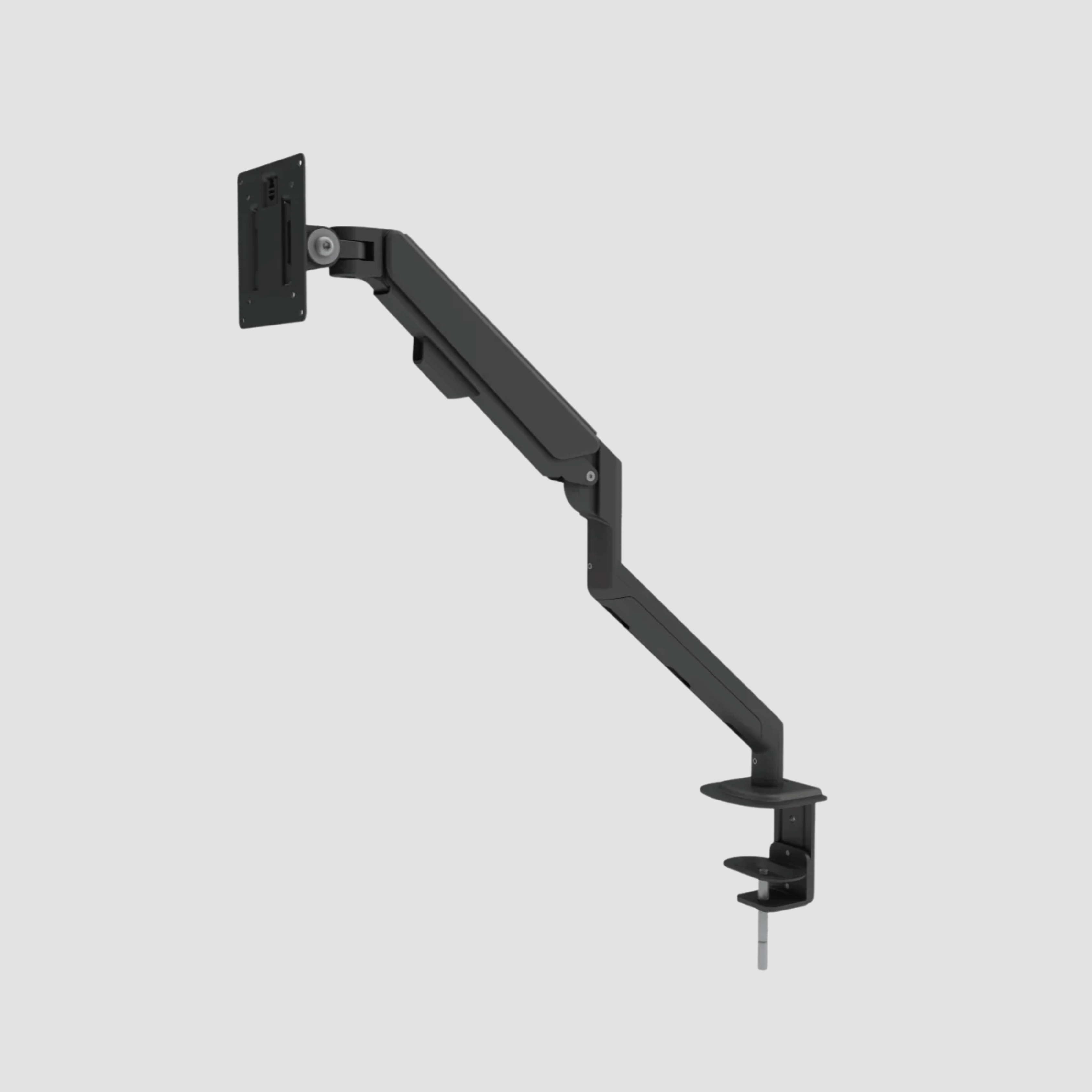
Pay attention to the relationship between the keyboard, monitor, and chair. If you need to raise the chair to reach the desk comfortably but your feet then hang, solve the problem with a footrest rather than accepting unsupported legs. If the monitor sits too low when the desk is at the correct seated height, raise the screen with a monitor arm or stand. Do not use chair height to compensate for every other part of the workstation.
This is where a coordinated workspace has real value. A well-made desk, adjustable monitor support, considered cable management, and chair all reduce the small daily irritations that lead to poor posture. At OAKO, the principle is simple: where oak meets technology, the result should feel considered rather than improvised.
Let materials support the room's character
Ergonomics come first, but a chair is also one of the largest visual objects in a home office. Beside a solid oak standing desk, a chair in black, warm grey, cognac leather, wool-inspired upholstery, or a restrained neutral can create an intentional contrast. The goal is not to match every finish exactly. It is to choose materials with similar integrity.
Mesh chairs are highly breathable and often offer excellent adjustment. They bring a lighter, more technical expression to the room, which can balance the warmth and grain of oak. Upholstered chairs feel softer and more domestic, especially in a workspace that shares space with a living area. Leather can age beautifully, but it requires care and may feel warmer during long summer days.
Also consider the floor. Hard castors protect neither a chair nor a timber floor as well as they should. Soft castors or a quality floor mat help the chair roll smoothly and protect the surface beneath it. This small detail makes a notable difference in a workspace designed for the long term.
A chair should make changing position easier
The best chair for a standing desk is one you are happy to return to after standing. It should adjust quickly, support you without fuss, and sit comfortably within the character of the room. Avoid buying a tall chair simply because the desk can rise. Choose a chair that works when the desk comes down, because that is where posture is most easily compromised.
Set the desk to your seated elbow height, tune the chair around your body, and then use standing as a regular change of position rather than a test of endurance. A workspace built with care should make long days feel more sustainable, one well-supported hour at a time.

Zostaw komentarz
Ta strona jest chroniona przez hCaptcha i obowiązują na niej Polityka prywatności i Warunki korzystania z usługi serwisu hCaptcha.