


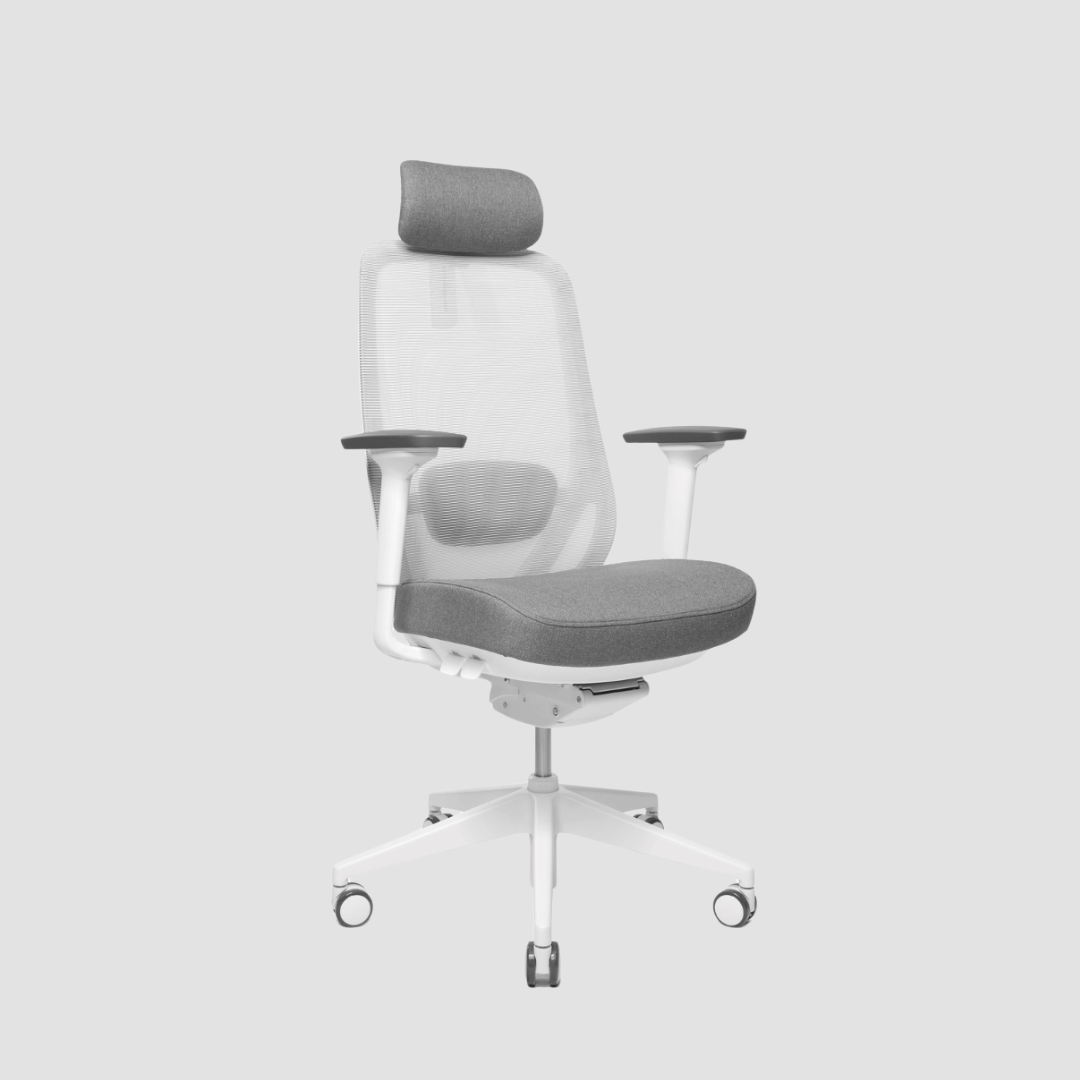
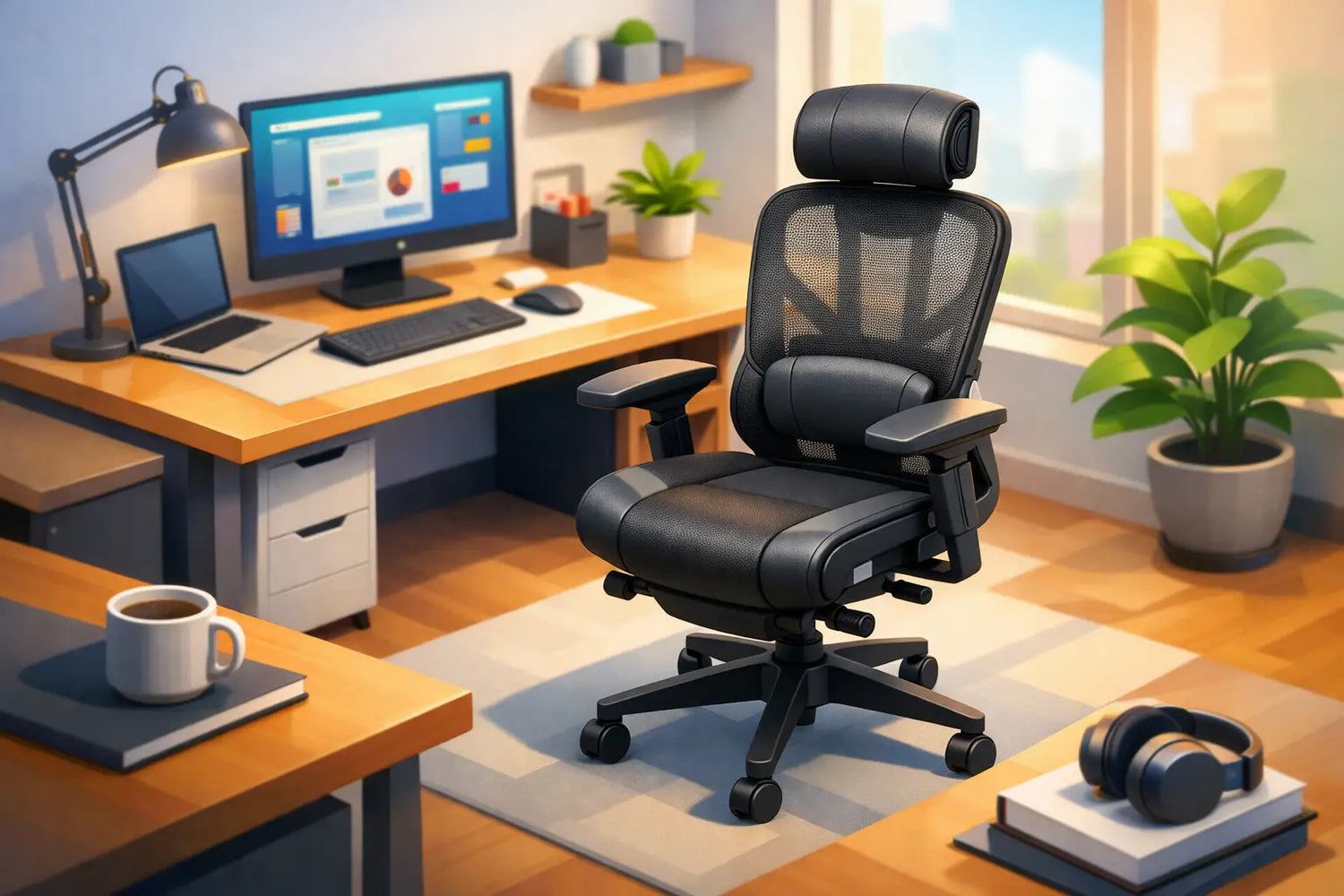
A considered ergonomic chair review for home office use starts with a less glamorous question than most people expect: can the chair support the way you actually work for six or eight hours? A beautiful chair can elevate a room, but if its seat is too deep, its lumbar support misses your lower back, or its armrests force your shoulders upwards, the visual calm will not last long.
For a home office, the right chair should earn its place beside a solid oak desk. It needs to feel composed rather than technical, support movement rather than lock you into one pose, and remain comfortable long after the first coffee. This is not about buying the chair with the most levers. It is about choosing adjustments that fit your body, your working habits and the scale of your home.
What an ergonomic chair should do at home
A good task chair does not correct posture by holding you rigidly upright. It allows you to change position with control. The body is not designed for one perfect posture maintained all day. It responds better to small, frequent shifts: leaning back to think, moving closer for detailed work, standing at your desk for a call, then returning to a supported seated position.
That distinction matters in a home setting. Unlike a conventional office, your chair may sit in an open-plan living room, a quiet bedroom corner or a dedicated studio. It has to work hard without making the space feel like a call centre. A well-designed chair pairs ergonomic function with a clean silhouette, durable materials and proportions that feel at home around considered furniture.
The essentials are straightforward. Seat height should let both feet rest fully on the floor, with knees roughly level with or slightly below the hips. The backrest should meet the natural curve of your lower back. Armrests should support the forearms without pushing the shoulders towards the ears. Finally, the chair should recline or move with you, rather than resist every change of position.
Ergonomic chair review for home office: the features worth paying for
The price gap between basic desk chairs and premium ergonomic models can be substantial. Some of that difference is branding, but much of it comes down to engineering, materials and the range of useful adjustment. The aim is not maximum specification. It is meaningful specification.
Adjustable seat depth
Seat depth is often overlooked, even though it can decide whether a chair feels supportive or exhausting. When seated fully back, leave approximately two to three fingers of space between the front of the seat and the back of your knees. Too little depth leaves the thighs unsupported. Too much can press into the back of the knees and encourage you to perch forward.
Seat-depth adjustment is especially valuable in a shared home office, where two people may use the same chair. It is also worth prioritising for taller or shorter users, who rarely suit a one-size seat shell.
Lumbar support that lands in the right place
Lumbar support should fill the lower back gently, not create a hard point that demands attention. The best systems are height-adjustable, and ideally depth-adjustable, so the support can sit at your own lumbar curve rather than the manufacturer’s assumed one.
There is a trade-off here. Pronounced lumbar support can feel excellent for someone who prefers an upright working position, but distracting for a person who changes posture often or prefers a softer recline. If possible, test the chair beyond a quick five-minute sit. Your body will tell you more after an hour of normal work than it will in a showroom pose.
Armrests with real range
Height-adjustable armrests are a baseline for desk work. They should allow your elbows to rest comfortably while your shoulders stay relaxed. Better chairs also adjust in width, depth and angle. Those extra movements matter if you alternate between typing, using a mouse and leaning back for calls.
Armrests are not essential for every task. Some creatives and musicians prefer an open chair that can slide close to the desk. But for concentrated keyboard and mouse work, properly set armrests can reduce strain through the shoulders and neck. They should fit beneath the desk when lowered, not determine your desk height.
A responsive recline mechanism
A chair that reclines smoothly encourages natural movement. Look for a mechanism that lets the backrest move without the seat front lifting sharply into the thighs. Tension adjustment is equally useful, as a lighter person and a heavier person need different resistance to achieve the same easy motion.
A lockable upright position can help for focused tasks, but it should not become your permanent setting. Think of recline as active support: a way to change the pressure through the spine while remaining present at the desk.
Materials that suit the room and the climate
Mesh backrests are breathable and visually light, making them a strong choice for warmer rooms or compact spaces. Their feel varies greatly, however. A tightly tensioned mesh can offer clear support, while cheaper mesh may sag over time or feel abrasive through thin clothing.
Upholstered backs and seats often feel warmer and more residential. They can complement oak, wool, linen and other natural materials beautifully, but should use hard-wearing fabric and high-quality foam. A chair that looks inviting on day one but compresses within a year is not a premium purchase.
Leather has presence and ages with character, yet it can be less breathable and requires more care. It suits some interiors perfectly, but it is not automatically the most ergonomic or practical option. Honest materials and proper construction matter more than a particular finish.
Fit the chair to the desk, not the other way around
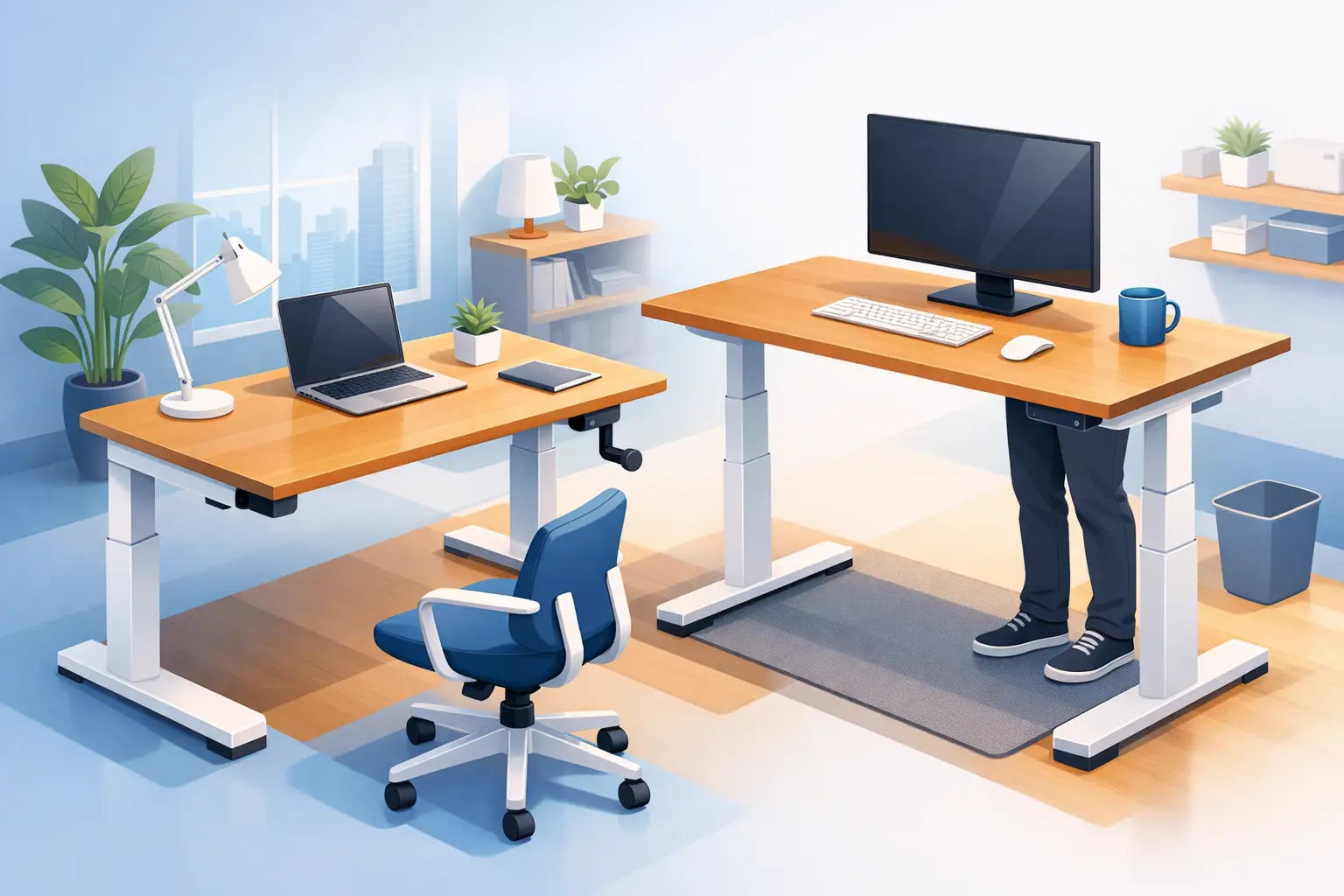
Ergonomics is a system. Even an excellent chair cannot compensate for a desk that is too high, a screen placed too low, or a keyboard positioned at an awkward reach. This is particularly relevant with height-adjustable desks, where the seated height should be set for your elbows and forearms rather than inherited from a fixed dining table.
Start by adjusting the chair. Set the seat height so your feet are grounded and your hips are comfortably supported. Then bring the desk to a height where your forearms can rest approximately parallel to the floor, without lifting the shoulders. Your screen should sit high enough that you are not continually bending the neck, while still allowing a neutral gaze towards its upper area.
If your feet cannot reach the floor once the chair is high enough for the desk, use a footrest. If armrests collide with the desk, lower them, adjust their width or consider a slimmer design. These are small refinements, but they are the difference between a workspace that photographs well and one that works well.
At OAKO, this relationship between chair and desk is central to a complete workspace. Natural oak brings warmth and visual weight; the chair should bring quiet, precise support without competing with it.
What to avoid in a home office chair
The lowest-priced chair can be costly if it loses support quickly, creaks within months or leaves you replacing it after a short period. Equally, an oversized executive chair may look impressive but overwhelm a smaller Danish home office and discourage the movement needed for focused work.
Be cautious with chairs marketed around a single feature, such as a dramatic headrest or an extra-thick cushion. A headrest is useful for reclined reading, calls or brief breaks, but it is not a substitute for a well-fitted backrest. Thick padding can initially feel luxurious, yet density and shape retention matter far more than softness.
Avoid buying solely from measurements on a product page. Dimensions are essential, but they cannot show where lumbar support lands, how the recline feels or whether the armrests suit your shoulder width. Where testing is possible, wear the clothes you work in and sit as you normally would. If ordering online, choose a maker with clear dimensions, transparent materials and a return approach you understand before the chair arrives.
A practical test before you commit
Give any prospective chair a simple working test. Sit back fully, type for several minutes, reach for a mouse, lean back, then return to your normal task position. Check that the adjustment controls are intuitive enough to use rather than ignore.
Ask yourself whether the chair supports you without becoming the centre of attention. You should notice a sense of ease, not a collection of mechanisms. The chair must also suit your room: consider its footprint, wheel type for your floor, visual weight and how it looks from the rest of the home.
A worthwhile chair is built for the long rhythm of work, not a short burst of enthusiasm. Choose one that lets you sit with comfort, stand with intention and return to a workspace that still feels distinctly yours.


Leave a comment
This site is protected by hCaptcha and the hCaptcha Privacy Policy and Terms of Service apply.