


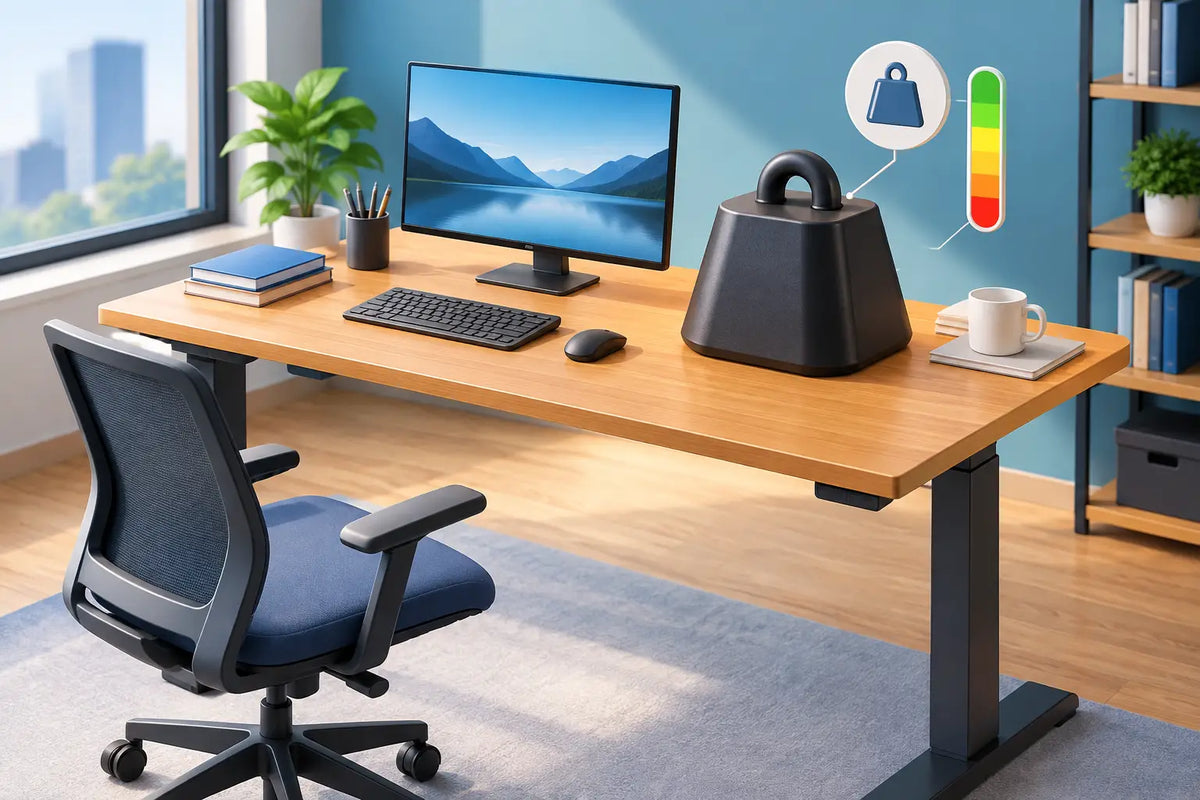
A desk can look beautifully composed with an oak top, a wide monitor and carefully chosen accessories, yet still be asked to carry more than its frame was designed to handle. This guide to desk weight capacity helps you look beyond a single number and choose a workspace that remains stable, quiet and dependable through years of daily use.
For a premium home office, capacity is not about filling a desk to its limit. It is about creating a generous margin for the equipment you use now, the technology you may add later and the natural movement of a height-adjustable desk throughout the day.
What desk weight capacity actually means
Desk weight capacity is the maximum load a desk can safely support. For a fixed desk, that figure primarily concerns the tabletop, legs and joins. For a height-adjustable desk, it also concerns the lifting columns, motors, crossbar and control system.
The crucial question is whether the stated capacity applies while the desk is standing still or while it is moving. A desktop may safely hold a substantial static load, but a sit-stand frame must also raise that load repeatedly without strain, uneven lifting or reduced stability. When comparing standing desks, look for the maximum lifting capacity rather than assuming a static figure tells the full story.
Capacity is also not a promise that every arrangement will feel equally stable at the stated maximum. Weight placed centrally behaves very differently from the same weight concentrated at one edge. A well-made frame and a solid tabletop give you a strong foundation, but thoughtful placement remains part of a comfortable workspace.
Start with the real weight on your desk
Most people underestimate their setup because individual items seem modest on their own. The total becomes more substantial once screens, arms, computers, audio equipment and everyday working tools are counted together.
A laptop usually adds little, often between 1 and 3 kg. A desktop computer can range from 6 to 15 kg or more. A 27-inch monitor may weigh 4 to 7 kg with its original stand, while larger ultrawide displays can weigh considerably more. Add a monitor arm, docking station, speakers, desk lamp, charging equipment, notebooks and a few well-loved objects, and a focused workstation can easily reach 25 to 40 kg.
Creative and professional setups often go further. Two or three monitors, a powerful desktop tower, studio speakers, a microphone arm or a large drawing display can bring the total closer to 50 kg or beyond. This does not mean the arrangement is excessive. It simply means the desk frame should be selected with the actual work in mind.
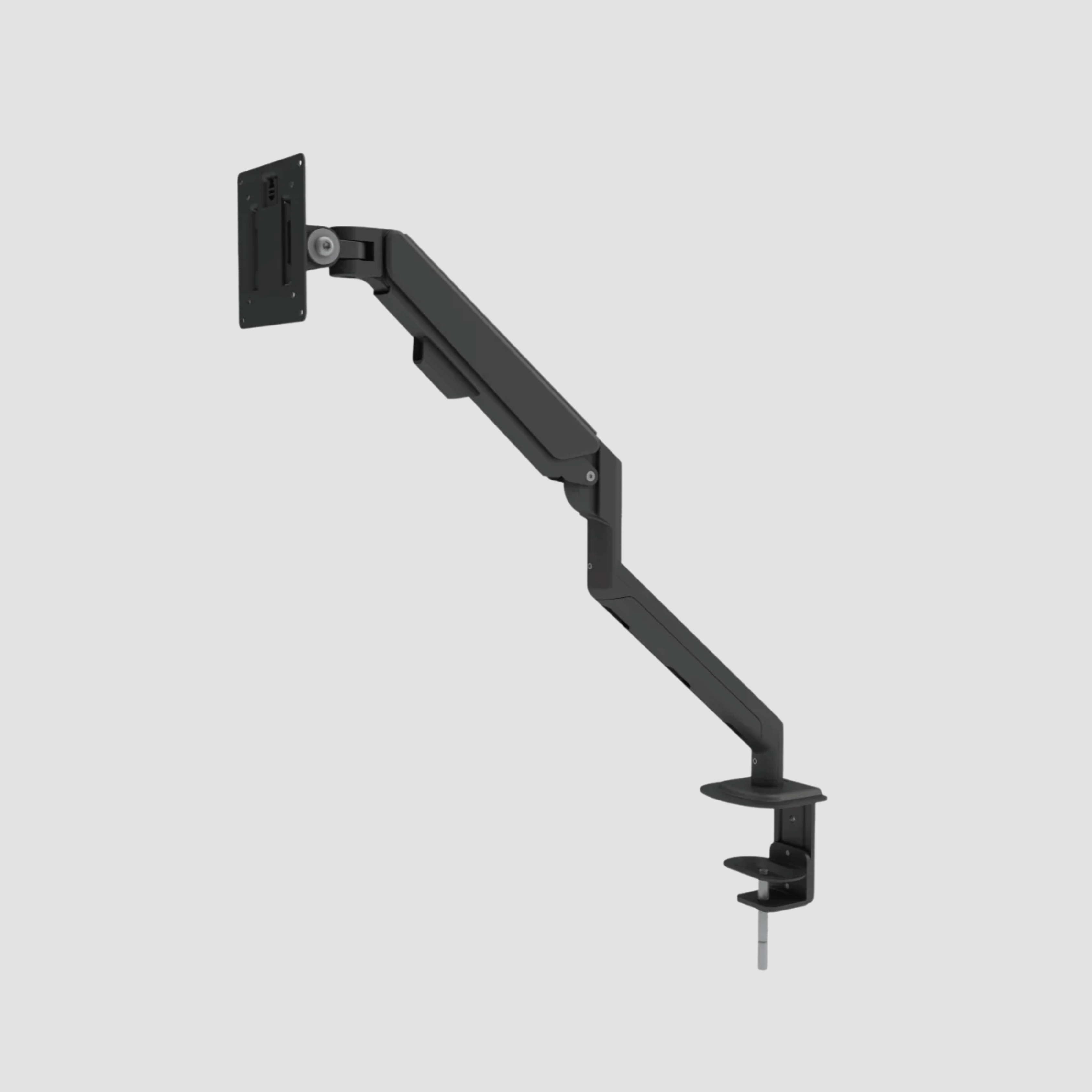
Do not forget accessories mounted to the desk. A monitor arm transfers force through its clamp point. A cable tray, under-desk computer mount or drawer adds load below the top. These pieces may not occupy visible desk space, but they still belong in your calculation.
The guide to desk weight capacity: leave room to grow
A sensible rule is to avoid choosing a desk based on its absolute maximum. Calculate your current equipment, then allow meaningful headroom. A capacity margin of at least 20 to 30 percent is a practical target for many workstations, particularly if the desk will be raised and lowered several times a day.
For example, a 35 kg setup should not lead you to choose a frame rated for only 35 kg. A frame with a substantially higher lifting capacity will work with less effort and leaves space for a second screen, better audio, a desk shelf or a future change in equipment.
This margin matters most for motorised desks. Dual-motor frames are particularly well suited to heavier, wider worktops and multi-screen setups because the lifting work is shared across two motors. The result is not merely more capacity on paper. It is steadier movement, better balance and a more composed experience when shifting between sitting and standing.
Static load versus moving load
The difference between static and moving load deserves attention. Static load is what the desk can carry when left in one position. Moving load is what a height-adjustable desk can lift safely. For standing desks, moving load is the number that should guide your decision.
Repeated movement places demands on motors and lifting columns that a fixed desk never encounters. A desk might hold your equipment when stationary yet become slower, louder or less stable when operated close to its lifting limit. Selecting a capable frame avoids turning an ergonomic habit into a compromise.
It also protects the desk's long-term performance. Furniture built to last should not feel strained by ordinary working life. A well-specified frame allows you to stand for a call, lower the desk for focused writing and adjust height throughout the week without second-guessing the equipment on top.
How tabletop material affects the equation
A tabletop has its own weight, and this must be included in the load a sit-stand frame lifts. Solid oak is denser and more substantial than thin laminate or chipboard, which is part of its appeal. Its presence, grain and tactile warmth bring a workspace a sense of permanence that lighter materials often lack.
That weight is not a drawback when paired with an appropriately rated frame. It is a reason to pay closer attention to the complete system rather than judging the frame alone. The frame must lift the tabletop and everything placed on it, not just your monitor and laptop.
A thick solid oak top also offers practical benefits for heavy-use desks. It provides a firm mounting surface for monitor arms and accessories, and it resists the hollow, temporary feel of lightweight board. With natural timber, however, use mounting hardware carefully and follow the recommended clamp or fixing positions. Good hardware and correct installation protect both the desk and the material.
Weight distribution matters as much as total load
A desk is most stable when heavier items sit near the centre and over the supporting structure. A desktop computer placed at the far end, a heavy display on an extended arm or a deep stack of equipment at the front edge can create leverage that affects how the desk feels, especially at standing height.
Place your heaviest screen or equipment close to the rear centre where possible. If you use monitor arms, check both the arm's screen limit and the desk's suitability for the clamp. The monitor's stated weight may exclude its original stand, while the arm's rating may include a specific range depending on screen size and centre of gravity.
For unusually heavy equipment, consider spreading the load rather than building one dense cluster. A balanced desk is calmer to work at, easier for a lifting frame to move and less likely to introduce a subtle wobble when you type, draw or take notes.
Capacity is only one part of desk stability
A high weight rating is reassuring, but it does not tell the entire story. Frame geometry, steel thickness, column quality, desktop size, floor level and assembly all influence stability. A wide desk with a large solid wood top needs a frame proportioned for that footprint. A desk on an uneven timber floor may behave differently from the same desk on level concrete.
Height matters too. All standing desks have more leverage when fully raised than when set at sitting height. Quality construction reduces this effect, but realistic expectations are useful. The goal is not a desk that is physically incapable of movement. It is a desk that feels controlled and supportive while you work normally.
Take time during assembly to tighten fittings correctly, level the feet and route cables with enough slack for the full height range. A cable that catches as the desk rises can be more disruptive than a few extra kilograms of equipment.
When a heavier setup needs a different plan
Some workstations sit outside the usual home-office range. Audio producers may use large monitors and rack equipment. Designers may work with wide pen displays. Traders, developers and video editors may run several screens alongside a desktop tower. In these cases, calculate each item from manufacturer specifications instead of estimating.
If the final figure approaches a desk's lifting limit, choose a higher-capacity configuration or move the heaviest item to a separate support. A desktop tower can sit on a dedicated floor stand, for instance, reducing moving load while keeping the visual field clear. The right answer depends on whether that equipment needs to travel with the desk as it changes height.
At OAKO, the most enduring workspace choices begin with the whole picture: the natural weight of solid oak, the strength of the steel frame and the way you genuinely work each day. Choose capacity with room to spare, arrange the load with care, and your desk can remain a quiet, capable foundation for years of focused work.



Leave a comment
This site is protected by hCaptcha and the hCaptcha Privacy Policy and Terms of Service apply.