


A standing desk can change the way a workday feels, but only when it is set to your body rather than the other way around. Learning how to adjust standing desk height properly is less about finding one perfect number and more about building a position where your shoulders relax, your screen sits naturally in view, and your solid oak work surface supports the way you actually work.
A beautifully made desk deserves more than a default setting. Whether you are writing, designing, taking calls or moving between deep-focus work and meetings, small adjustments can make the difference between productive movement and a stiff neck by mid-afternoon.
How to Adjust Standing Desk Height for Standing Work
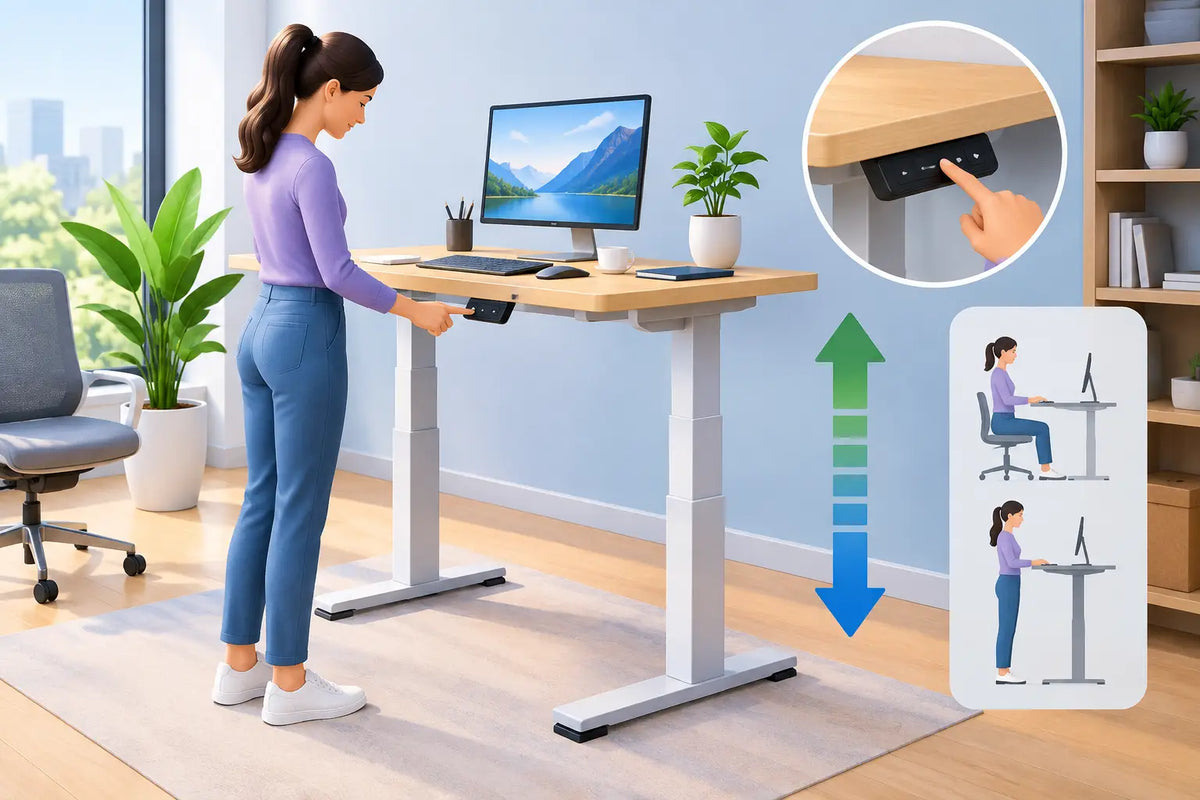
Start by standing upright in the shoes you normally wear while working. Let your arms hang loosely at your sides, then bend your elbows to roughly 90 degrees. Raise or lower the desk until the keyboard sits at, or just below, elbow height. Your forearms should be close to parallel with the floor, without your shoulders lifting or your wrists bending upward.
This is the most useful starting point, but it is not a rigid rule. A graphic designer using a pen display may prefer a slightly lower surface. Someone who spends most of the day typing may prefer the desk a fraction higher, provided the shoulders remain soft. The right height is the one that lets you work without reaching, hunching or bracing your upper body.
Look for these signs that the height is working:
- Your elbows stay comfortably close to your body.
- Your shoulders feel level, not pulled towards your ears.
- Your wrists remain straight when typing and using a mouse.
- Your weight is spread across both feet rather than shifted into one hip.
Set the screen after the desk
The desk height comes first. Your monitor should then adapt to that height, not force you to compromise your arms and wrists. Place the top third of the screen around eye level, with the display roughly an arm’s length away. If you wear progressive lenses or regularly reference documents on the desk, you may need the screen a little lower.
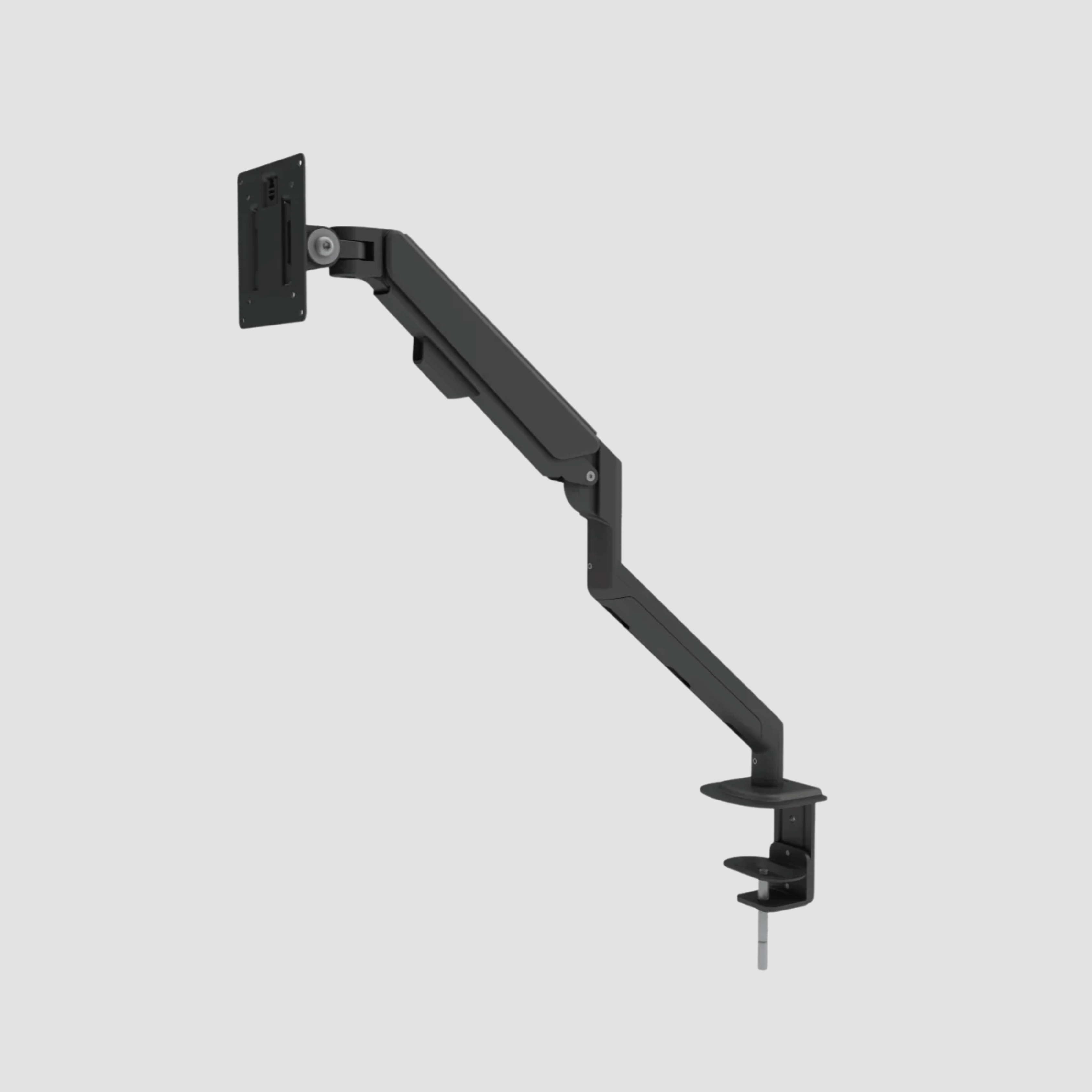
A monitor arm is useful here because it separates screen positioning from the desktop itself. It also preserves the clean, open character of an oak surface while allowing the display to move with your task. For a laptop-only setup, use a laptop stand and an external keyboard and mouse for longer sessions. Looking down at a laptop for hours is rarely kind to the neck, regardless of how well the desk is adjusted.
Find Your Seated Height Too
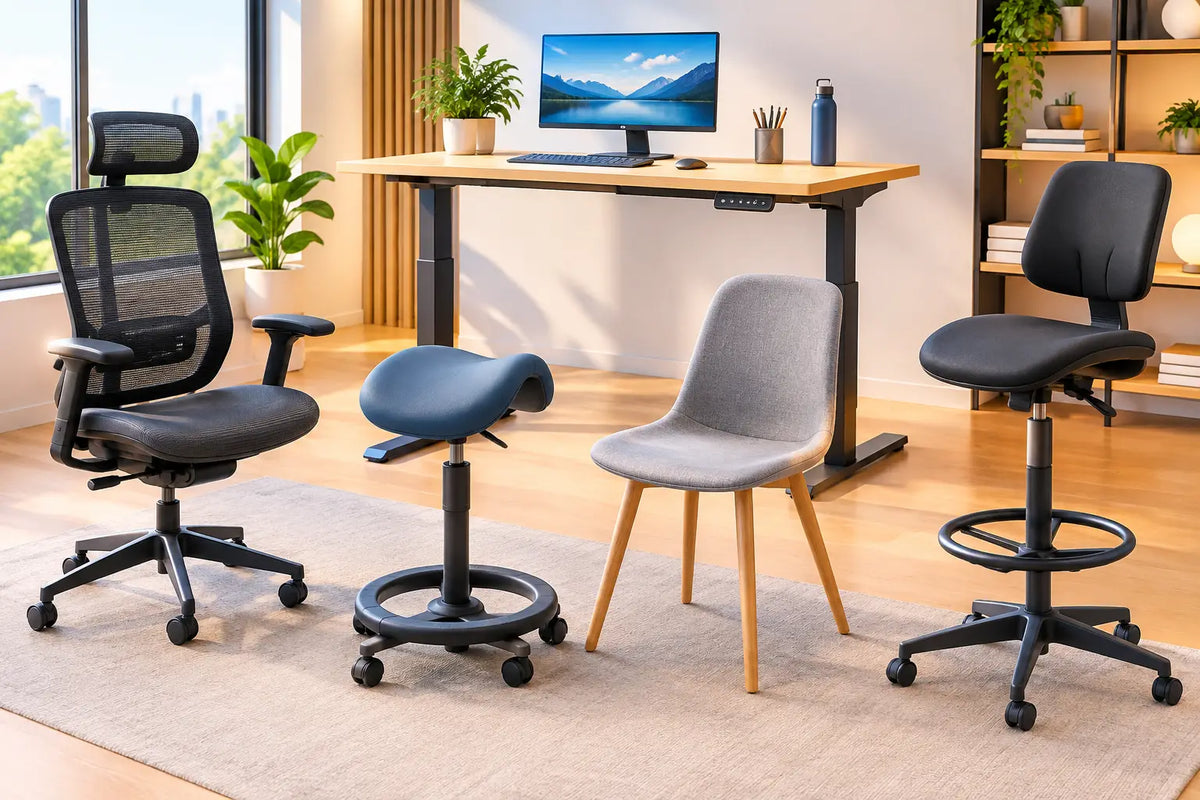
A height-adjustable desk is not an instruction to stand all day. The best routines alternate positions before discomfort arrives. When you sit, lower the desk until your elbows return to the same relaxed 90-degree angle. Do not set the desk according to the chair arms if they force your shoulders high. Adjustable armrests should support your forearms lightly, not dictate your posture.
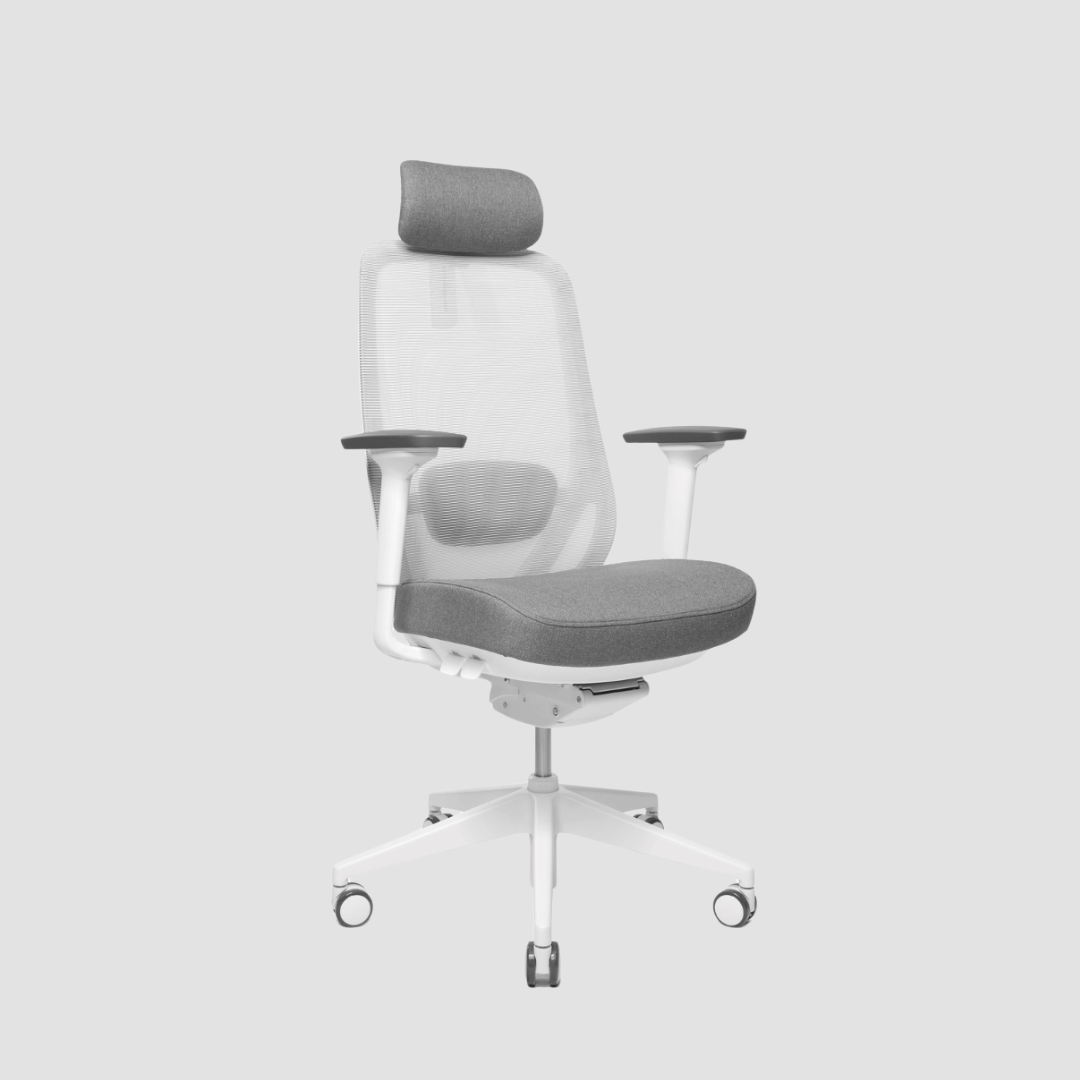
Set your chair so both feet rest fully on the floor and your knees sit around hip height or slightly lower. Your lower back should meet the chair’s lumbar support. If your feet do not reach comfortably, use a footrest rather than lowering the chair so far that your elbows no longer meet the desk correctly.
The seated desk setting is usually much lower than people expect. A common mistake is leaving the desk at standing height, lowering the chair instead, then typing with raised shoulders. That position can feel acceptable for ten minutes and exhausting after a full morning.
Save your seated height as a second memory setting. If your controller offers more presets, consider a third for focused work with a drawing tablet or for a treadmill pad, where a slightly different arm position may feel more natural.
Adjust the Whole Workstation, Not Only the Desk
The desk is the centre of your workspace, but comfort depends on the surrounding details. A premium solid oak top offers a stable, tactile foundation, yet even the finest material cannot correct a monitor placed too low or a mouse positioned out of reach.
Keep the keyboard and mouse close enough that you do not extend your arms forward. Your mouse should sit on the same level as the keyboard, ideally within easy reach of the shoulder. If you use a second monitor, place the screen you view most often directly ahead. Two equally used monitors can meet in the middle with a slight inward angle, reducing repeated neck rotation.
Cable management also matters more than it seems. Loose cables can limit the desk’s travel, pull against devices or make you reluctant to change positions. Route cables with enough slack for the full height range, then check the movement slowly before relying on a saved setting. A clear desk and a considered cable route make the transition from sitting to standing feel immediate rather than inconvenient.
For standing comfort, choose a supportive floor surface. A quality anti-fatigue mat can reduce pressure under the feet during longer standing blocks. It is helpful, though it is not a reason to remain static. Shift your stance, take a few steps, or rest one foot briefly on a low support. Movement is the point.
Use Height Changes to Create a Better Rhythm
There is no universal standing-to-sitting ratio. Your concentration, work type, fitness, footwear and any existing discomfort all affect what feels sustainable. For many people, beginning with 30 to 45 minutes standing followed by a seated block is more realistic than aiming to stand for half the day immediately.
Treat standing as variation, not a test of endurance. Stand for calls, email, planning, short review sessions and tasks that benefit from alertness. Sit when you need sustained precision, detailed writing or a long stretch of creative concentration. Over time, your body will tell you where the balance belongs.
A useful cue is to change position before you start fidgeting. If you notice your weight collapsing into one leg, your feet becoming restless or your shoulders beginning to creep upward, move. The desk is there to remove the friction from that decision.
Recheck after one week
Your first setting is an informed experiment. Spend a week using it, then reassess. Are your shoulders tense at the end of the day? Lower the desk slightly. Are you leaning towards the screen? Adjust the monitor closer or higher. Are your wrists pressing into the desktop edge? Bring the keyboard forward or reconsider the desk height by a small increment.
Make one change at a time. Moving the chair, desk, monitor and keyboard all at once makes it difficult to identify what solved the problem. A few millimetres can matter, particularly for a person who types for several hours each day.
Care for the Desk While You Adjust It
Height adjustment should be smooth and unhurried. Keep heavy equipment balanced across the surface, avoid overloading one side, and make sure nothing beneath the desk obstructs the frame’s movement. Check that cables, storage units and chair arms have clear space when the desk travels down.
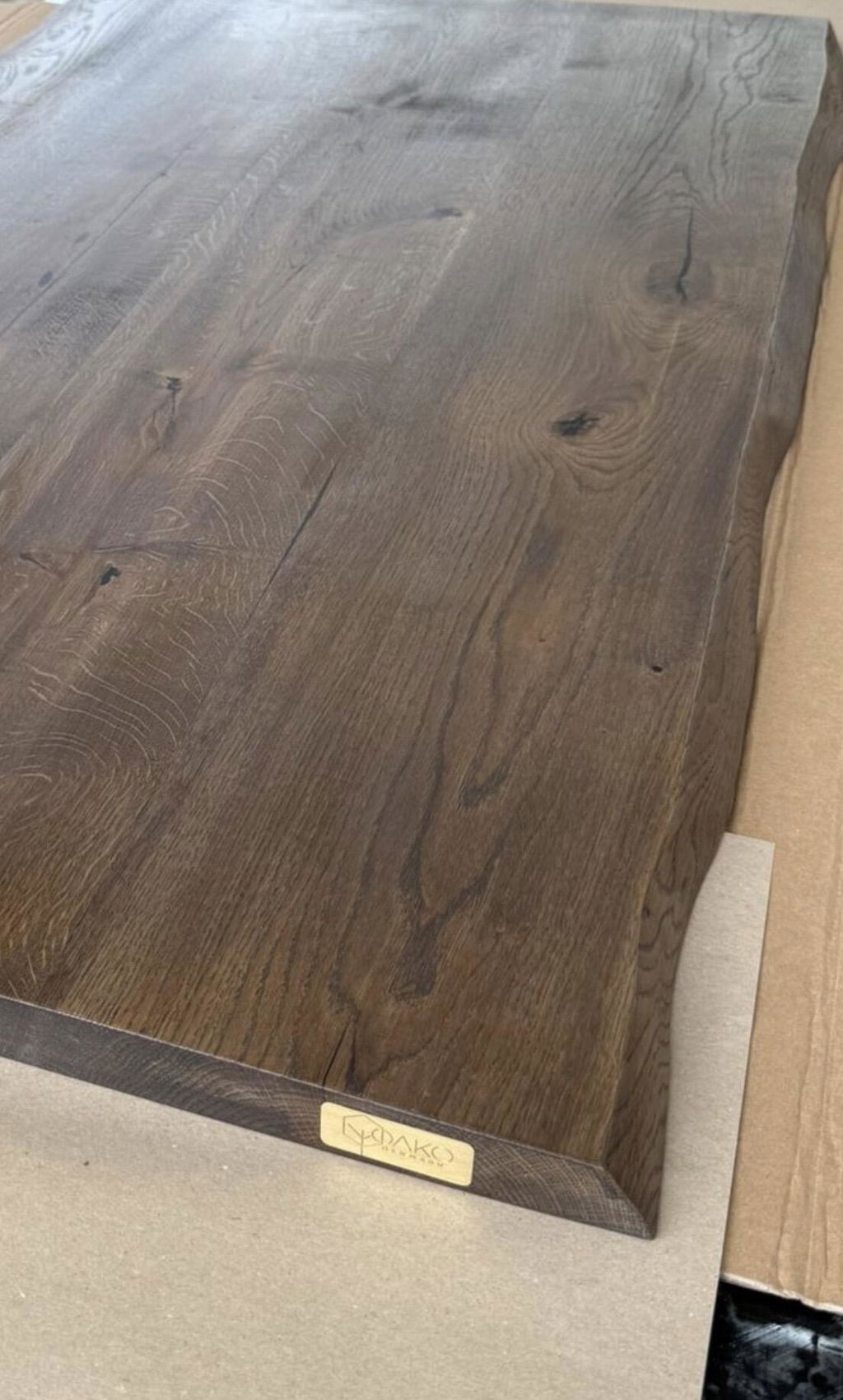
With a solid oak desk, normal daily use will create a workspace with character, but it benefits from sensible care. Use coasters for drinks, wipe spills promptly, and avoid dragging sharp or heavy objects across the wood. The material is made for real work, not display-only perfection. Its longevity comes from honest construction paired with everyday attention.
At OAKO, where oak meets technology, the intention is simple: a desk should feel substantial enough to keep for years and flexible enough to follow the changing shape of your workday.
The best height is the one you stop noticing. When your hands fall naturally to the keyboard, your screen meets your eyes without effort, and changing position takes seconds, your workspace starts working quietly in the background. That is where better focus has room to begin.

Commenta
Questo sito è protetto da hCaptcha e applica le Norme sulla privacy e i Termini di servizio di hCaptcha.