



A beautiful desk cannot compensate for a workstation that asks your body to compromise for eight hours. When you are learning how to plan ergonomic workstations, start with the way work actually happens: the screen you look at, the tools you reach for, the meetings you take and the posture you return to when concentration takes over. Ergonomics is not a collection of accessories. It is a considered relationship between your body, your work and the furniture that supports both.
For a home office, studio or professional workplace, the strongest result is usually quieter than expected. The desk feels substantial beneath your hands. Your chair supports you without demanding attention. Cables disappear. The screen sits at the right height. Nothing is fighting for space, and nothing feels temporary.
Start with the work, not the desk
The right setup depends on your daily pattern. Someone working mainly with writing and spreadsheets needs a different arrangement from a designer moving between a large display, sketchbook and pen tablet. A person taking video calls throughout the day has different sightline and lighting needs from someone focused on deep, uninterrupted work.
Before choosing furniture, consider how many hours you work at the desk, whether you use one screen or two, and how often you need to shift between seated and standing work. Also look honestly at the room. A desk may need to sit beneath a window, in a living space or against a narrow wall. Good planning works with those constraints rather than forcing a showroom layout into a real home.
A workstation should also leave room to move. If the chair catches on a rug, hits a wall when you stand, or makes a storage unit difficult to reach, the layout will feel restrictive every day. Measure the full working zone, not only the desk footprint.
Choose a desk that fits your body and your room
Desk height is one of the foundations of an ergonomic workstation. For seated work, your elbows should rest close to a 90-degree angle while your shoulders remain relaxed. Your forearms should be supported by the desk surface without lifting your shoulders or bending your wrists sharply.
A fixed-height desk can work well when it matches the user and task. But a height-adjustable desk gives more freedom, particularly in a shared household or a workspace used for long days. Standing is not a cure for sitting, and the goal is not to spend the whole day upright. The benefit is variation. Moving from sitting to standing changes the load on the body and can make a long day feel less static.
For standing work, set the desk so your elbows remain relaxed and your keyboard sits close enough that you do not reach forward. Avoid raising the desk merely because it can go higher. A desk that is too high is just as disruptive as one that is too low.
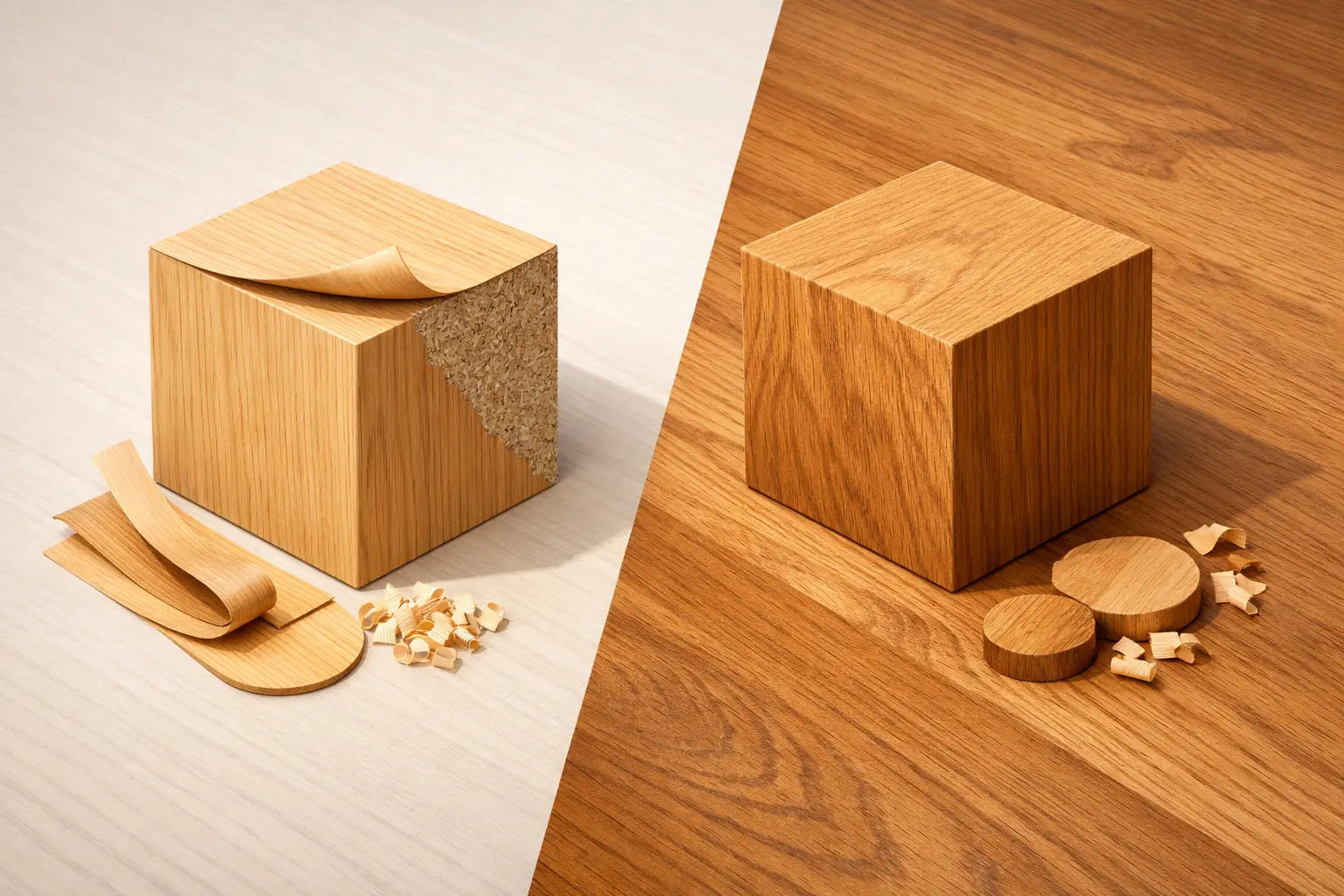
The desktop itself matters. A shallow surface can force your screen too close, while an overly large desk can dominate a compact room. For most computer-based work, sufficient depth is more valuable than excessive width because it gives your eyes and arms proper distance from the screen and keyboard. A solid oak top brings a different quality to this practical decision: warmth, weight and a surface made to carry daily use with dignity. It is furniture intended to remain, not a temporary stage between replacements.
Set the chair before adjusting everything else
Your chair is the anchor point for the seated setup. Begin with your feet flat on the floor and your thighs approximately parallel to it. There should be a small gap between the front edge of the seat and the back of your knees. If your feet cannot reach the floor once the chair is at the right height for the desk, use a footrest rather than lowering the chair and compromising your arm position.
The backrest should follow the natural curve of your lower back. This does not mean sitting rigidly upright all day. It means having support available while allowing small, natural changes in position. Armrests can be useful when they sit low enough to let you work close to the desk, but they are not essential for everyone. If they push your shoulders upward or prevent the chair from moving under the desk, adjust them or remove them where possible.
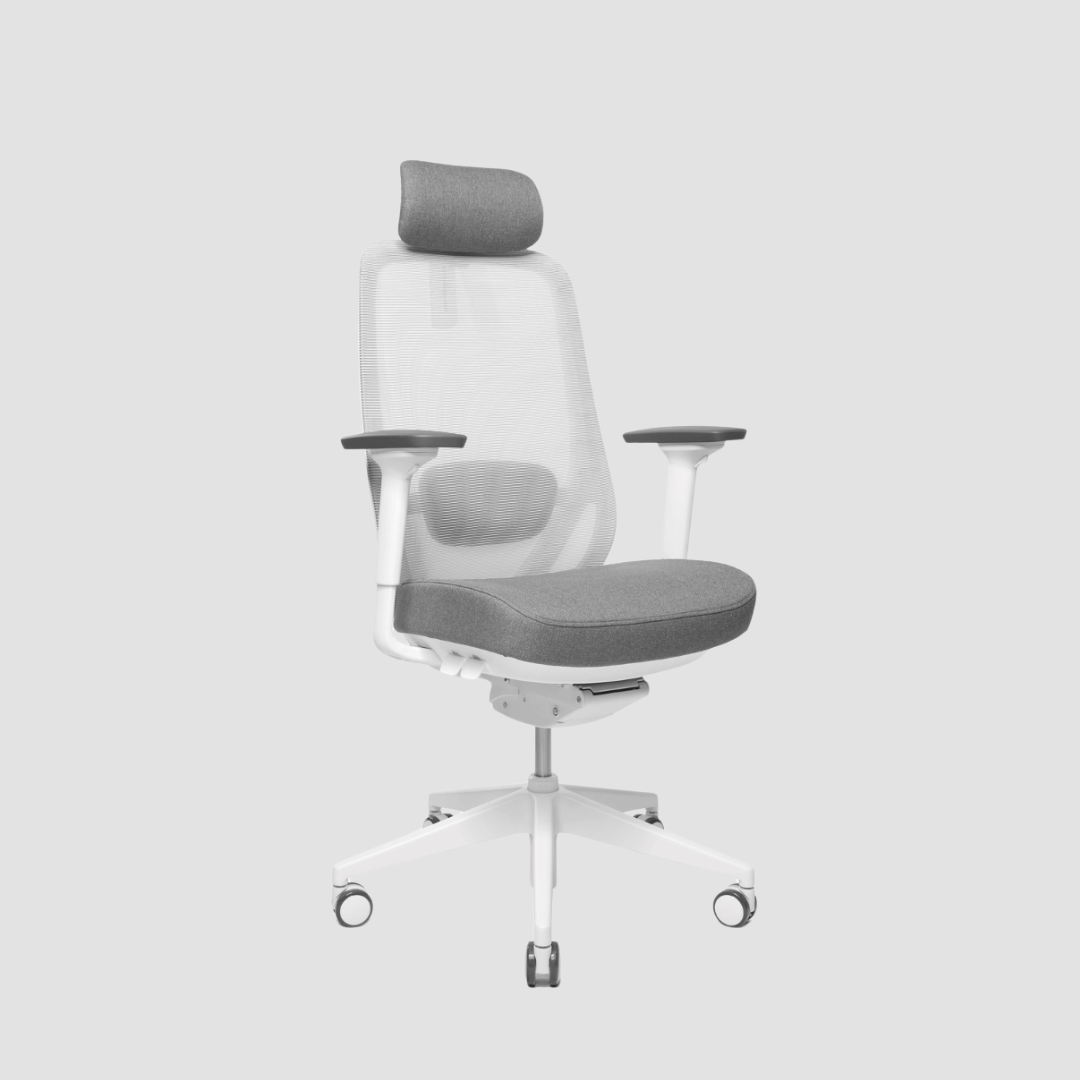
A premium chair is worth assessing in person where you can, but specification still matters. Look for adjustable seat height, seat depth, lumbar support and a backrest that moves with you. Upholstery, silhouette and material should suit the room, yet comfort must remain the deciding factor. A chair is not simply an accent beside the desk. It is a working tool used thousands of hours each year.
Position the screen for calm, natural sightlines
Place your primary monitor directly in front of you, with the top of the screen at or slightly below eye level. This is a starting point, not a rigid rule. If you wear progressive lenses, for example, a slightly lower monitor may reduce the need to tip your head back. Keep the screen roughly an arm's length away, then adjust based on screen size, text scale and your own visual comfort.
With two monitors, position the one you use most directly ahead and place the second beside it at a slight angle. If both screens receive equal use, centre the join between them rather than twisting toward one display all day. Laptop users should be particularly careful: a laptop placed at a proper typing height is too low for the neck, while one raised to eye level requires a separate keyboard and mouse.
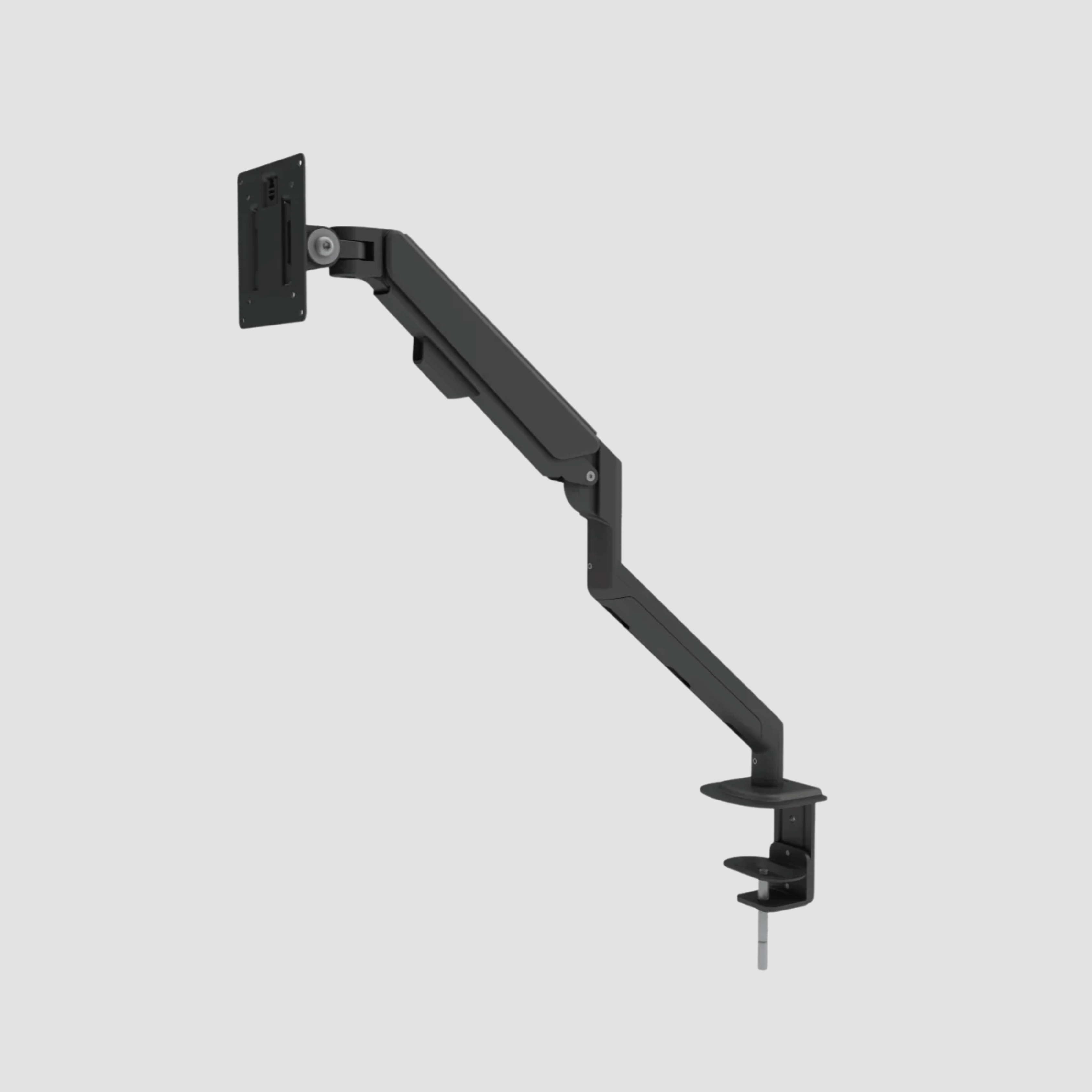
Monitor arms are valuable because they free the desk surface and make fine adjustments possible. They are especially effective on a height-adjustable desk, where the screen should travel with the work surface rather than staying behind at an unsuitable level. A clear desktop supports a clear field of view.
Keep keyboard, mouse and essentials within easy reach
Your keyboard and mouse should sit close enough that your elbows stay near your sides. Keep wrists straight and neutral, not bent upward against a desk edge. A compact keyboard can create more space for the mouse, which may help if you work with detailed movements or spend long periods navigating design software.
Arrange frequently used items inside the first reach zone: phone, notebook, pen, charging cable and water. Less-used tools can live in a drawer, cabinet or shelf. This is a modest detail with a noticeable effect. Repeated reaching, turning and searching creates friction that a well-planned workspace quietly removes.
Cable management deserves the same attention. Hanging leads interfere with the movement of a sit-stand desk and make even well-made furniture look unfinished. Route cables beneath the tabletop with enough slack for full height adjustment, keep power units off the floor where possible, and separate charging cables from the primary power setup. The result is safer, easier to clean and visually calmer.
Plan light, sound and surfaces around the workstation
Ergonomics includes what your eyes and attention experience. Position the monitor perpendicular to a window where possible. Facing the window can create glare, while sitting with a bright window directly behind the screen often strains the eyes through contrast. In Denmark, where daylight changes dramatically through the year, adjustable task lighting is a sensible addition rather than a decorative afterthought.
Use a focused lamp for reading and handwritten work, supported by softer ambient light for the room. Avoid a single harsh overhead source that reflects across the display or throws deep shadows over the desk. If video calls are regular, light your face from the front or slightly to one side rather than relying on the screen glow.
The surface beneath the chair also affects how the workstation feels. Hard flooring may benefit from a protective mat that allows smooth movement, while a soft rug can add warmth but may make rolling difficult. There is no universal answer. Choose based on the chair castors, floor finish and how often you move between seated and standing positions.
Build movement into the design
The best ergonomic plan does not assume perfect posture can be held indefinitely. Bodies benefit from change. Alternate between sitting and standing, shift your focus away from the screen at regular intervals, and take short walks to refill water or reset between tasks. A well-designed workstation makes these changes easy rather than treating them as interruptions.
Set a few personal reference points when the workstation is complete: seated desk height, standing desk height, chair height and monitor position. Save them if your desk has memory controls. This makes a shared setup more practical and prevents small adjustments from becoming a daily guessing game.
OAKO approaches this balance through solid oak worktops and technology-led desk frames, bringing material honesty to a category often dominated by disposable surfaces. The aim is not more equipment for its own sake. It is a workspace with enough quality, adjustment and visual restraint to support the way you work now and adapt as that work changes.
A good workstation should feel almost invisible once the day begins. Your attention belongs on the idea, the conversation or the craft in front of you. Plan the furniture with care, let the oak bring warmth to the room, and give your body the freedom to work without constant negotiation.


Lämna en kommentar
Denna webbplats är skyddad av hCaptcha och hCaptchas integritetspolicy . Användarvillkor gäller.