


A standing desk can make a home office feel lighter, more active and more considered. But standing desk posture is not simply a matter of raising the desktop and remaining upright until lunch. A desk set a few centimetres too high, a monitor angled poorly, or weight held on one hip can turn a promising ergonomic change into a long, tiring afternoon.
The aim is not to stand perfectly still. It is to build a workstation that lets your body change position naturally, while your screen, keyboard and work surface stay in the right relationship to you. Good posture should feel supported rather than staged.
Start with the desk, not your shoulders
Many people respond to discomfort by pulling their shoulders back or forcing their chin into position. Those adjustments may help briefly, but they rarely solve the real problem. First, set the desk to suit your body. Then let your posture settle.
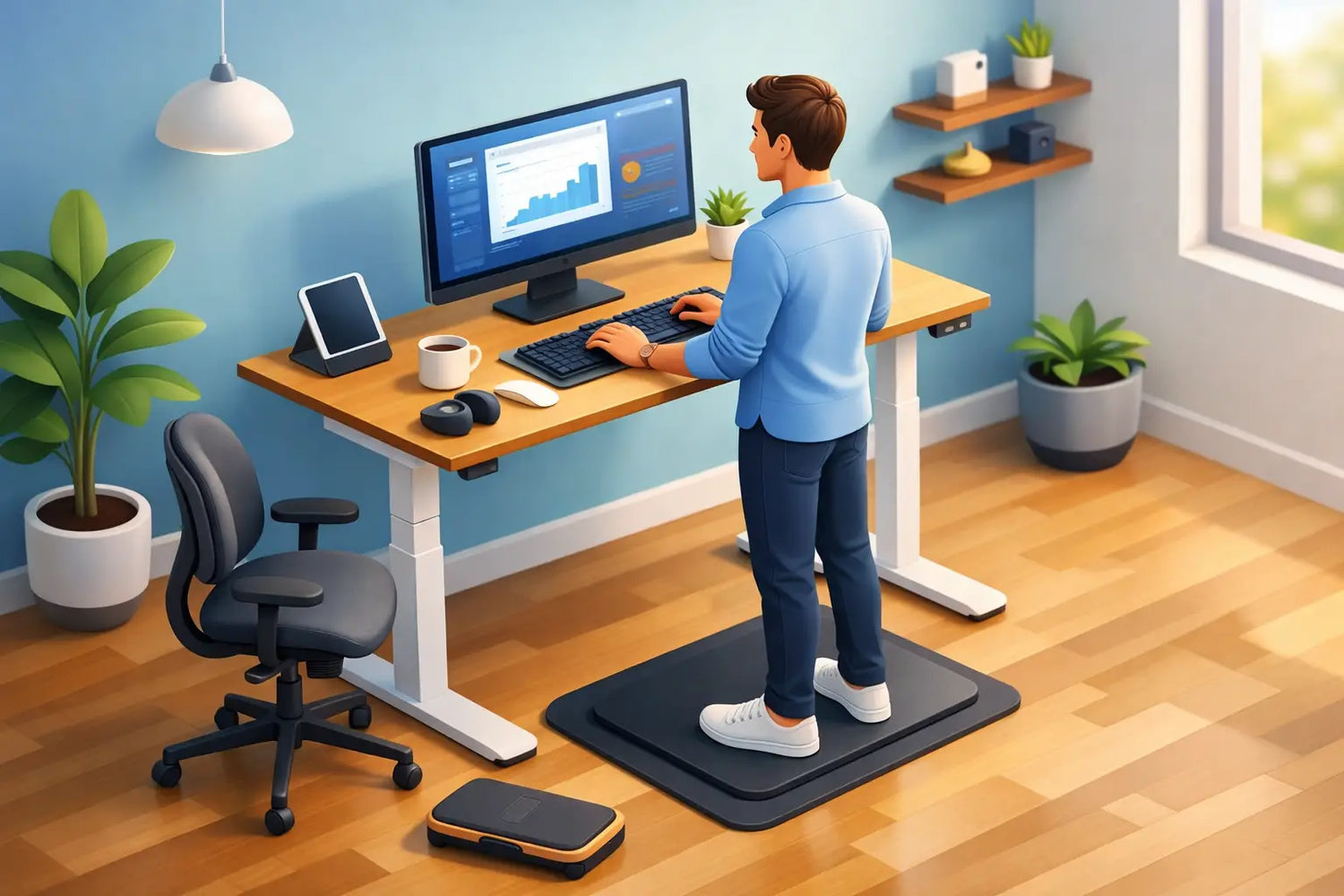
Stand close enough to the desk that you do not need to reach forward for the keyboard or mouse. Your elbows should rest comfortably near your sides, with your forearms roughly parallel to the floor or sloping very slightly down towards the desk. Your wrists should stay straight and relaxed rather than bent upwards to meet the keys.
For most people, this means the desk surface sits around elbow height. There is no universal number because shoe height, body proportions and the thickness of the desktop all matter. Use your own elbow position as the reference point, not a chart designed for an average body.
A substantial worktop also makes a practical difference. A stable solid oak surface gives your monitor arm, keyboard and daily tools a dependable foundation, without the vibration or hollow feel that can make a desk less pleasant to use. This is where material quality and ergonomic function meet: the desk should feel calm beneath your hands.
Keep your shoulders quiet
Once the desk is set, type for a minute and notice what your shoulders do. If they creep towards your ears, the surface is probably too high. If you find yourself leaning down into the keyboard, it may be too low. Adjust in small increments. A change of one or two centimetres can be enough.
Avoid locking your elbows or pressing your palms into the desk for support. The goal is a neutral, easy working position, not a rigid pose held through willpower.
Set screen height for a neutral neck
Your screen determines where your head spends most of the day. If it is too low, your neck bends forward. If it is too high, you may tilt your chin up and tighten the back of your neck. Neither is ideal for a focused workday.
Place the top third of the screen at, or a little below, eye level. When you look naturally at the centre of the display, your gaze should angle slightly downward. This works well for reading, writing and most desk-based tasks. If you wear progressive lenses, you may prefer the screen a little lower to avoid tipping your head back.
Distance matters too. Position the monitor roughly an arm's length away, then adjust for text size and visual comfort. If you lean forward to read, increasing font size is often a better answer than bringing the screen closer.
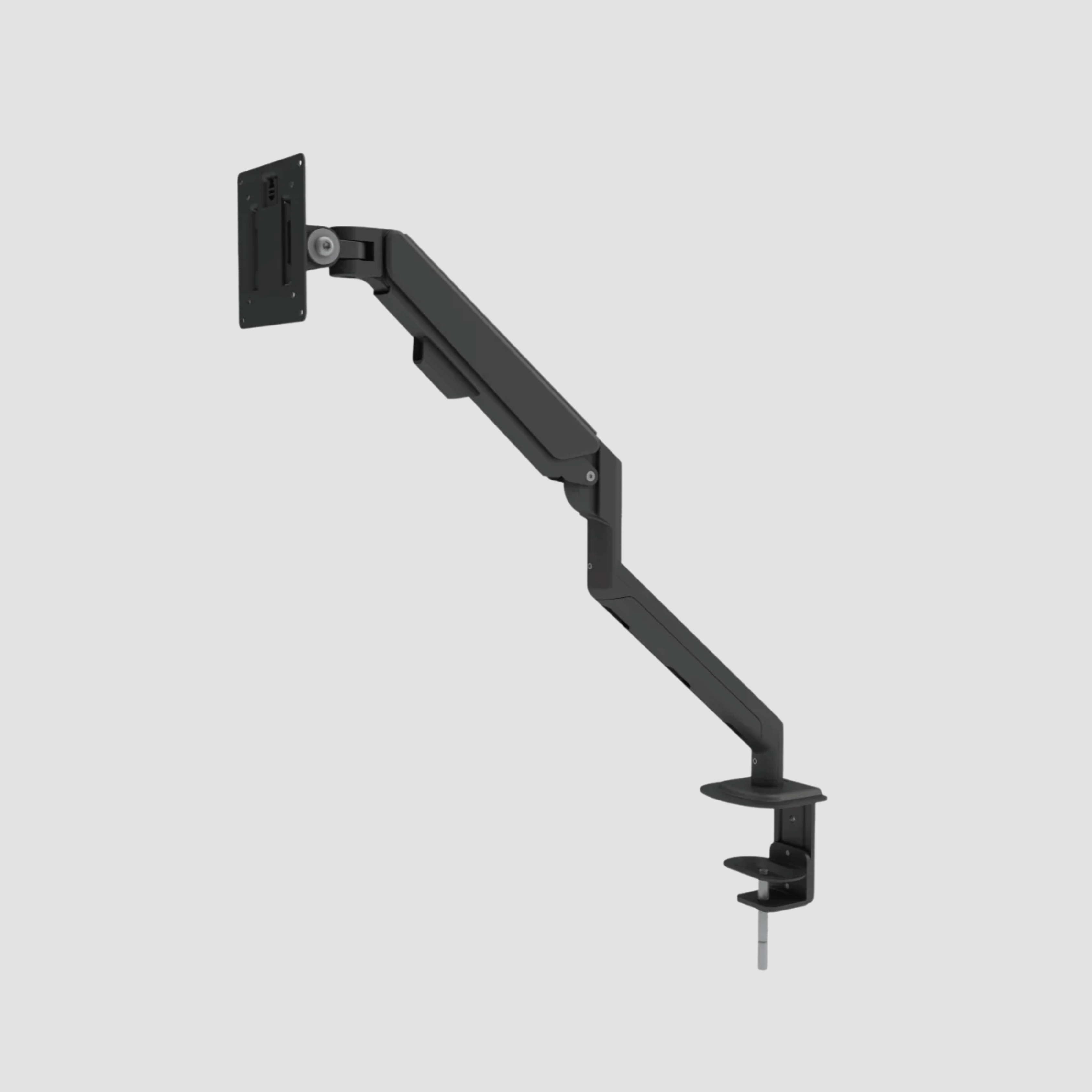
A monitor arm is particularly useful on a height-adjustable desk because it allows the screen to move with precision, rather than forcing the desk height to compensate for the monitor. Laptop users should consider raising the laptop screen and using a separate keyboard and mouse. Looking down at a laptop for several hours is one of the fastest ways to undo an otherwise thoughtful setup.
One screen or two?
With a single monitor, centre it directly in front of you. With two screens used equally, place them close together in a shallow curve and position yourself between them. If one screen is clearly your primary workspace, centre that one and place the second to the side.
Do not solve a dual-screen setup by turning your body all day. Your feet, hips and torso should generally face the work in front of you. Turn your head occasionally when needed, but avoid making rotation your default position.
Let your feet support movement
The strongest standing desk posture is not a statue-like posture. Holding perfectly symmetrical weight through both feet for hours can become tiring in its own way. Small shifts are normal and useful.
Stand with your feet about hip-width apart, knees soft rather than locked, and weight distributed comfortably. If you tend to lean into one leg, notice it without trying to eliminate every shift. Instead, change sides regularly or place one foot briefly on a low footrest. This can reduce the urge to hang through one hip and give your lower back a change of position.
A supportive floor mat can make long standing periods more comfortable, particularly on hard wood, tile or concrete floors. It is not a substitute for movement, but it can reduce fatigue underfoot. Choose one that is stable and low-profile enough that stepping on and off it does not feel awkward.
Shoes also count. Slippers with no support, worn-out trainers and hard-soled shoes can all affect how you stand. At home, the best choice is usually the pair that lets your feet feel stable and unstrained, not necessarily the most formal option.
Alternate sitting and standing with purpose
Standing desks are sometimes sold as a replacement for sitting. They are better understood as a way to avoid staying in any one position for too long. Sitting all morning and standing all afternoon simply trades one static habit for another.
A useful starting rhythm is to stand for shorter blocks, perhaps 20 to 40 minutes, then sit, walk, refill your water or move into a different task. Over time, you can find the balance that suits your concentration, comfort and workload. Detail-heavy design work may feel better seated; calls, email and lighter admin often suit standing well.
The right ratio depends on your body and the nature of the work. Someone returning from back discomfort may need more gradual transitions. Someone used to working on their feet may be comfortable standing longer. There is no prize for the longest standing streak.
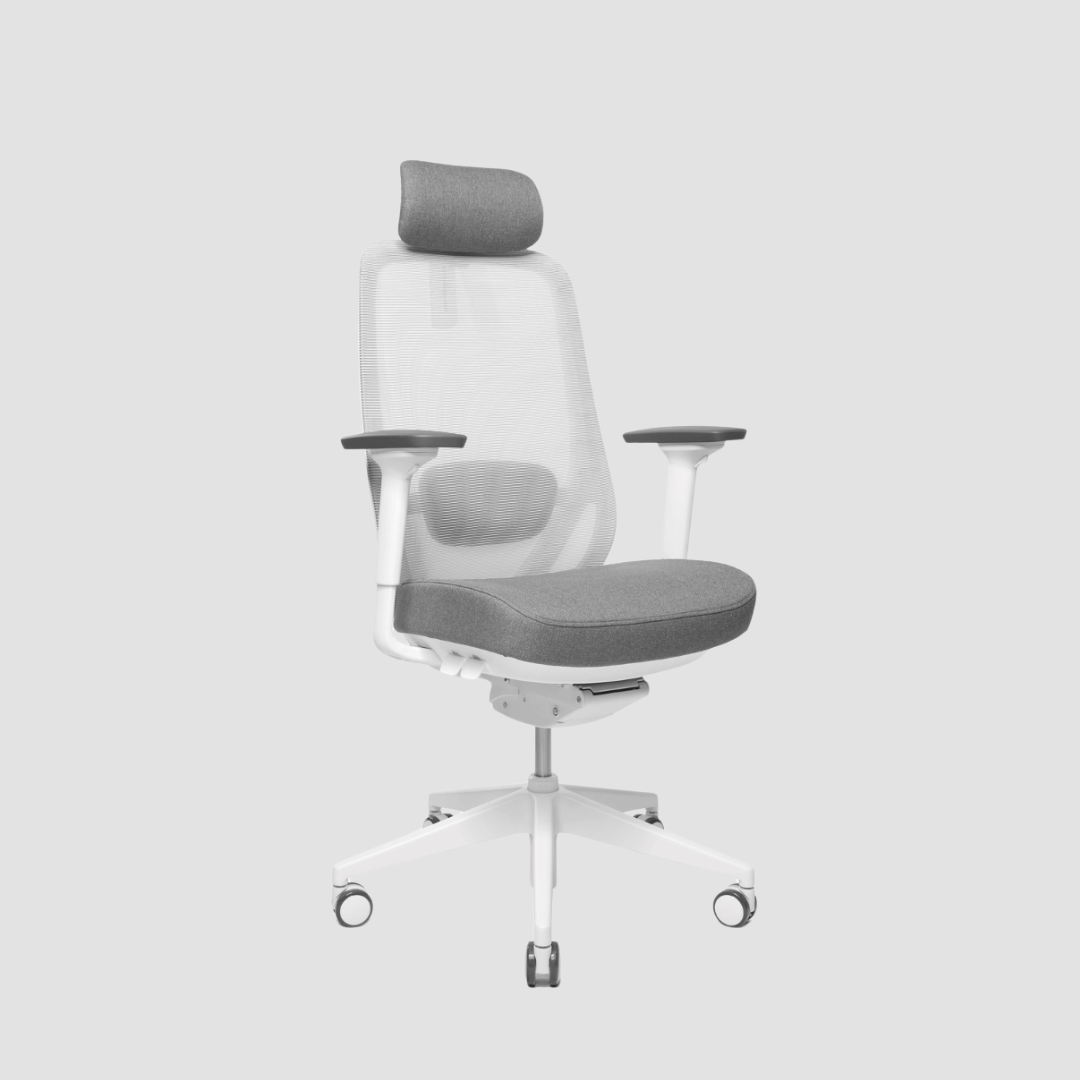
Your chair remains part of the system. When you sit, adjust it so your feet are supported, your hips are comfortable and your desk can still accommodate relaxed shoulders. A height-adjustable desk earns its value when both positions work well, not when the seated position becomes an afterthought.
Small habits that protect your standing desk posture
The final details are often the ones that shape your day. Keep the mouse close to the keyboard so you are not repeatedly reaching. Place the items you use most within easy reach. Route cables neatly, especially beneath a moving desk, so there is no visual clutter or physical resistance when you adjust the height.
Check your posture when you notice fatigue, not every five minutes. A simple reset is enough: soften the knees, let the shoulders drop, bring the screen back to centre and step away from the desk for a moment. You do not need to perform perfect ergonomics. You need a workspace that makes good choices easier.
It is also worth changing your task, not only your desk height. Take a call while walking, review a document away from the screen, or pause between meetings before starting the next piece of work. These small breaks give your eyes, hands and back more than any single ideal posture can.
When discomfort means you should adjust more than the desk
A little muscle fatigue is common when you are new to standing work. Persistent pain, tingling, numbness, headaches or discomfort that increases across the day deserves more attention. Recheck your screen, desk and input-device positions first, and reduce standing time while you adapt. If symptoms continue, seek advice from a qualified healthcare professional.
Ergonomics is personal. Desk height, monitor placement and movement habits should respond to your body rather than force your body to fit a fixed idea of what work should look like.
A well-made standing desk gives you the freedom to change position. Use that freedom often. Let oak, steel and thoughtful tools create a workspace with presence, then allow your body to do what it was designed to do: move.

Leave a comment
This site is protected by hCaptcha and the hCaptcha Privacy Policy and Terms of Service apply.