


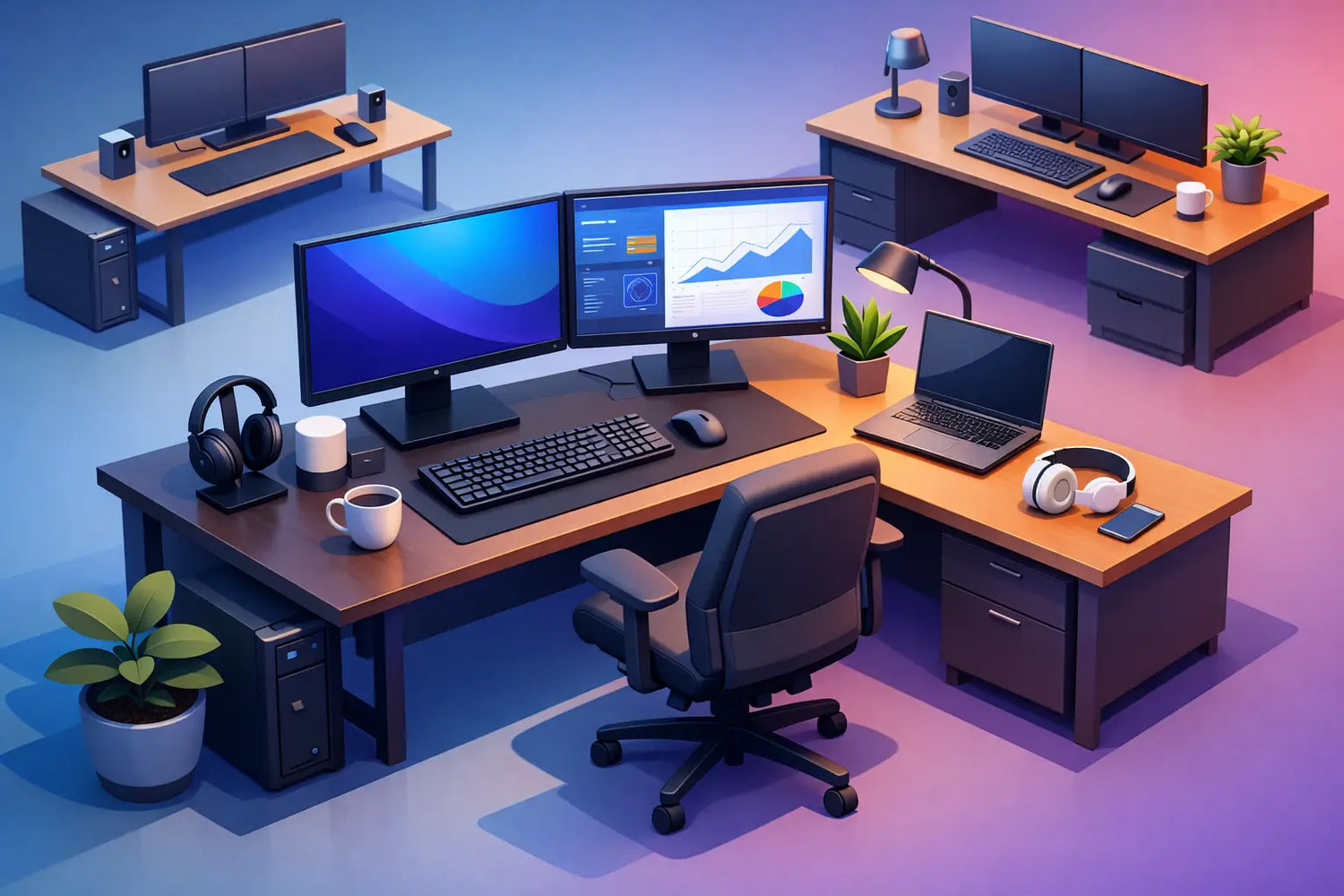
Zwei Monitore können den Arbeitstag entspannter gestalten: Nachrichten auf dem einen Bildschirm, konzentriertes Arbeiten auf dem anderen – und weniger Fenster, die um die Aufmerksamkeit buhlen. Doch welche Schreibtischgröße ist für zwei Monitore wirklich komfortabel? Die Antwort lautet nicht einfach „so groß wie möglich“. Es geht darum, Ihren Bildschirmen, Ihrer Tastatur, Ihren Armen und Ihrer Körperhaltung genügend Platz zu geben, damit alles harmonisch zusammenwirkt, während der Schreibtisch gleichzeitig im Verhältnis zum Raum steht.
Für die meisten Heimbüros ist ein Schreibtisch mit einer Breite von 140 cm und einer Tiefe von 70–80 cm die beste Ausgangsbasis für eine Konfiguration mit zwei Monitoren. Er bietet eine großzügige Bildschirmbreite, einen angemessenen Betrachtungsabstand und Platz für die Alltagsgegenstände, die einen Arbeitsplatz erst wirklich nutzbar machen. Ein größerer Schreibtisch ist oft besser, aber nur dann, wenn er Ihre Arbeitsweise unterstützt und nicht einfach nur den Raum ausfüllt.
Fang mit den Monitoren an, nicht mit dem Schreibtisch
Die Bildschirmgröße wird diagonal gemessen, wodurch zwei Bildschirme auf dem Papier täuschend kompakt wirken können. Zwei 24-Zoll-Monitore finden auf vielen Schreibtischen problemlos Platz. Zwei 27-Zoll-Monitore erfordern eine sorgfältigere Planung. Zwei 32-Zoll-Monitore können einen Standardschreibtisch überfüllen, es sei denn, die Bildschirme werden an Schwenkarmen befestigt.
Die Breite des Monitorpaares spielt zwar eine Rolle, doch ebenso entscheidend ist die Tiefe. Ihre Augen sollten etwa eine Armlänge vom Bildschirm entfernt sein, was je nach Bildschirmgröße, Auflösung und persönlichem Komfort oft etwa 60 bis 80 cm entspricht. Ist der Schreibtisch zu flach, rücken die Monitore zu nah an Sie heran, und die Tastatur landet an der Vorderkante. Ab diesem Punkt beeinträchtigt die Aufstellung Ihre Körperhaltung.
Ein Schreibtisch sollte sich wie eine Arbeitsfläche anfühlen, nicht wie ein Regal für technische Geräte. Lassen Sie vor den Monitoren genügend Freiraum, um Ihre Tastatur und Maus so zu platzieren, dass Ihre Schultern entspannt sind und Ihre Unterarme abgestützt werden. Wenn Sie skizzieren, Notizen machen, einen Laptop benutzen, Videos bearbeiten oder mit physischen Mustern arbeiten, wird dieser Freiraum noch wertvoller.
Die optimalen Schreibtischmaße für zwei Monitore
Eine praktische Größenübersicht ist hilfreich, sollte jedoch eher als Anhaltspunkt denn als feste Regel betrachtet werden. Monitorständer, Monitorarme, Laptops und die Raumstruktur beeinflussen die endgültige Entscheidung.
| Dual-monitor setup | Minimum desk size | More comfortable choice |
| --- | --- | --- |
| Two 22-24 inch monitors | 120 x 70 cm | 140 x 70 cm |
| Two 24-27 inch monitors | 140 x 70 cm | 160 x 80 cm |
| Two 27-32 inch monitors | 160 x 80 cm | 180 x 80 cm |
| Ultrawide plus second monitor | 160 x 80 cm | 180 x 80 cm |
120 cm breit: möglich, aber nur in bestimmten Fällen
Auf einem 120 cm langen Schreibtisch lassen sich zwei kompakte 22- oder 24-Zoll-Monitore unterbringen, insbesondere wenn beide an einem Doppelmonitorarm befestigt sind. Das ist eine sinnvolle Lösung für eine kleinere Kopenhagener Wohnung oder ein Gästezimmer, das als Büro dienen soll. Der Nachteil ist die begrenzte freie Arbeitsfläche. Ein Laptop, ein Notebook, eine Ladestation oder eine Schreibtischlampe beanspruchen schnell Platz.
Wählen Sie diese Größe, wenn der Raum klare Grenzen setzt und Sie fast ausschließlich am Bildschirm arbeiten. Betrachten Sie eine Tiefe von 70 cm als Mindestmaß, anstatt zugunsten von etwas mehr Platz auf dem Boden auf Tiefe zu verzichten.
140 cm breit: die durchdachte Wahl für den Alltag
Für viele Berufstätige sind 140 x 70 cm die ideale Größe. Auf dieser Fläche finden zwei 24- oder 27-Zoll-Monitore Platz, ohne dass der Schreibtisch überdimensioniert wirkt, und es bleibt noch Platz für Tastatur, Maus, Notebook und ein paar nützliche Accessoires. Außerdem eignet er sich gut für das Homeoffice, wo der Schreibtisch zwar optisch präsent sein soll, ohne den Raum zu dominieren.
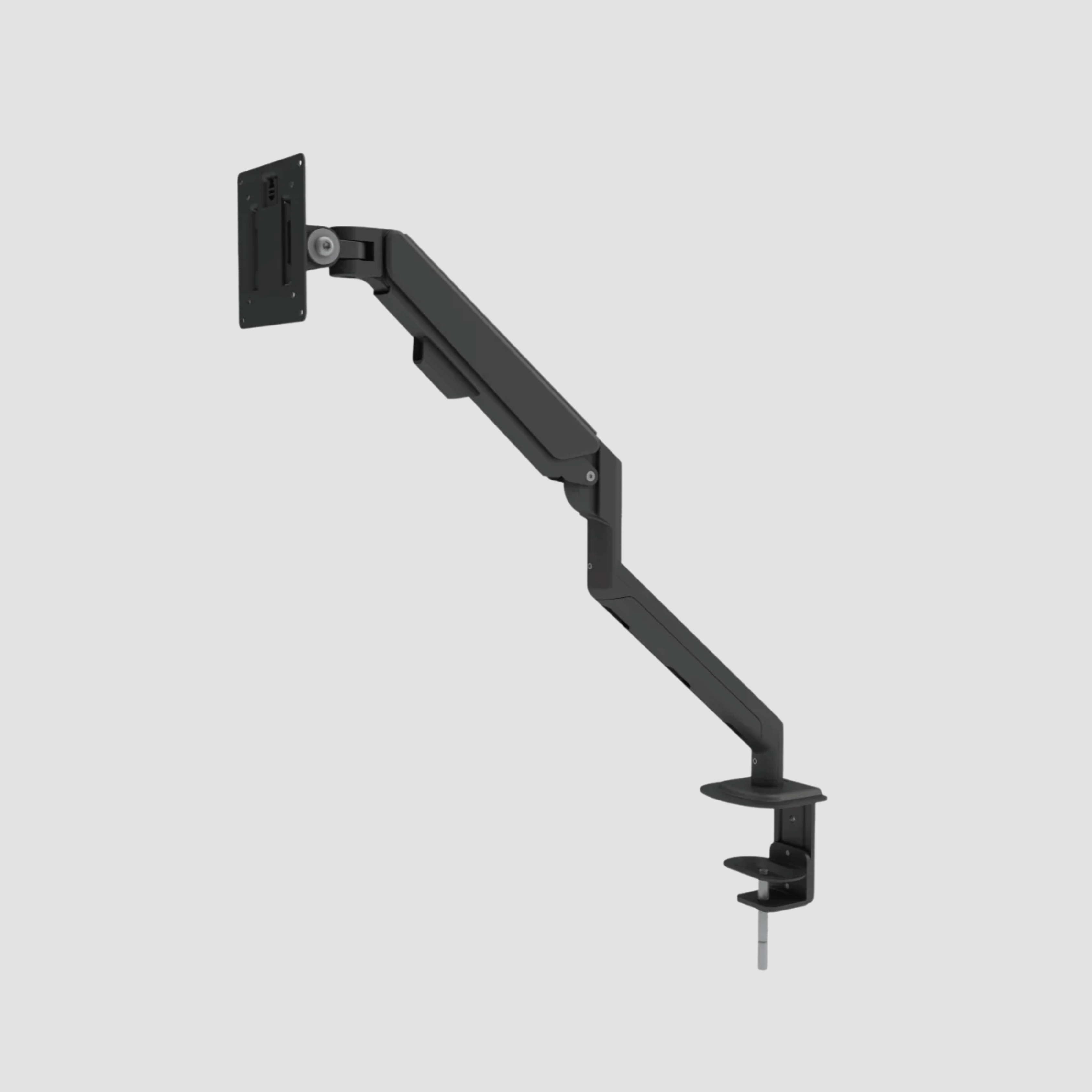
Wenn Sie Monitorarme verwenden, wird ein 140 cm langer Schreibtisch noch flexibler. Sie können die Bildschirme näher zusammenrücken, ihre Höhe präzise einstellen und den Platz darunter wieder nutzbar machen. Dies ist oft der effizienteste Weg zu einem aufgeräumten Arbeitsplatz.
160 cm breit: Platz zum Nachdenken und Arbeiten
Ein 160 cm langer Schreibtisch eignet sich ideal für zwei 27-Zoll-Monitore, ein zweites Gerät oder einen Arbeitsablauf, bei dem man zwischen Bildschirmarbeit und Papier hin- und herwechselt. Designer, Entwickler, Analysten, Architekten und Personen, die mehrere Projekte gleichzeitig betreuen, schätzen oft die zusätzliche Breite. Sie sorgt für mehr Freiraum im Arbeitsbereich, was praktische Vorteile mit sich bringt: Kabel lassen sich leichter verlegen, Lautsprecher können außerhalb des Monitorbereichs platziert werden und ein Notebook muss nicht auf dem Schoß liegen.
Mit einer Tiefe von 80 cm wirkt ein 160 cm langer Schreibtisch besonders ausgewogen. Dank der tieferen Arbeitsfläche können Sie größere Monitore in einem angenehmen Abstand aufstellen und haben dennoch vor diesen ausreichend Platz zum Arbeiten.
180 cm breit: ein Arbeitsbereich in echter Studio-Größe
Ein 180 cm langer Schreibtisch eignet sich für größere Monitore, kreative Arbeitsgeräte und Menschen, die von ihrem Schreibtisch mehr erwarten als nur einen herkömmlichen Büroalltag. Er bietet bequem Platz für zwei 32-Zoll-Displays, einen Ultrawide-Monitor mit einem vertikal angeordneten Zusatzbildschirm oder eine Dual-Monitor-Konfiguration zusammen mit einem Laptop und einem Grafiktablett.
Das ist nicht automatisch für jeden die richtige Wahl. In einem kleinen Raum kann ein übergroßer Schreibtisch die Bewegungsfreiheit einschränken und den Raum bedrückend wirken lassen. Bevor Sie sich für 180 cm entscheiden, markieren Sie die Grundfläche mit Klebeband auf dem Boden. Lassen Sie genügend Platz für Ihren Stuhl, Stauraum und natürliche Bewegungsfreiheit rund um den Schreibtisch.
Warum die Tiefe eines Schreibtisches wichtiger ist, als die meisten Menschen vermuten
Die Breite steht zwar im Vordergrund, doch oft entscheidet die Tiefe darüber, ob die Ergonomie bei der Nutzung von zwei Monitoren stimmt oder nicht. Ein 60 cm tiefer Schreibtisch mag mit den Monitoren auf ihren Originalständern aufgeräumt wirken, bietet jedoch kaum Platz, um einen gesunden Abstand zwischen Augen, Tastatur und Monitoren zu schaffen. Bei kleineren Bildschirmen ist dies zwar machbar, aber selten wirklich großzügig.
Bei einer Tiefe von 70 cm lassen sich die meisten Dual-Monitor-Konfigurationen komfortabler gestalten. Bei 80 cm haben größere Bildschirme den Platz, den sie verdienen. Sie können die Monitore weiter nach hinten stellen, eine natürliche Tastaturposition beibehalten und die nach vorne geneigte Kopfhaltung vermeiden, die entsteht, wenn die Bildschirme zu nah beieinander stehen.
Monitorarme verändern zwar die Berechnung, machen die Tiefe jedoch nicht überflüssig. Sie schaffen Platz auf der Arbeitsfläche und ermöglichen eine feinere Einstellung, doch die Bildschirme benötigen nach wie vor einen angemessenen Betrachtungsabstand. Wählen Sie die Schreibtischtiefe entsprechend Ihrer Körpergröße und der Größe Ihrer Bildschirme aus – und nicht nur danach, was an die Wand passt.
Planen Sie ausreichend Platz um die Bildschirme herum ein
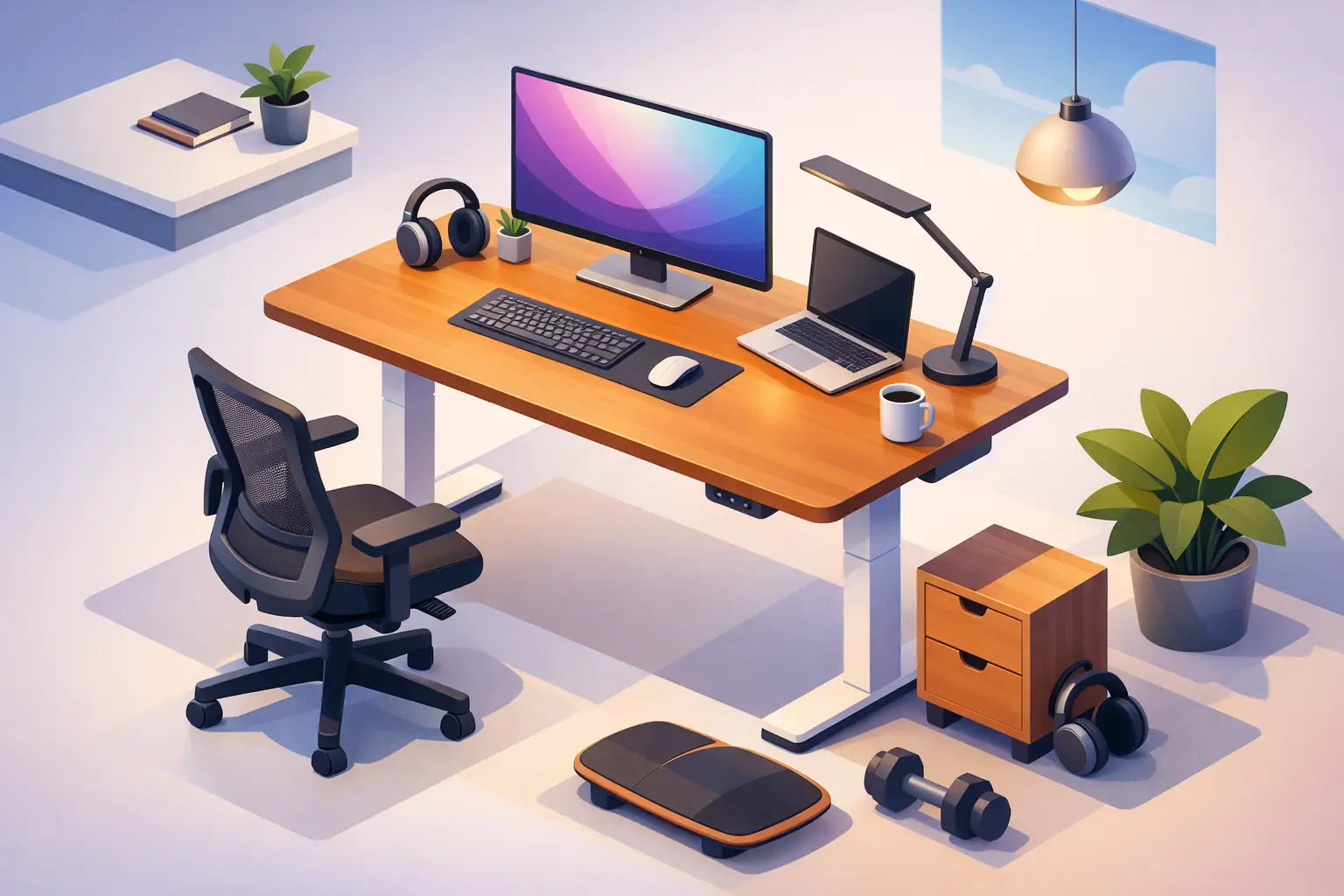
Die Tischplatte ist nur ein Teil des Arbeitsplatzes. Eine Konfiguration mit zwei Monitoren erfordert ein stabiles Fundament, eine übersichtliche Kabelführung und einen ausreichenden Verstellbereich, um unterschiedlichen Aufgaben oder Benutzern gerecht zu werden. Wenn Sie sich für einen höhenverstellbaren Schreibtisch entscheiden, sollten Sie berücksichtigen, wo sich die Bildschirme befinden, wenn Sie stehen und wenn Sie sitzen. Die Höhe der Monitore sollte in beiden Positionen angenehm sein.
Stellen Sie die Oberkante jedes Bildschirms auf Augenhöhe oder etwas darunter ein. Platzieren Sie den Hauptmonitor direkt vor sich und neigen Sie den zweiten Monitor nach innen, damit Sie Ihren Hals nicht ständig drehen müssen. Wenn beide Bildschirme gleichermaßen genutzt werden, positionieren Sie sie symmetrisch, sodass die Verbindungslinie in der Mitte verläuft. Eine flache V-Form wirkt in der Regel natürlicher als eine gerade Linie.
Die Kabelführung sollte schon frühzeitig berücksichtigt werden. Bei zwei Monitoren fallen Stromkabel, Bildschirmkabel und oft auch ein Kabel für jeden Monitorarm an. Eine Kabelrinne unter dem Schreibtisch und eine übersichtliche Verlegung zur Steckdose sorgen für eine aufgeräumte Optik der Eichenholzoberfläche und erleichtern das Heben und Senken eines Stehschreibtisches, ohne dass sich etwas verfangen kann.
Berücksichtigen Sie das Material und die Struktur unterhalb der Anlage
Zwei Monitore, Halterungen und Zubehör belasten die Tischplatte punktuell, insbesondere nahe der Hinterkante, wo die Klemmen befestigt sind. Eine massive Eichenplatte bietet die Stabilität und haptische Qualität, die leichten, hohlen Arbeitsplatten oft fehlen. Außerdem gewinnt sie mit der Zeit an Charakter. Kleine Gebrauchsspuren können Teil einer echten Arbeitsfläche werden, anstatt als Beweis dafür zu dienen, dass sie nicht für die Ewigkeit gedacht war.
Prüfen Sie den Befestigungsbereich, bevor Sie sich für einen Monitorarm entscheiden. Manche Schreibtische verfügen über Tragschienen oder Kabelkanäle nahe der Hinterkante, sodass die Armhalterung ausreichend freien Platz benötigt. Ein gut konstruierter Schreibtisch sollte die Geräte aufnehmen können, ohne dass man bei der Platzierung ungünstige Kompromisse eingehen muss.
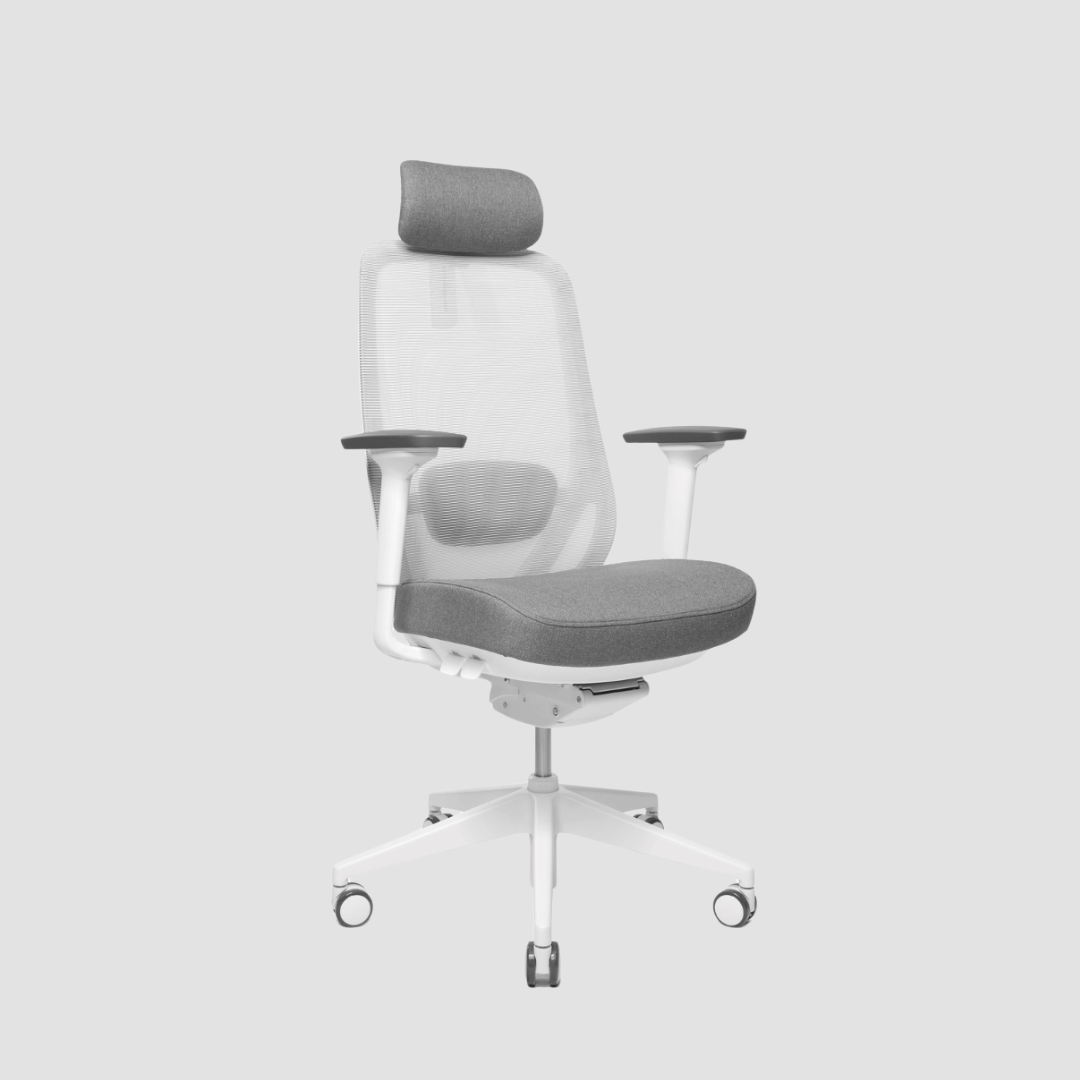
Genau hier kommt ein umfassendes Arbeitsplatzsystem zum Tragen. Bei OAKO geht es bei der optimalen Schreibtischkonfiguration nicht nur um die Abmessungen der Tischplatte. Es ist das Zusammenspiel aus massiver Eiche, einem stabilen Gestell, einem ergonomischen Stuhl, richtig platzierten Bildschirmen und den Details, die visuelle Ablenkungen aus dem Blickfeld halten.
Entscheiden Sie sich für Ihre Arbeit – nicht nur für Ihre Monitore
Ein Finanzfachmann, der an zwei 27-Zoll-Bildschirmen arbeitet, benötigt möglicherweise kaum mehr als eine Tastatur und eine Maus. Ein Kreativdirektor mit denselben Bildschirmen benötigt möglicherweise zusätzlich Skizzenbücher, Farbmuster, eine Kamera, Lautsprecher und einen Laptop. Die für sie idealen Schreibtischgrößen sind daher nicht dieselben.
Überlegen Sie sich einmal ganz ehrlich, was an einem arbeitsreichen Tag auf Ihrem Schreibtisch liegen bleibt. Wenn Sie regelmäßig Dinge beiseite räumen müssen, um Platz für ein Besprechungsnotizbuch zu schaffen, ist der Schreibtisch für Ihre Arbeitsweise zu klein. Wenn die Hälfte der Fläche ständig leer ist und der Schreibtisch die Nutzung des Raums erschwert, ist er möglicherweise größer als nötig.
Wenn Sie eine langlebige Lösung suchen, sollten Sie sich für den kleinsten Schreibtisch entscheiden, der dennoch ausreichend Freiraum um die Monitore herum lässt. Für die meisten Arbeitsplätze mit zwei Bildschirmen bedeutet das eine Mindestgröße von 140 x 70 cm, wobei 160 x 80 cm ein spürbar entspannteres Arbeitserlebnis bieten. Der Schreibtisch sollte Raum für Konzentration, eine gute Körperhaltung und die Arbeitsutensilien Ihres Berufs schaffen. Die richtige Größe sollte sich jedes Mal, wenn Sie sich hinsetzen, unaufdringlich großzügig anfühlen.


Hinterlasse einen Kommentar
Diese Website ist durch hCaptcha geschützt und es gelten die allgemeinen Geschäftsbedingungen und Datenschutzbestimmungen von hCaptcha.