


A desk that shifts under your hands changes more than the feeling of a work surface. It can make typing less precise, a monitor gently tremble, and a carefully considered home office feel unfinished. Learning how to prevent desk wobble starts with one useful distinction: not all movement comes from the same place. A floor, a frame, a loose fitting and an overloaded desktop can produce similar symptoms, but each calls for a different fix.
For a workspace built around focus, the goal is not necessarily absolute stillness. Every height-adjustable desk has a small amount of natural movement, particularly at standing height, where the frame is extended. The aim is a desk that feels planted, composed and dependable in the way you use it every day.
First, identify where the movement begins
Before tightening every screw, place both hands on the desk and apply light pressure in different directions. Push from side to side, then front to back. Repeat the test at sitting height and standing height. Notice whether the desk rocks at the feet, sways through the legs, or flexes at the connection between the frame and tabletop.
A rocking desk usually points to an uneven floor or uneven feet. A desk that moves more at one height than another is often responding to the geometry of a lifting frame. Movement that appears when you rest your forearms on the edge of the top may be caused by loose fasteners or a desktop that is not properly supported.
This short diagnosis matters. Adding pads beneath a foot will not solve a loose frame, and overtightening bolts will not correct a floor that slopes slightly beneath the desk.
How to prevent desk wobble on an uneven floor
Even well-made furniture has to negotiate the room it lives in. Old floorboards, tiled surfaces, natural stone and some floating floors can have small variations that are enough to make a desk rock. Start by moving the desk a few centimetres in each direction. Sometimes a different position immediately gives all four feet better contact with the floor.
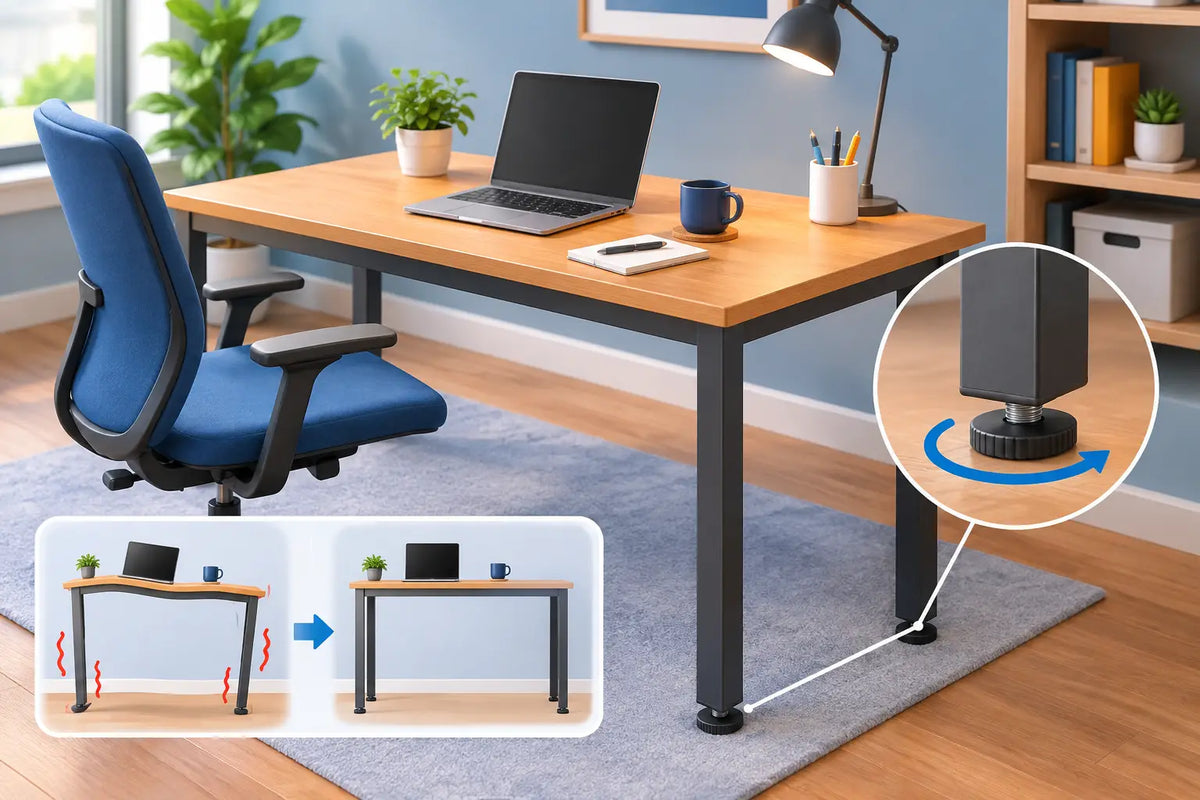
If the rocking remains, adjust the levelling feet if your frame has them. Turn one foot gradually, then test the desk again. Work in small increments. Raising a foot too far can transfer the instability to another corner, and it is easy to chase the problem around the frame.
When a desk has no adjustable feet, a thin, dense furniture shim can work well beneath the short leg. Choose a material that will not compress quickly or slide across the floor. Avoid folded paper, soft felt pads and improvised pieces of cardboard. They can solve the issue for an afternoon, then flatten or shift and bring the wobble back.
A rug can also be part of the equation. A substantial, flat-woven rug may create a stable visual foundation, but a deep, soft pile can allow feet to sink at different rates. If you are placing a standing desk on carpet, check it after the desk has been loaded with your normal equipment. The change in weight can alter how level it feels.
Check the desk with its real working load
Do not test stability with an empty surface and assume the job is complete. Add your monitor, laptop, desk lamp, docking station and any other equipment you normally keep on the desk. A monitor arm creates a different type of leverage than a monitor resting on its own base, especially when it is mounted near one side or the rear edge.
If your setup includes two screens or a large ultrawide display, place the heaviest items close to the centreline of the frame where practical. This does not mean compromising the layout you need for good posture. It simply means avoiding unnecessary weight concentrated at one far corner.
Tighten the frame, but do it with care
Furniture hardware settles. This is normal, particularly after a new desk has been assembled, moved, or adjusted through a range of heights in its first weeks of use. Recheck the bolts that secure the feet to the lifting columns, the crossbar or support rails, and the tabletop to the frame.
Use the correct tool and follow the assembly guidance for your particular desk. Tighten fittings evenly rather than fully tightening one point before touching the others. The objective is firm, aligned connections, not maximum force. Over-tightening can damage threads, compress timber fibres around a fixing point, or make later adjustments unnecessarily difficult.
For solid wood tops, remember that timber is a living material. Oak responds subtly to seasonal humidity. A well-designed mounting system allows the wood to move naturally while keeping the desk securely attached to its frame. If you are removing or refitting a tabletop, use the designated fixing points rather than adding random screws into the underside. This protects both the structure and the material you chose for its character and longevity.
Expect more movement at standing height
A height-adjustable desk is at its most mechanically demanding when raised. The taller the lifting columns extend, the more noticeable small movements can become. This does not automatically mean something is wrong. What matters is whether the desk remains stable enough for comfortable writing, typing and screen work at your preferred standing height.
Set your standing position correctly before judging the frame. Your elbows should sit around a 90-degree angle, with shoulders relaxed rather than lifted. A desk raised beyond your ergonomic working height may feel less stable and will also encourage tension through the neck and shoulders.
Frame quality makes a meaningful difference here. A dual-motor, steel standing-desk frame with a broad stance and carefully engineered connections has more inherent resistance to movement than a lightweight single-column alternative. There is still a trade-off: compact frames suit smaller rooms, while wider and heavier structures generally offer greater stability. Choose according to the scale of your workspace and the equipment it needs to carry.
Build a balanced desktop setup
Desk wobble is sometimes amplified by the items above the desk rather than the desk itself. A tall monitor arm, a microphone boom, speakers on high stands or a printer positioned at the outer edge can create visible vibration from even minor movement. This is particularly noticeable during video calls, where a camera mounted to a monitor can make a small tremor look far more dramatic on screen.
Keep heavy equipment low and close to the centre of the desktop where possible. Route cables with enough slack for the full travel of a standing desk, but not so much that bundled cables tug against the frame or catch on a wall, drawer unit or cable tray. A cable that is under tension can make a desk appear unstable when it is actually being pulled from one side.
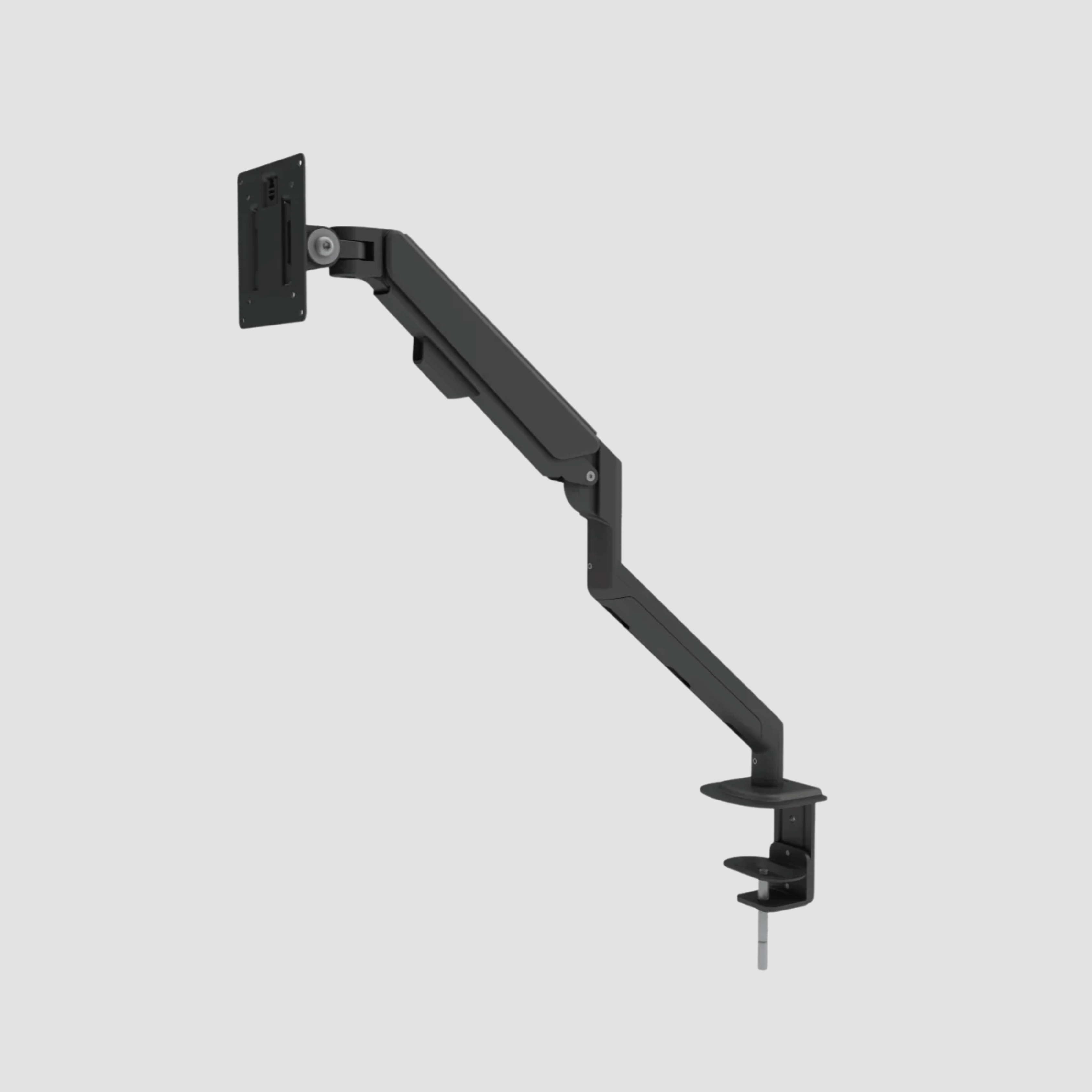
Monitor arms should be tightened according to their own specifications, including the clamp and each pivot point. If the screen moves but the desk does not, the arm is the component to adjust. Separating these two issues saves time and avoids unnecessary changes to the desk itself.
Do not overlook the tabletop
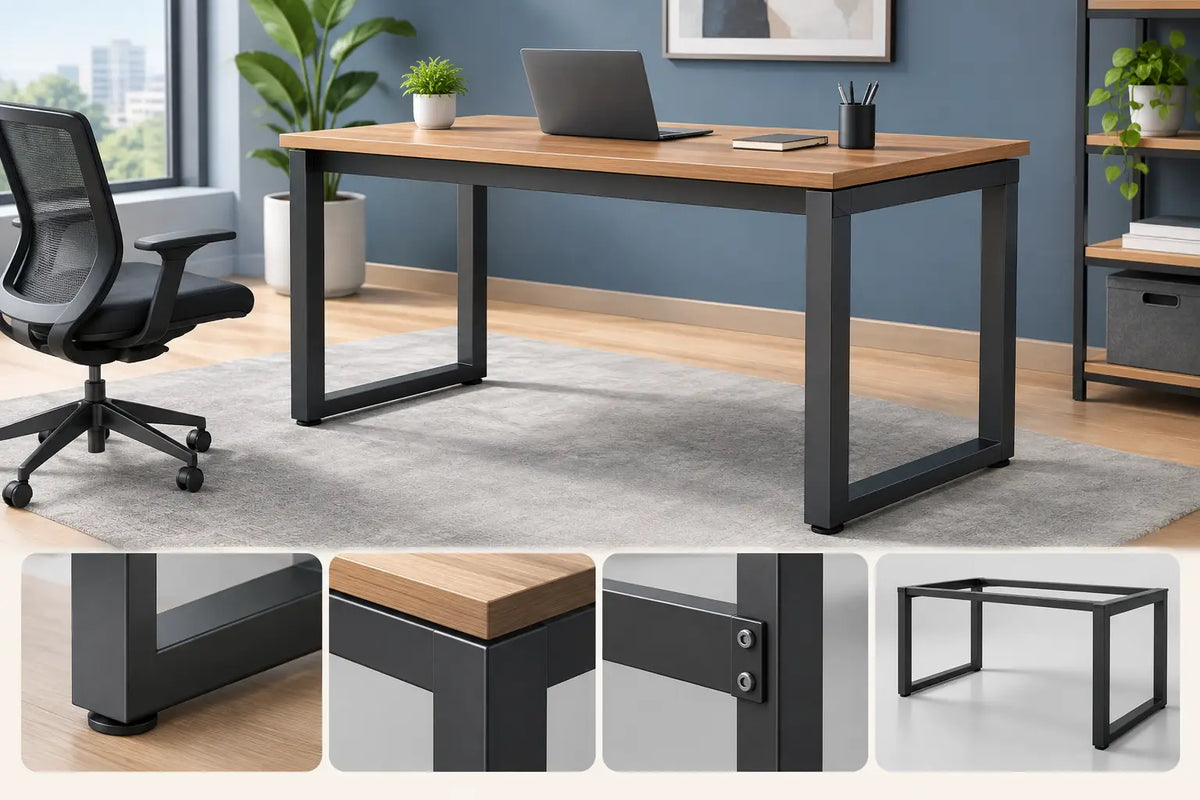
A desktop should feel substantial, but thickness alone is not the full story. Its stiffness, grain structure, mounting method and support beneath the surface all influence the working feel. A quality solid oak top brings welcome mass and natural rigidity, while also giving the workspace a warmer, more settled presence than a thin laminate surface.
That said, a heavier top must be matched to a frame rated for its size and load. An oversized desktop fitted to an underspecified frame can reduce stability, particularly when raised. Check that the top dimensions, weight and fixing pattern are appropriate for the base. This is one reason a complete desk system can be a more reliable choice than combining unrelated parts.
At OAKO, the balance between solid European oak and steel frame engineering is considered as one piece of furniture, not as a tabletop and mechanism that merely happen to meet. That relationship is what gives a desk both visual calm and daily confidence.
When wobble needs more than an adjustment
If a desk suddenly becomes noticeably unstable after being steady for months, stop using it at full height until you find the cause. Look for a damaged foot, bent component, cracked bracket, stripped thread or a lifting column that is not operating evenly. A new creak, click or uneven rise can offer an early clue.
Do not attempt to straighten structural metal parts with force or compensate for damage using stacks of pads. Contact the manufacturer or a qualified furniture professional if a frame component appears compromised. Stability is central to comfort, but it is also a safety issue when expensive monitors and electronics are mounted above the surface.
A well-set desk should disappear into your working rhythm. When the floor is levelled, fittings are secure and the load is thoughtfully placed, your hands meet a surface that feels quiet, solid and ready for the work that matters.

Commenta
Questo sito è protetto da hCaptcha e applica le Norme sulla privacy e i Termini di servizio di hCaptcha.