


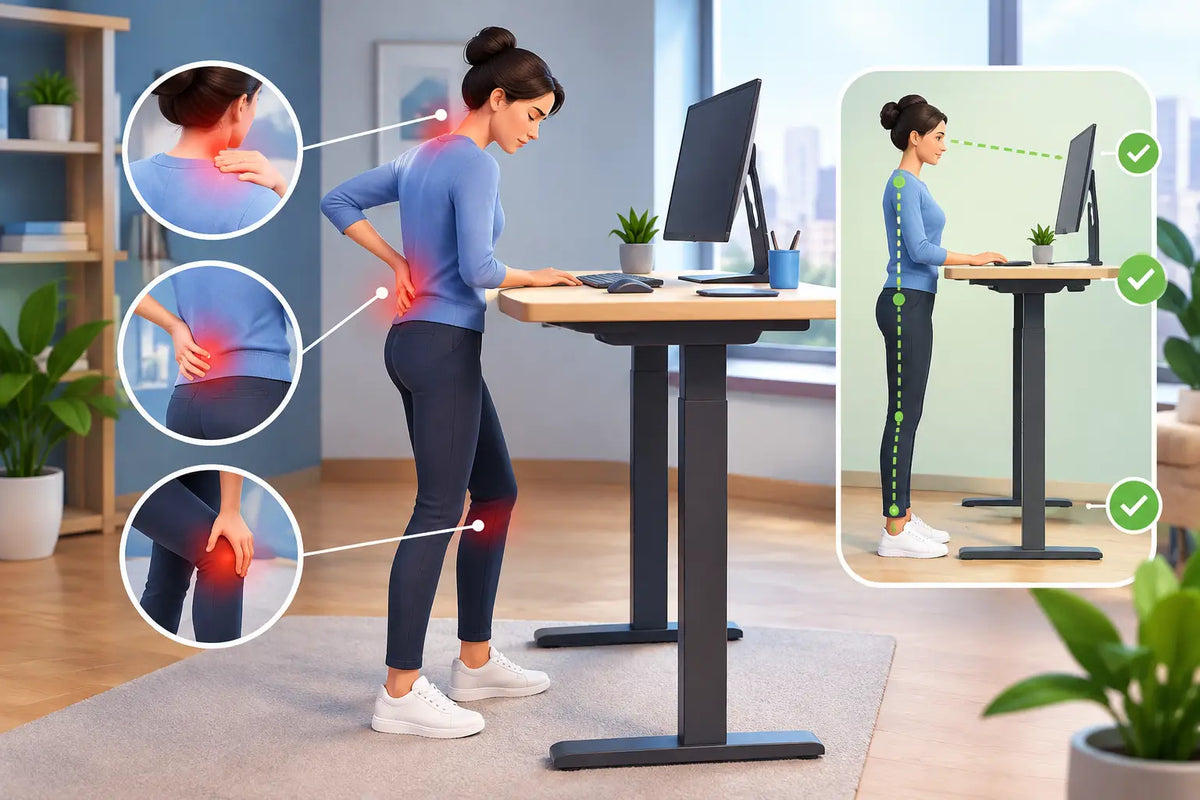
A standing desk should make the working day feel lighter, not leave you counting the minutes until you can sit down. So, what causes standing desk pain? Usually, it is not standing itself. It is a workstation that asks your body to hold one position for too long, at the wrong height, with too little support.
The promise of a height-adjustable desk is movement. When that movement disappears, even the most beautifully made workspace can become uncomfortable. The aim is not to stand all day with perfect posture. It is to create a working rhythm that lets your shoulders relax, your feet recover, and your focus stay where it belongs.
What causes standing desk pain most often?
Standing desk discomfort tends to build quietly. A tight neck at 11am, sore heels by mid-afternoon, a low back that feels tired rather than injured. These signals often point to a setup issue, not a personal failure to “stand correctly”.
The most common cause is static loading. Whether you sit or stand, the body does not enjoy being held still for hours. Standing transfers more of your weight through the feet, calves, knees, hips and lower back. Without regular position changes, muscles work continuously to stabilise you. Fatigue follows.
Desk height, monitor placement and the reach to your keyboard can compound the problem. A desk that is only a few centimetres too high may make your shoulders creep upwards all day. One that is too low can round the upper back and pull the head forward. These small compromises are easy to miss, particularly when you are absorbed in work.
Your desk is set at the wrong height
At standing height, your keyboard should allow your elbows to rest close to your sides, bent at roughly 90 degrees or slightly more open. Your forearms should be broadly level with the floor, while your shoulders remain low and easy.
If you have to lift your arms to type, the desk is likely too high. If you fold over the keyboard or feel your wrists bending upwards, it may be too low. The correct setting is individual. Height, footwear and even the thickness of a desktop all influence the final number, which is why a desk with a generous height range matters more than a one-size-fits-all solution.
A solid, stable surface also makes a difference. When a desk wobbles, you unconsciously brace against it. That may not feel dramatic in the moment, but constant bracing can add unnecessary tension through the shoulders and trunk.
Your screen pulls your neck forward
The top third of the monitor should generally sit around eye level, with the screen about an arm’s length away. The exact position depends on screen size, prescription lenses and personal comfort, but the principle is simple: your gaze should fall naturally forward, not sharply down.
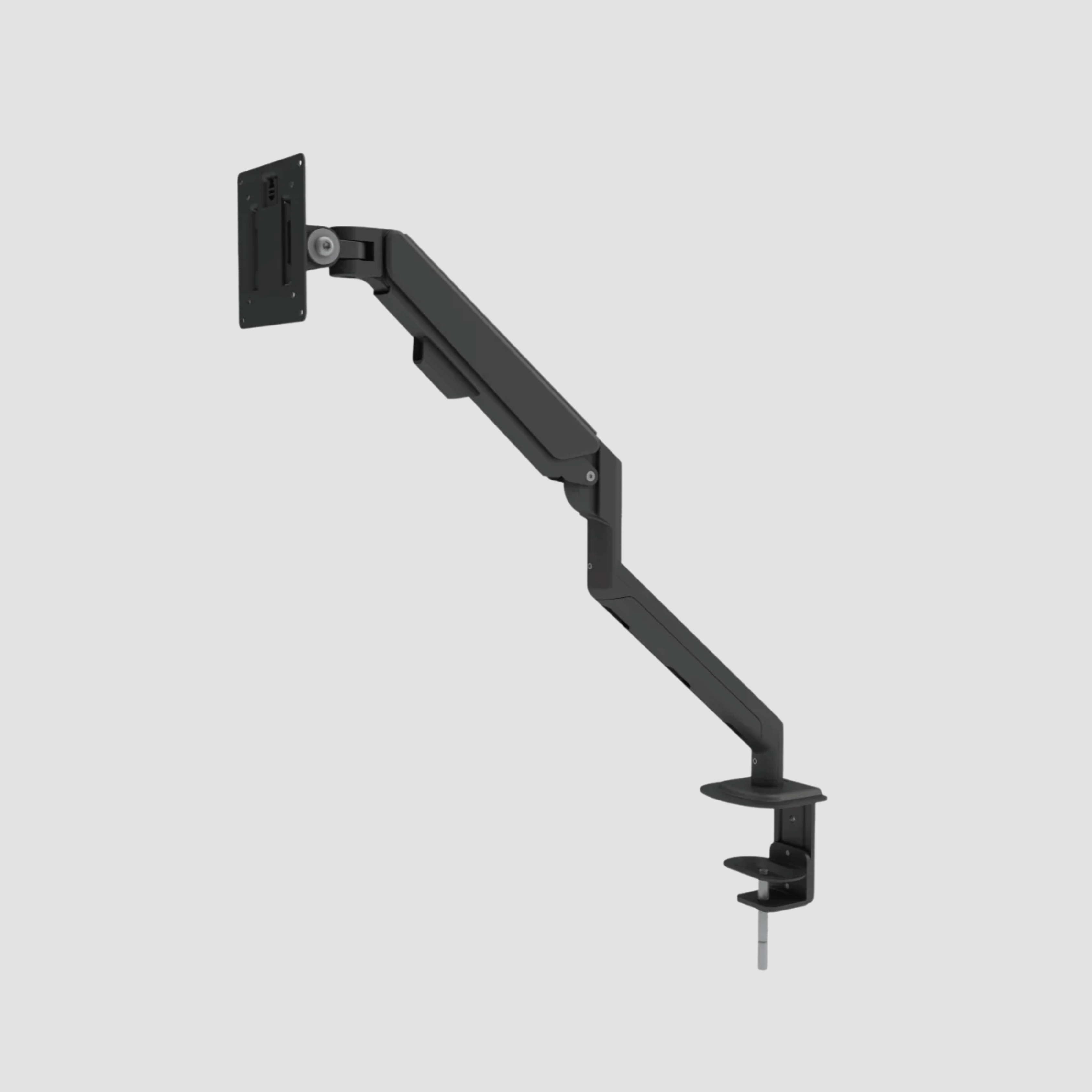
Laptop users are particularly vulnerable here. A laptop placed directly on the desk forces a choice between looking down at the screen and raising the arms to reach the keyboard. An external keyboard and mouse, paired with a raised screen or monitor arm, separates those two tasks and gives each the height it needs.
Dual screens deserve the same attention. If you use both equally, place them close together and centred. If one is your primary screen, centre that one and angle the second beside it. Repeatedly turning your head towards an off-centre display is a reliable route to one-sided neck and shoulder tension.
Your feet and footwear have no support
Hard floors can make standing feel punishing long before the desk itself is to blame. Feet are designed to move and adapt, not to bear weight in one fixed position on timber, tile or concrete for a full working day.
Supportive shoes can help, especially if you are transitioning to more standing. A quality anti-fatigue mat can reduce pressure underfoot and encourage subtle movement through the ankles and calves. It is useful, but it is not a licence to stand still for eight hours. Think of it as a comfort layer, not a complete ergonomic strategy.
Avoid locking your knees. Shift your weight, rest one foot briefly on a low footrest, or take a few steps while reading. These small changes help circulation and reduce the sense of heaviness that can gather in the legs.
You changed too much, too fast
A new standing desk can invite an understandable burst of enthusiasm: today, you will stand all day. For many people, that is simply too much too soon. The tissues in your feet, calves and lower back need time to adapt to a different daily load.
Start with shorter standing blocks, perhaps 20 to 30 minutes at a time, then sit for focused work or calls. Increase gradually according to how you feel the following day. There is no prize for maximum standing time. The right balance depends on your body, your work, your existing comfort level and whether you are recovering from an injury.
Why sitting all day is not the answer either
When standing creates discomfort, it is tempting to return to sitting and leave the desk at its lowest setting. But prolonged sitting brings its own problems: stiff hips, reduced movement, slumped shoulders and a working posture that slowly collapses as the afternoon goes on.
The better approach is variation. Change between sitting and standing before discomfort becomes pronounced, rather than waiting until you need relief. A useful rhythm might be to stand for email, short tasks and calls, then sit for long-form writing, detailed design work or deep concentration. The pattern matters more than a strict timer.
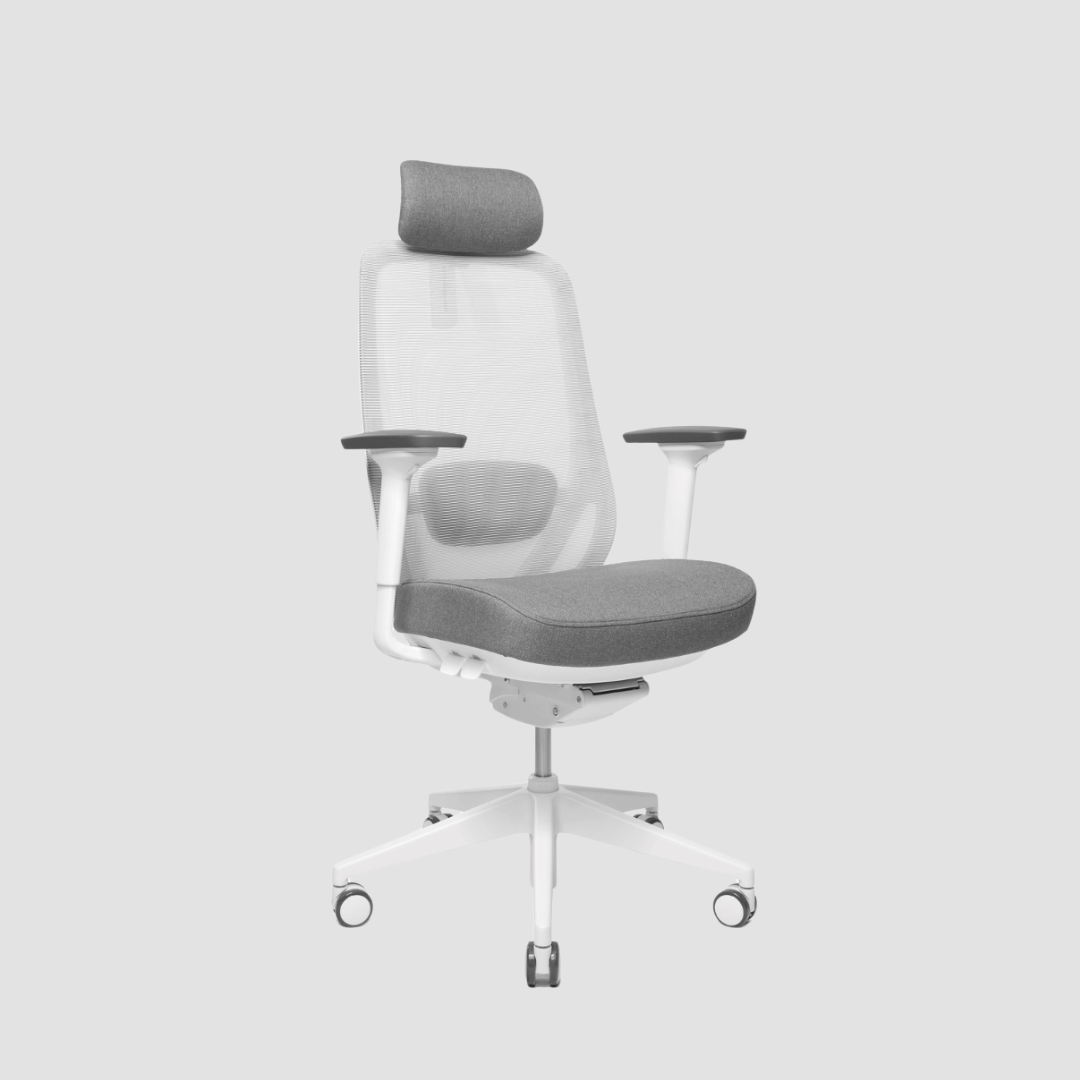
Your chair remains part of the system. When you sit, adjust the chair so your feet are supported, knees are comfortable and your lower back has room to maintain its natural curve. A height-adjustable desk works best alongside a chair that can be properly adjusted, not as a replacement for one.
How to reset a painful standing desk setup
Begin with the desk and keyboard. Stand naturally in the shoes you usually wear, let your arms fall by your sides, then bend your elbows. Set the desktop near that elbow height and fine-tune from there. Your wrists should stay neutral while typing, neither sharply lifted nor dropped.
Next, place the monitor directly in front of you and raise it until your neck no longer has to bend down. Bring the mouse close enough that you do not reach from the shoulder. If your desk has a generous surface, resist the urge to spread every object across it. The items you use most should sit within easy reach.
Then look below the desk. Give your feet enough clear floor space to shift position. Add a mat if the floor is unforgiving, and make sure cables are managed rather than creating a small obstacle course underfoot. A calm, considered workspace supports better movement as much as better visual order.
Finally, build movement into the day outside the desk itself. Walk while taking a call when practical, refill your water, stretch the chest after concentrated screen work, and change position between tasks. Ergonomics is not a single posture held perfectly. It is a workspace that makes healthy movement easy.
When standing desk pain needs more attention
Mild fatigue that improves after rest and setup adjustments is common, especially during the first weeks. Persistent pain is different. Seek guidance from a qualified healthcare professional if pain is sharp, severe, worsening, associated with numbness or tingling, radiates into an arm or leg, or continues despite changing your setup and working habits.
It is also worth considering what happens beyond the desk. Old injuries, poorly fitted shoes, long commutes, stress and sleep can all influence how your body responds to standing. Your workspace can remove unnecessary strain, but it cannot solve every source of pain on its own.
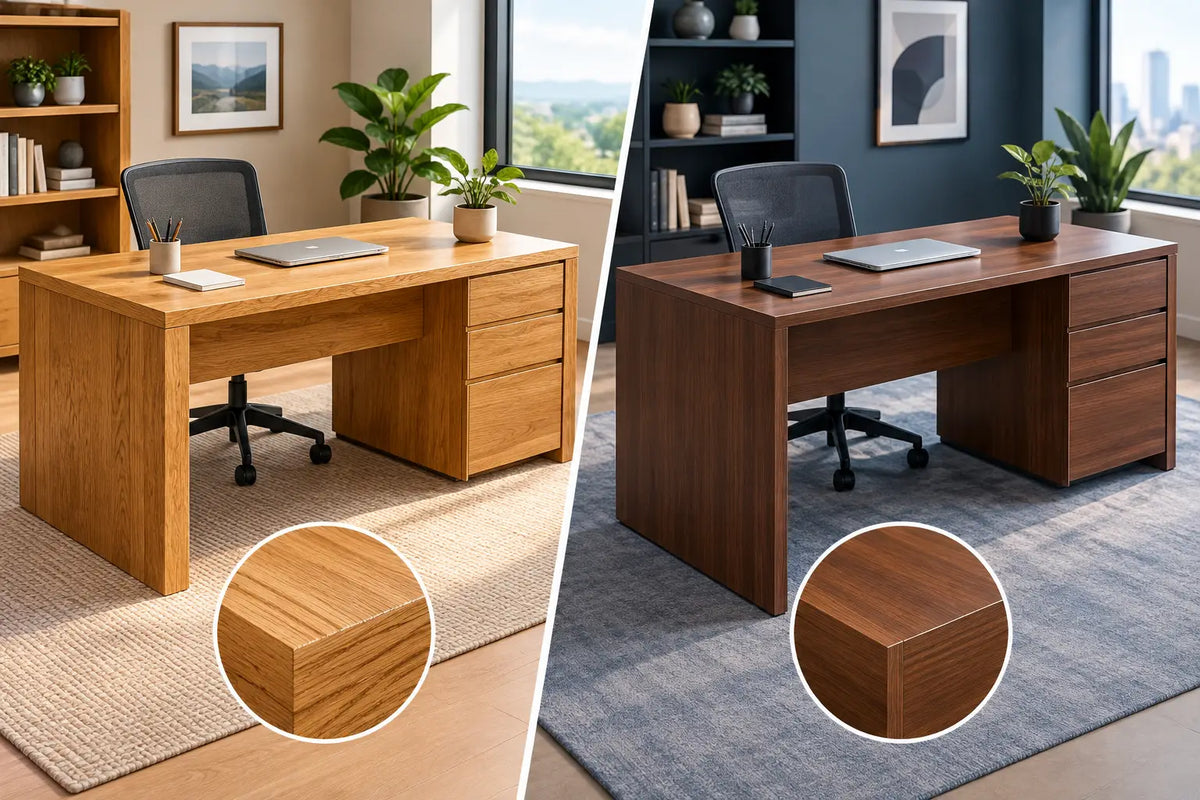
A thoughtfully designed desk gives you the range to work with your body rather than against it. At OAKO, that means pairing the warmth and permanence of solid oak with dependable height adjustment - a surface made for daily work, and a system made to change as your day does. Find the settings that let your shoulders soften, your feet move and your attention return to the work in front of you.

Laat een reactie achter
Deze site wordt beschermd door hCaptcha en het privacybeleid en de servicevoorwaarden van hCaptcha zijn van toepassing.