

A desk that shifts when you type, lean in for a video call, or raise it to standing height changes the entire feeling of a workspace. It is distracting, tiring, and at odds with the sense of focus a well-made desk should create. So, why do desks wobble? Usually, the answer is not one dramatic failure. It is a combination of floor conditions, loose connections, frame geometry, load placement, and material quality.
A little movement is normal in any height-adjustable desk, particularly at its tallest setting. Excessive movement is not. Understanding the difference helps you make a sensible adjustment now and choose better furniture for the years ahead.
Why Do Desks Wobble? Start With the Foundation
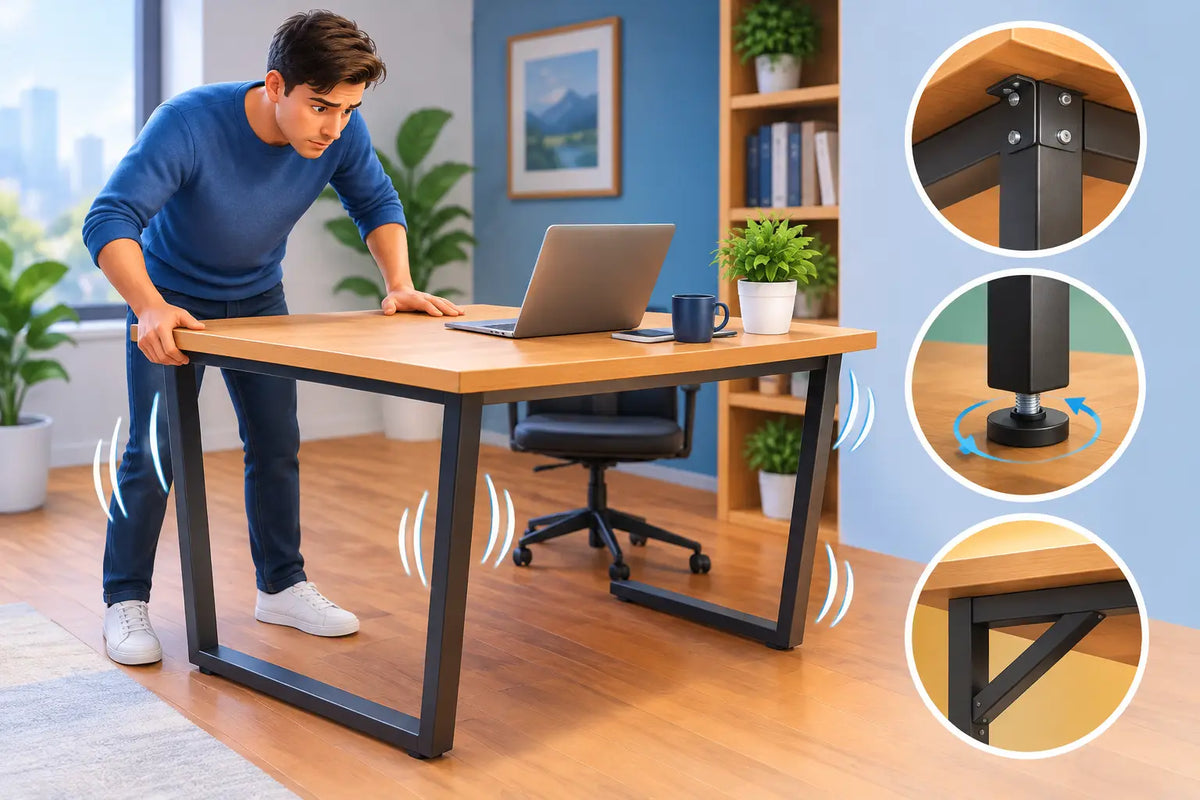
The first suspect is often the floor, not the desk. Many homes and offices have timber floors, older floorboards, tiles with slight variations, or rugs that compress unevenly under a desk foot. A perfectly built desk can feel unstable when one foot sits just a few millimetres higher or lower than the others.
Test this before tightening anything. Empty the desk surface, place both hands on opposite corners, and gently press down in turn. If the desk rocks between corners, the feet are not all making even contact with the floor. Adjustable levelling feet are designed for exactly this situation. Turn the relevant foot gradually until the rocking stops, then recheck with the desk at both sitting and standing height.
A thick rug creates a different problem. It may hide a small height difference, but it can also compress and rebound as you move against the desk. If your desk stands on a soft surface, use a firm floor mat or make sure every foot is supported evenly. Avoid improvised shims that can slide over time.
Loose Fasteners Create Small Movements That Add Up
Most desk wobble begins at a joint. Bolts, screws, brackets, and crossbars are what turn separate components into one stable structure. If a connection loosens, even slightly, movement at that point becomes more noticeable at the desktop edge.
This is especially true of standing desks. Their lifting columns hold the top well above the floor, so a small amount of play near the frame can become a visible sway at full height. Moving the desk, changing its position, or using it every day can gradually loosen hardware. Wood can also respond to seasonal changes in humidity, which makes a periodic inspection worthwhile.
Check every accessible connection with the correct tool and tighten it firmly, without overtightening. The goal is a secure joint, not stripped threads or compressed wood fibres. Start with the bolts joining the legs to the feet, then the frame rails, lifting columns, and the screws that secure the frame to the desktop.
If the desk becomes stable after this check but loosens again quickly, inspect the hardware itself. A damaged bolt, worn thread, missing washer, or bent bracket will not hold its position reliably. Replacing one compromised component is better than continually forcing a weakened joint tighter.
A note on desktop fixings
Desktop screws deserve particular attention. A desk frame can be structurally sound but still feel unsettled if its top is not properly secured. This is more likely when a heavy monitor arm, large display, or desktop computer sits near an edge and repeatedly applies leverage to the top.
A solid oak desktop offers excellent stiffness and substance, but it should be fixed with care. Natural wood expands and contracts subtly across the seasons. Quality furniture construction allows for this movement while still holding the top securely. A rigid, poorly planned fixing method can cause problems over time, while a considered one protects both stability and the timber.
Height Changes the Physics
A standing desk is inherently more stable at sitting height than at its maximum extension. As the frame rises, the distance between the work surface and the floor increases, giving side-to-side forces more leverage. This does not mean a standing desk should shake. It means the frame must be engineered for the task.
Column quality, the fit between telescoping sections, foot length, frame width, and the stiffness of the crossbar all matter. Dual-motor frames are valued primarily for smooth, balanced lifting, but a well-designed dual-column structure also supports a more composed desk at working height. The important distinction is design quality, not simply the number of motors printed on a specification sheet.
There is a practical trade-off here. A very compact frame with narrow feet may suit a small room visually, but it has less ground footprint to resist front-to-back movement. A broader, heavier frame generally feels more planted, particularly under a substantial solid-wood top. The right choice depends on your space and your working habits, but stability should never be treated as an optional luxury.
Your Setup May Be Pulling the Desk Out of Balance
A desk can wobble because the weight on top is badly distributed. A monitor arm clamped to one corner, a large screen pushed to the far side, or a desktop computer placed at the edge all concentrate force where the desk has the least support.
First, move heavy items closer to the centre and nearer the frame rails. Then test the desk again. If the movement improves immediately, the issue is not necessarily a faulty frame. It is a load-placement problem.
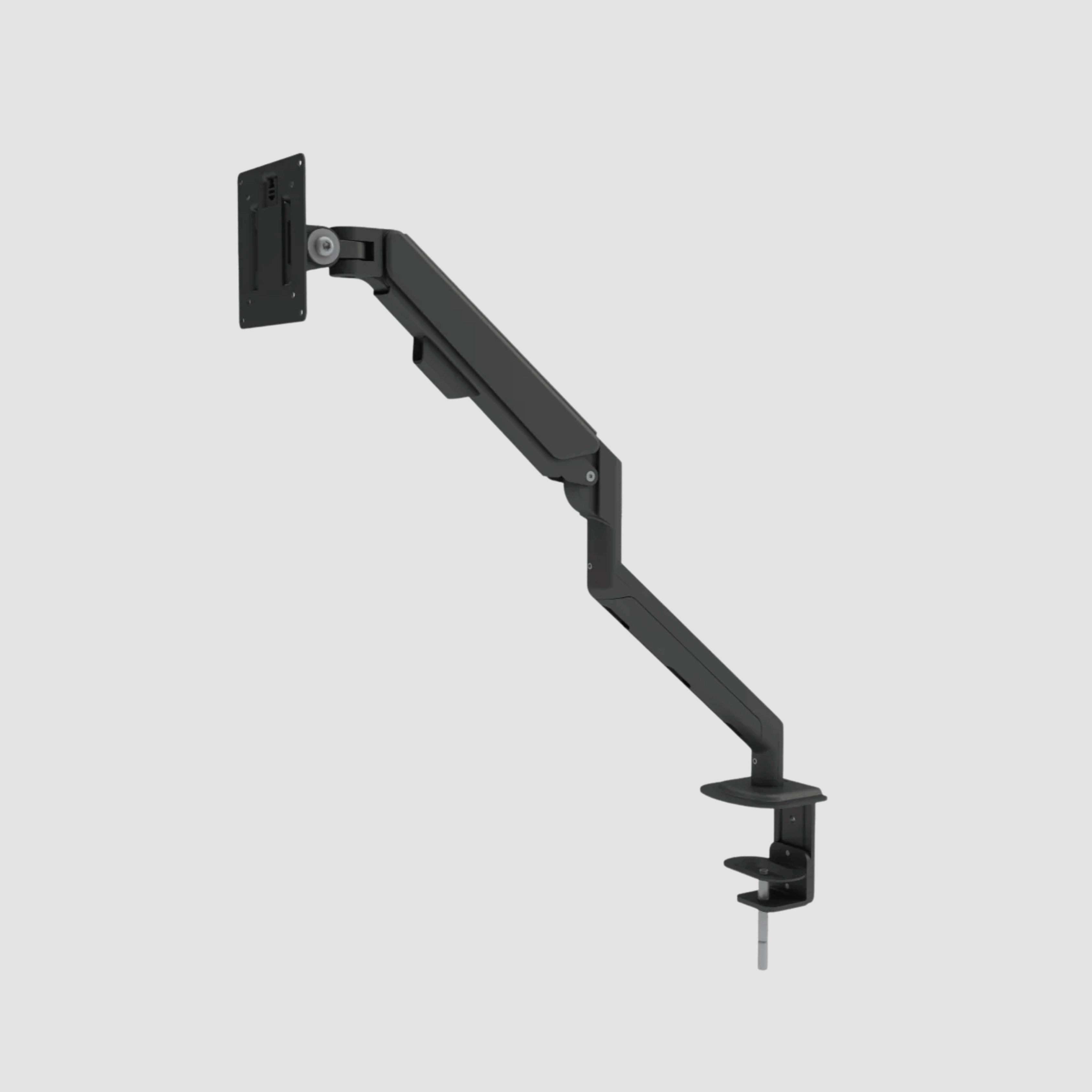
Monitor arms require special consideration. They are useful for creating a clean, ergonomic screen position, but they act like a lever. The farther the monitor extends from its clamp, the greater the force transferred into the desktop and frame. Choose an arm rated for the screen’s real weight, keep its reach sensible, and ensure the clamp is fitted exactly as instructed.
Cable management also affects how a desk feels in use. A taut power cable or monitor cable can pull against the desktop as it rises. That tension may create a subtle lean, restrict the lifting mechanism, or simply make the desk feel less settled at standing height. Leave enough cable slack for full travel and keep cables guided rather than dangling from one side.
Material Matters, but It Is Not the Whole Story
A desk surface needs sufficient stiffness to resist flexing under everyday loads. Thin particleboard or lightweight laminate tops can feel less composed, especially over wider spans or under a monitor arm. A thick solid oak top has natural density, strength, and a reassuring sense of mass that supports a more substantial workspace.
Still, a heavy top cannot rescue a weak frame. In fact, added weight can expose a frame that was designed to meet a minimum price point rather than support long-term daily use. The best result comes from a balanced system: a strong, properly proportioned steel frame, stable feet, secure hardware, and a desktop made from a material that will age well.
This is the principle behind a considered desk rather than a collection of parts. At OAKO, the meeting of solid European oak and a capable steel standing-desk frame is intended to feel calm and grounded, whether you are seated for detailed work or standing for an afternoon of calls.
A Simple Way to Diagnose Desk Wobble
Before assuming you need a new desk, isolate the movement. Remove heavy accessories and lower the desk to sitting height. Test for rocking at each corner. Next, check the levelling feet and tighten all structural connections. Raise the desk in stages, testing at each height.
If the desk only rocks on the floor, levelling is the answer. If it shifts around a specific leg or joint, inspect that connection and the surrounding hardware. If the movement appears mainly at full height, some increase is expected, but pronounced sway suggests a frame that lacks sufficient rigidity, an uneven load, or a lifting column with excessive internal play.
Listen as well as look. A click, creak, or metallic knock usually points to a joint that needs attention. A smooth desk should feel quiet and deliberate in motion.
When a Repair Is Not the Right Fix
Not every wobble deserves endless adjustment. If bolts repeatedly loosen, a lifting column visibly twists, the frame flexes under ordinary typing pressure, or the desk remains unstable after levelling and tightening, the underlying structure may be the limitation.
For a desk used occasionally, a modest amount of movement may be acceptable. For a daily workspace supporting screens, creative equipment, and long hours of concentrated work, it is worth expecting more. Stability is not merely about avoiding spilled coffee. It supports better posture, calmer movement, and confidence in the place where much of your work happens.
Give your desk the same consideration you give your chair, monitor height, and lighting. A level floor, correctly tightened frame, balanced setup, and honest materials create the quiet stability that makes a workspace feel built for the long term.

Lämna en kommentar
Denna webbplats är skyddad av hCaptcha och hCaptchas integritetspolicy . Användarvillkor gäller.