


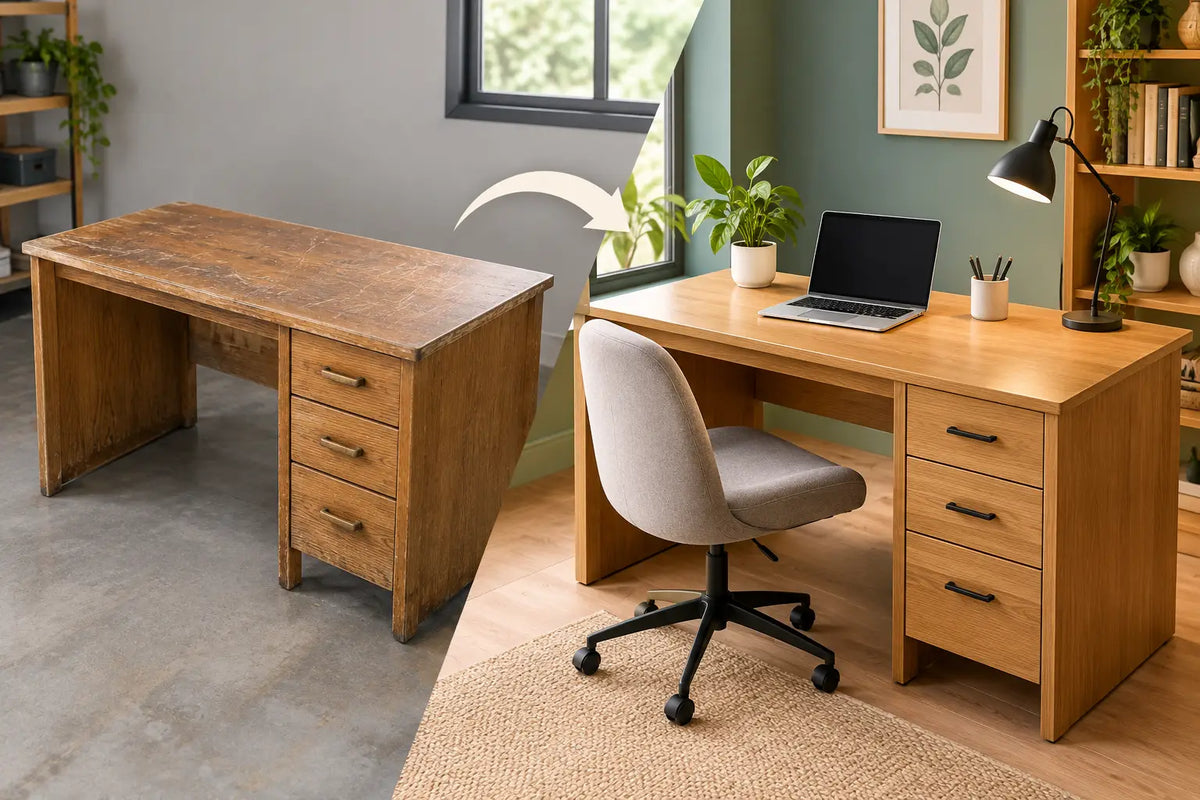
A proper oak desk transformation does more than improve how a room looks on a video call. It changes the physical rhythm of the working day: where your arms rest, whether cables distract the eye, how often you stand, and how it feels to sit down and begin. For a desk that is used for serious work, solid oak brings a sense of permanence that thin, temporary furniture rarely can.
The difference is not simply colour or grain. It is the combination of a real material, a stable working surface and ergonomics designed around human movement. Done well, the result is a workspace that supports concentration without asking to be the centre of attention.
Start an Oak Desk Transformation With the Surface
The desktop is the element you see and touch most. That makes material choice more consequential than it may first appear. A solid oak top has depth, warmth and natural variation that cannot be convincingly reproduced by printed laminate. Knots, grain direction and subtle shifts in tone make every surface individual, while the timber’s weight gives the workspace a reassuring substance.
This does not mean oak is without character or care requirements. As a natural material, it can develop a richer patina over time. Direct heat, standing water and sharp objects should still be treated with respect. For many people, that is part of the appeal: the desk becomes more personal through use rather than looking tired after a few years.
A veneer or laminate desk may be the right answer for a tightly controlled budget or a short-term setup. But where the desk is intended to stay through moves, changing roles and longer working days, solid oak offers a different kind of value. It can be maintained, refinished when necessary and appreciated for decades.
Choose a size that gives work room to breathe
A desk should fit the work, not merely the empty wall. A laptop-only setup can work comfortably on a compact top, but a monitor, notebook, charging dock and task light quickly need more depth. For most focused home-office arrangements, enough depth to place the screen at a comfortable viewing distance matters as much as width.
Avoid treating the largest possible desktop as the automatic upgrade. An oversized desk in a narrow room can make circulation awkward and encourage clutter to spread. Instead, reserve clear zones: one for screen work, one for writing, and one small area for the objects you use daily. That structure makes the room feel calmer before a single storage unit is added.
Let Oak Meet Ergonomics
A beautiful desk that fixes you in one position is only half a transformation. The practical advantage of a height-adjustable desk is not that you must stand all day. It is that you can change position before discomfort becomes the day’s defining feature.
A dual-motor frame is especially valuable with a substantial solid-oak top. It is built to lift smoothly and evenly, including when the desk carries a monitor arm, display, laptop and the other equipment that accumulates around real work. Look for a frame with stable feet, dependable load capacity and memory settings that make switching between sitting and standing effortless.
Your seated desk height should allow your elbows to rest near a right angle, with shoulders relaxed rather than lifted. When standing, the keyboard should return to that same comfortable relationship with your arms. The exact number differs from person to person, which is why adjustability is more useful than a fixed “standard” height.
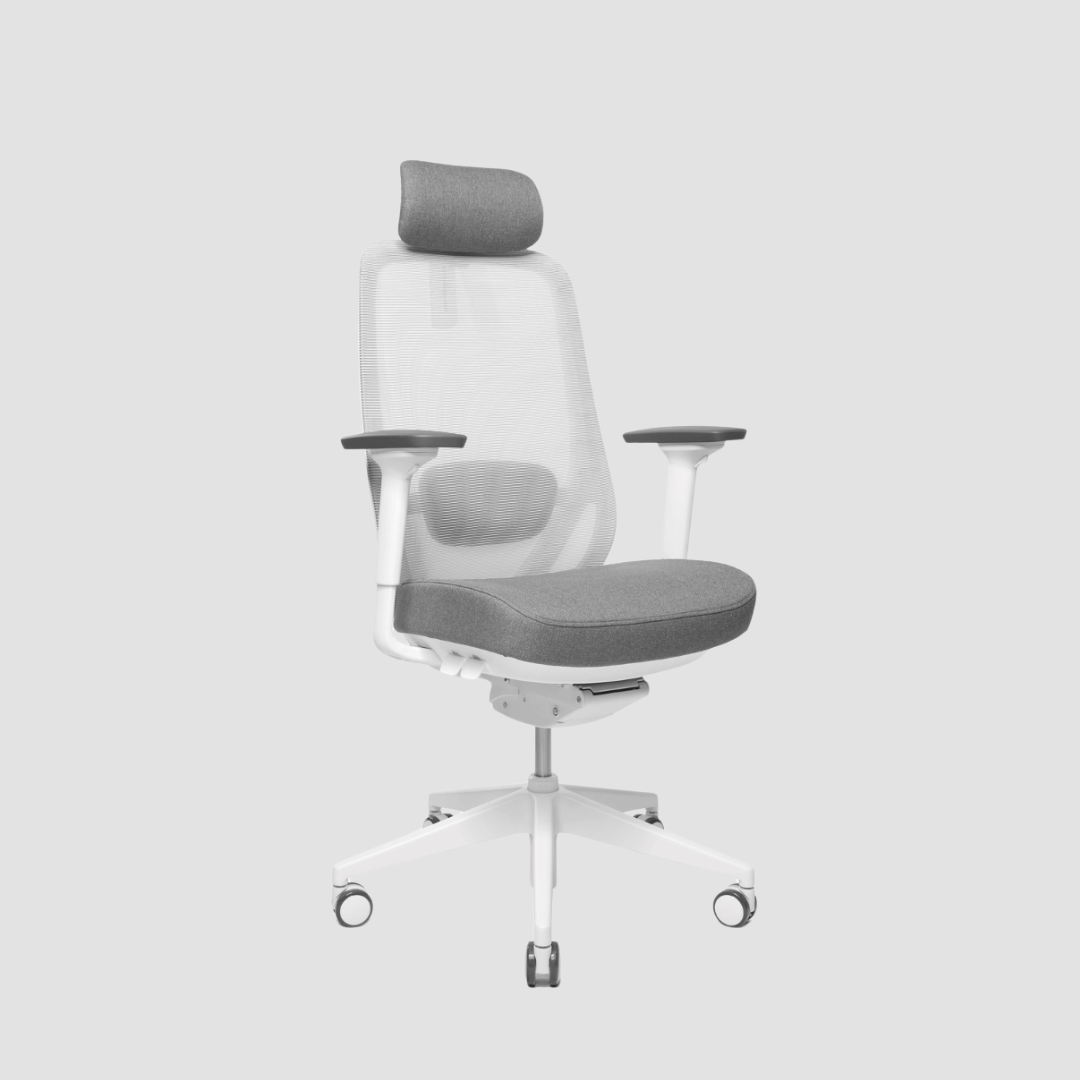
The chair belongs in this decision, too. A supportive ergonomic chair lets you sit deep into the work without collapsing into it. Adjust seat height first, then align the desktop to your elbows. If your feet do not rest comfortably on the floor, a footrest can be a better solution than compromising chair height.
Position the screen before buying more accessories
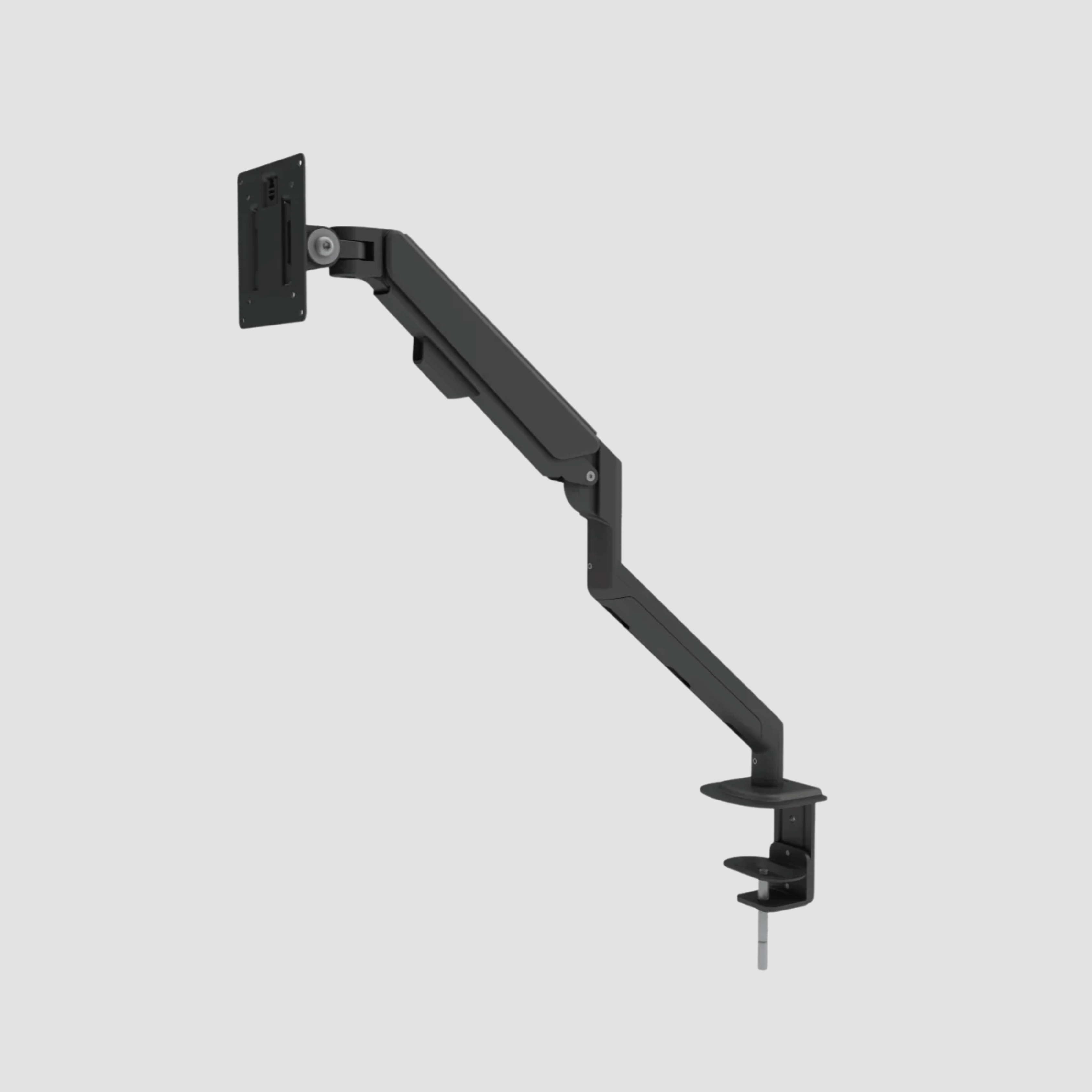
Many workspaces feel uncomfortable because the monitor is too low, too close or offset to one side. A monitor arm can restore valuable desk space while allowing the screen to sit at a more natural height. The top of the display should generally sit around eye level or slightly below, depending on your posture and eyewear.
For a larger screen or dual-monitor setup, ensure the desk frame and top can support the total load. This is where material and engineering need to work together. A solid oak surface provides a secure foundation, while a well-built frame keeps the arrangement steady when the desk moves.
Build Order Into the Details
A clear desk is not an empty desk. It is a desk where every visible object has earned its place. The warm visual texture of oak works best when it is not hidden beneath loose cables, adapters and duplicate stationery.
Begin with power. Route cables beneath the desktop rather than allowing them to fall directly from the screen and laptop. A cable tray, discreet cable channels and a mounted power strip keep the standing function practical, since cables need enough length to travel with the desk. Before attaching anything, raise the desk to its highest position and check that no lead is pulled tight.
Then reduce what remains on the surface. A monitor arm, laptop stand or charging solution can free space without making the setup feel technical. Choose accessories in a restrained palette - black steel, natural oak, soft grey or leather tones - so the desk remains the visual anchor.
Storage should solve a specific problem rather than become a place to hide indecision. A small drawer unit is useful for paperwork and tools that must be close at hand. Open shelving may suit books, samples or objects with real visual value. Everything else can live outside the immediate workstation. The goal is not minimalism as a performance. It is fewer interruptions between you and the task.
Design the Room Around the Desk, Not Against It
Oak is remarkably adaptable, but it benefits from considered surroundings. Against white or warm neutral walls, its grain adds depth without making the room heavy. Paired with black steel, it feels precise and architectural. With textiles, plants and softer lighting, it becomes more domestic and calm.
Natural light is worth planning around, though screen placement needs care. Positioning the desk perpendicular to a window often reduces glare while still giving the room a sense of openness. If the desk must face a wall, treat that wall as part of the workstation: one framed print, a pinboard or a narrow shelf may be enough. Too many visual signals compete with the calm of the oak.
Lighting should serve the work after daylight fades. A directional task lamp helps with notes and reading, while a warmer ambient source prevents the desk from feeling like an isolated island in a dark room. This balance matters particularly in Danish winters, when the home office carries more of the day’s atmosphere.
The Oak Desk Transformation Is a Long-Term Decision
The strongest oak desk transformation is not a quick styling exercise. It is a decision to replace compromise with a working environment that has material integrity. That can mean investing first in the desk and frame, then adding the chair, monitor arm and cable management over time. A coordinated system is satisfying, but it does not need to arrive all at once.
At OAKO, the idea is straightforward: real European oak deserves engineering that matches its longevity. A handcrafted solid-wood top paired with a capable steel frame brings warmth and technology into the same object, without pretending that either is disposable.
Care is equally straightforward. Wipe the surface with a soft, lightly damp cloth, clean spills promptly and avoid harsh cleaning products. Use a desk mat or coaster for hot drinks when appropriate, but do not overprotect the surface into sterility. Oak is meant to be lived with.
The final measure is simple. When the desk is at the right height, the screen is where your eyes expect it to be, and the room feels ordered, work asks for less negotiation. You can sit down, stand up, and get on with building what matters.


Lämna en kommentar
Denna webbplats är skyddad av hCaptcha och hCaptchas integritetspolicy . Användarvillkor gäller.