




A height-adjustable desk makes it easier to change position, but standing for hours on a hard floor can replace one kind of discomfort with another. So, do standing mats reduce fatigue? For many people, yes - provided the mat is well made, correctly placed, and used as part of a more varied working day rather than as a reason to stand still for longer.
An anti-fatigue mat will not solve a poorly arranged workspace or compensate for an unsuitable chair. What it can do is make the standing part of your day feel less punishing on your feet, legs and lower back. For a home office built around lasting materials and considered ergonomics, that small layer underfoot can make a meaningful difference.
Do standing mats reduce fatigue in practice?
The basic principle is simple. Hard floors such as wood, tile, concrete and vinyl offer almost no give. When you stand on them for a prolonged period, the muscles in your feet, calves and legs work continuously to stabilise your body. Blood can pool in the lower limbs, feet may feel sore, and your posture often starts to collapse without you noticing.
A quality standing mat adds controlled cushioning. Its surface compresses slightly under your weight, encouraging small shifts in pressure and movement through the feet. Those micro-movements can reduce the static load associated with standing in one position. The result is not a dramatic, instant transformation, but a quieter kind of comfort: fewer aching soles, less calf tightness and a greater willingness to use the standing function of your desk.
The wording matters here. A standing mat does not eliminate fatigue. Standing remains physical work, especially if you are new to it or spend long periods focused on detailed tasks. It reduces the harshness of the surface beneath you, which can make fatigue slower to develop and easier to manage.
The benefit is greatest on unforgiving floors
If your desk sits on stone, tile, concrete, laminate or a firm timber floor, an anti-fatigue mat is likely to be felt immediately. These surfaces are excellent for durability and easy cleaning, but they do not absorb impact. Even a modest amount of resilience underfoot changes the experience of standing during calls, reading, planning and lighter computer work.
On thick carpet, the difference may be less pronounced. A mat can still provide a more stable, defined standing area, but it needs enough density to avoid feeling soft or unstable. The goal is supportive compression, not the sensation of standing on a cushion.
Why static standing is the real problem
The appeal of a standing desk is movement, not endurance. It is tempting to treat standing as the virtuous alternative to sitting, then set the desk high and remain there for three hours. That approach often creates discomfort because the body is still being asked to hold one static position.
A better rhythm is to alternate naturally. Sit for concentrated work, stand for a call or a review, then change again before discomfort becomes a signal you cannot ignore. Some people prefer short standing intervals throughout the day; others work well with longer blocks. Your footwear, floor, fitness, task and prior injuries all influence what feels right.
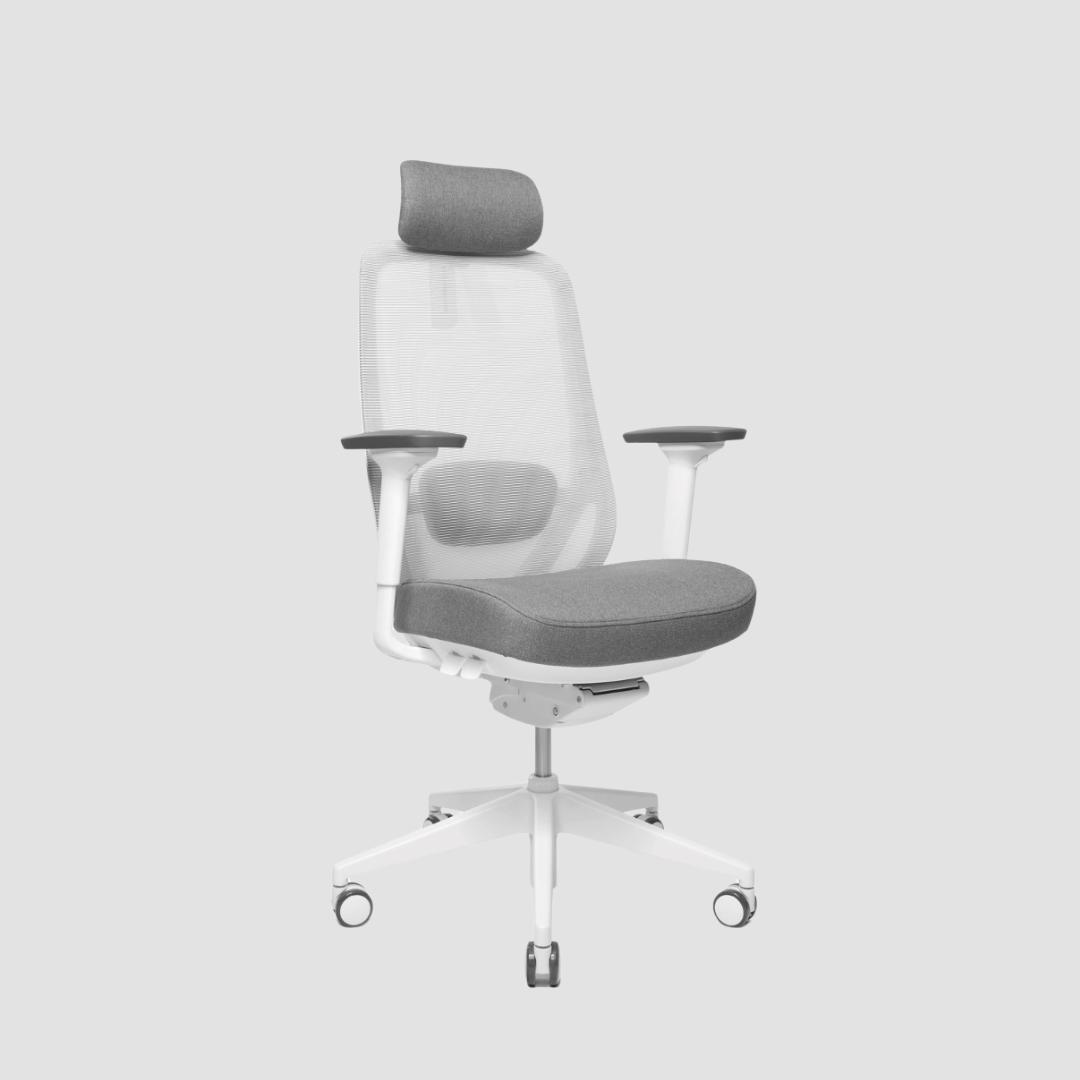
A standing mat supports this rhythm by making standing more comfortable, not by turning it into an all-day requirement. Think of it as part of a considered workstation: a solid desk at the correct height, a supportive chair, a monitor positioned well, sensible cable management and enough open floor space to move freely.
What a good anti-fatigue mat should feel like
The best mats are neither paper-thin nor excessively soft. A very thin mat may offer little practical relief, while a deeply cushioned one can make the ankles work harder to find stability. Look for firm, responsive support that rebounds after use and remains even under regular pressure.
Material quality matters, particularly in a workspace chosen with care. Cheap foam mats can flatten at the point where you stand most, curl at the edges or develop a surface that is difficult to clean. A well-constructed mat should lie flat, resist slipping and maintain its shape. It should feel like a permanent part of the room, not a temporary office accessory.
The surface also deserves attention. A lightly textured finish can improve grip, especially in socks, while a smooth sealed surface is easier to wipe clean. If the mat will sit in a visible home office, choose a finish and colour that work with the floor and desk rather than competing with them. A workspace is easier to return to when it feels composed.
Size and placement affect comfort
Your mat should cover the area where you naturally stand, including the small shifts you make when reaching for a keyboard, notebook or mouse. If it is too narrow, you may keep stepping on and off its edge, which interrupts the benefit and can become a trip hazard.
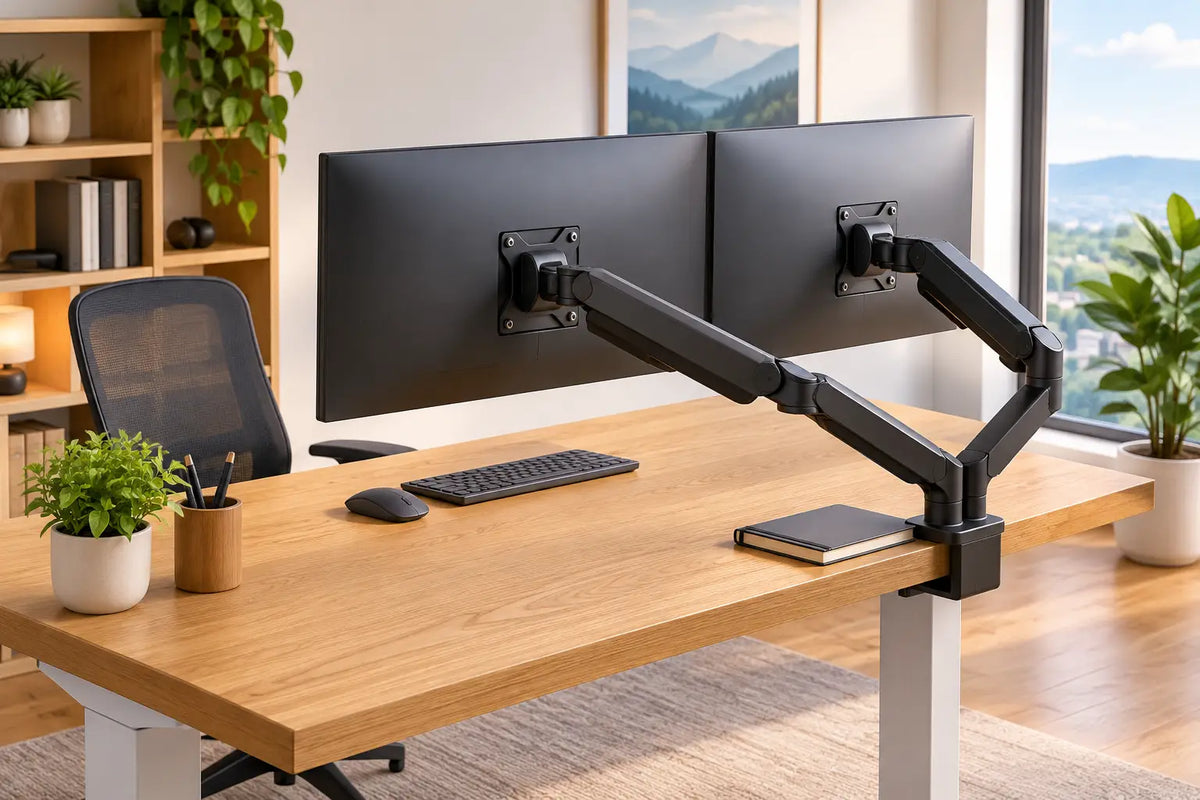
Place it centrally beneath the standing position, with the desk at a height that allows your shoulders to remain relaxed and your elbows to sit close to a right angle while typing. If you use a monitor arm, take the opportunity to set the screen at a comfortable viewing height as well. Foot comfort and neck comfort are connected more often than people expect: when a workstation is poorly adjusted, the body compensates from the ground up.
Standing mats work best with the right footwear
A premium mat helps, but it cannot fully overcome shoes that offer no support. Slippers with a collapsed sole, hard leather shoes or bare feet on a firm edge can still make prolonged standing uncomfortable. In a home office, clean trainers, supportive indoor shoes or a well-designed slipper can complement the mat without making the space feel overly corporate.
That said, footwear is personal. Some people prefer to stand barefoot because it encourages natural movement through the feet. Others need more arch support. Pay attention to how your body feels an hour after standing, not just in the first five minutes. Persistent heel pain, numbness, swelling or back pain deserves more than a new accessory - it may be worth discussing with a qualified health professional.
When a standing mat may not be enough
If discomfort appears quickly despite a mat, look at the entire setup. The desk may be too high, causing you to raise your shoulders. Your monitor may be too low, drawing your head forward. You may be standing too long without a break, or sitting in a chair that leaves you stiff before you even rise.
The task itself matters too. Standing is often comfortable for video calls, browsing, ideation and short administrative work. Fine design work, long writing sessions and intense spreadsheet tasks may feel better while seated, especially when precision is required. There is no prize for completing every task upright.
For people with existing foot, joint, circulation or balance concerns, softer is not automatically better. A stable, firm mat and shorter standing intervals may be more appropriate than a highly cushioned model. This is one of those ergonomic decisions where personal response matters more than a universal rule.
A refined workspace is built in layers
Good ergonomics rarely comes from one purchase. It comes from choosing elements that work together over years: a desk with a stable height-adjustable frame, a surface substantial enough to support daily work, a chair you can settle into, and accessories that remove small sources of friction.
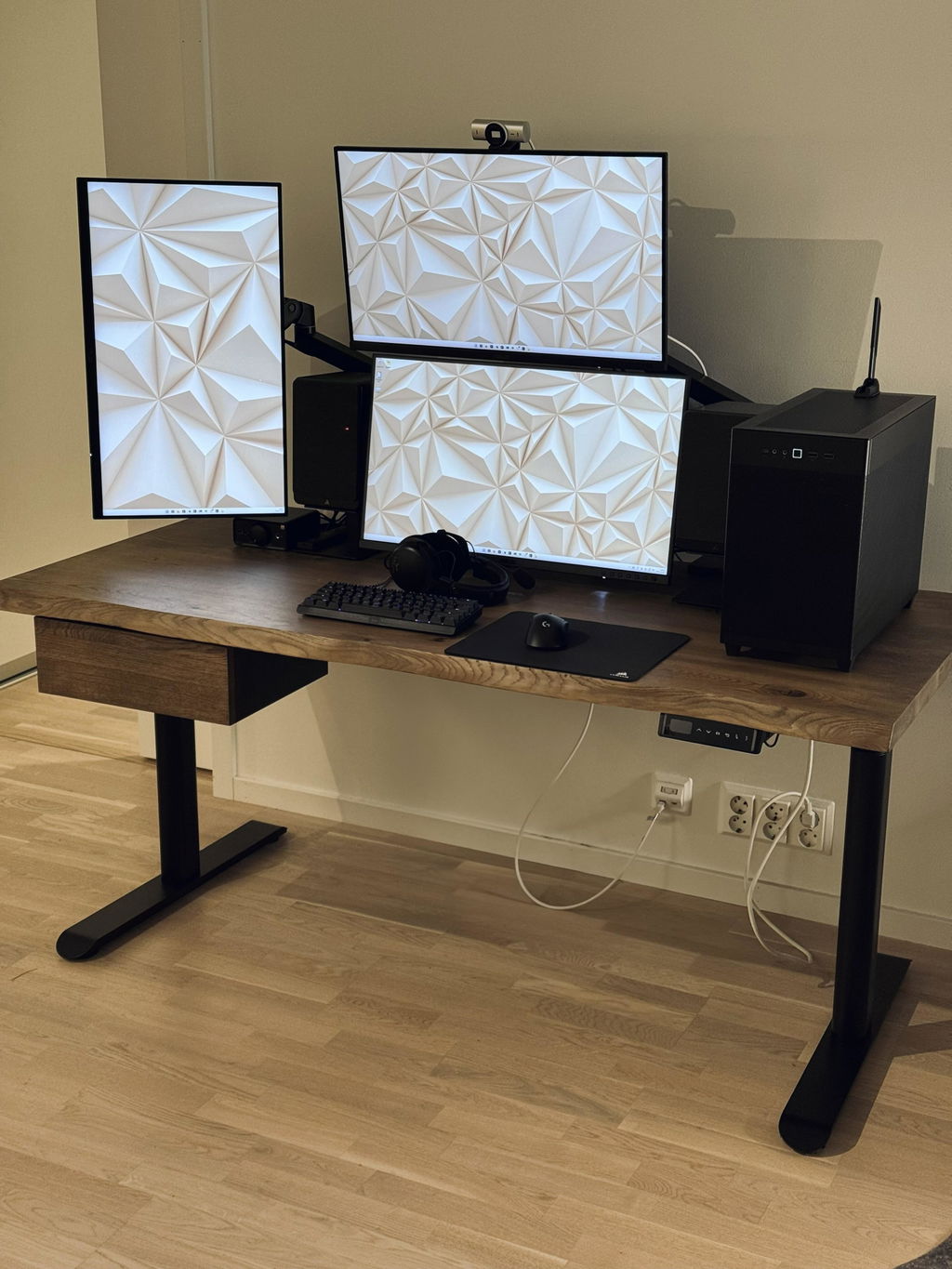
That is why a standing mat deserves consideration alongside the desk rather than as an afterthought. Under a handcrafted oak worktop, the technology may be doing the visible lifting. Underfoot, a well-chosen mat makes the transition from sitting to standing feel more natural and sustainable.
Start with short standing periods and let comfort, rather than discipline, set the pace. The most effective workspace is not the one that asks the most of your body. It is the one that makes changing position feel easy enough to do all day.


Laisser un commentaire
Ce site est protégé par hCaptcha, et la Politique de confidentialité et les Conditions de service de hCaptcha s’appliquent.