

The most useful guide to sit stand routines is not a rigid rule that tells you to stand every 30 minutes. It is a working rhythm that protects your attention as much as your body. A desk should support the way you think, make, meet and focus - not introduce another task to manage.
For many people, the appeal of a height-adjustable desk begins with relief from long hours of sitting. But standing all day is not the answer. The real value lies in movement and variation: changing position before discomfort builds, choosing the right posture for the task, and creating a workspace that makes each transition effortless.
Why alternating matters more than standing
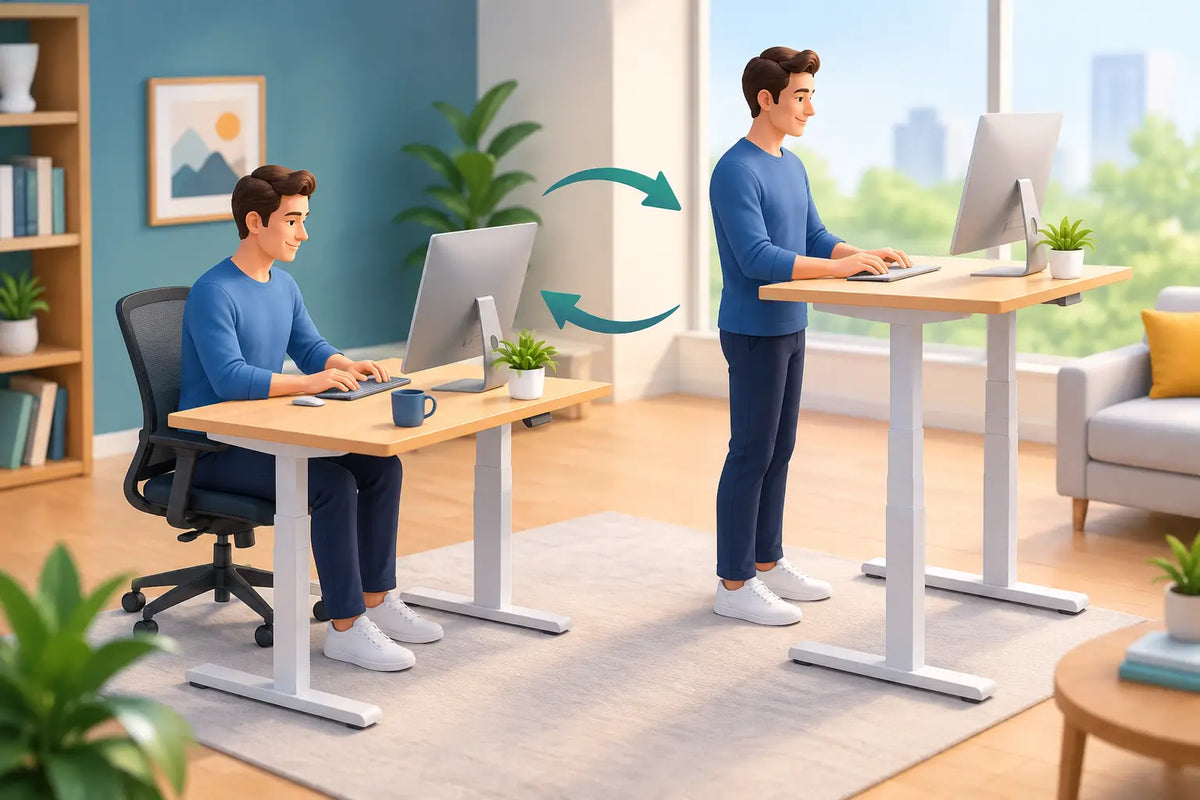
Sitting is not inherently poor posture, and standing is not automatically better. Both can become tiring when held for too long. The body generally responds well to regular changes in load, position and movement. A sit-stand desk gives you the practical freedom to make those changes without stepping away from your work.
Think of standing as one useful working position, rather than a virtue to achieve. Seated work often suits concentrated writing, detailed design, calls requiring notes, and tasks that demand steady hand control. Standing can bring a welcome lift during shorter emails, planning sessions, calls, reading, or moments when you feel mentally flat after a long spell of stillness.
The right balance depends on your work, your fitness, your footwear and any existing pain or injuries. If discomfort is persistent or significant, professional medical guidance should come before any routine. For everyone else, the objective is modest and practical: avoid becoming fixed in one position for hours.
Build a sit-stand routine around your work
Start with a rhythm you can genuinely sustain. If you have spent years working seated, an immediate switch to long standing blocks can leave your feet, calves and lower back more fatigued than before. Begin with five to 10 minutes of standing once or twice in the morning and again in the afternoon. Increase the duration only when it feels unremarkable.
Rather than watching a timer all day, attach changes in desk height to natural transitions. Stand for the first part of a video call. Sit down when you need to edit a detailed document. Raise the desk after lunch, when energy often dips. Return to sitting for an intensive task that needs your full concentration. These cues turn movement into part of your day instead of another notification competing for attention.
A good starting pattern might be to sit for 40 to 50 minutes, stand for 10 to 20 minutes, then take a short movement break before settling back into the next block. This is not a prescription. A customer-facing role with back-to-back calls may involve more standing, while a photographer editing fine detail or an accountant deep in a spreadsheet may prefer longer seated periods. Let the task lead, then use the desk to keep that task from becoming static.
Your routine will work best when it has permission to be flexible. A demanding deadline may pull you into a longer seated session. A restless day may make more frequent standing feel right. The habit worth keeping is not a perfect ratio. It is noticing when your position has stopped serving you and changing it.
Make transitions almost frictionless
A desk that moves smoothly and holds its height reliably removes the small resistance that breaks good habits. Save your preferred seated and standing heights if your frame has memory controls. The less you have to think about adjustment, the more likely you are to use it.
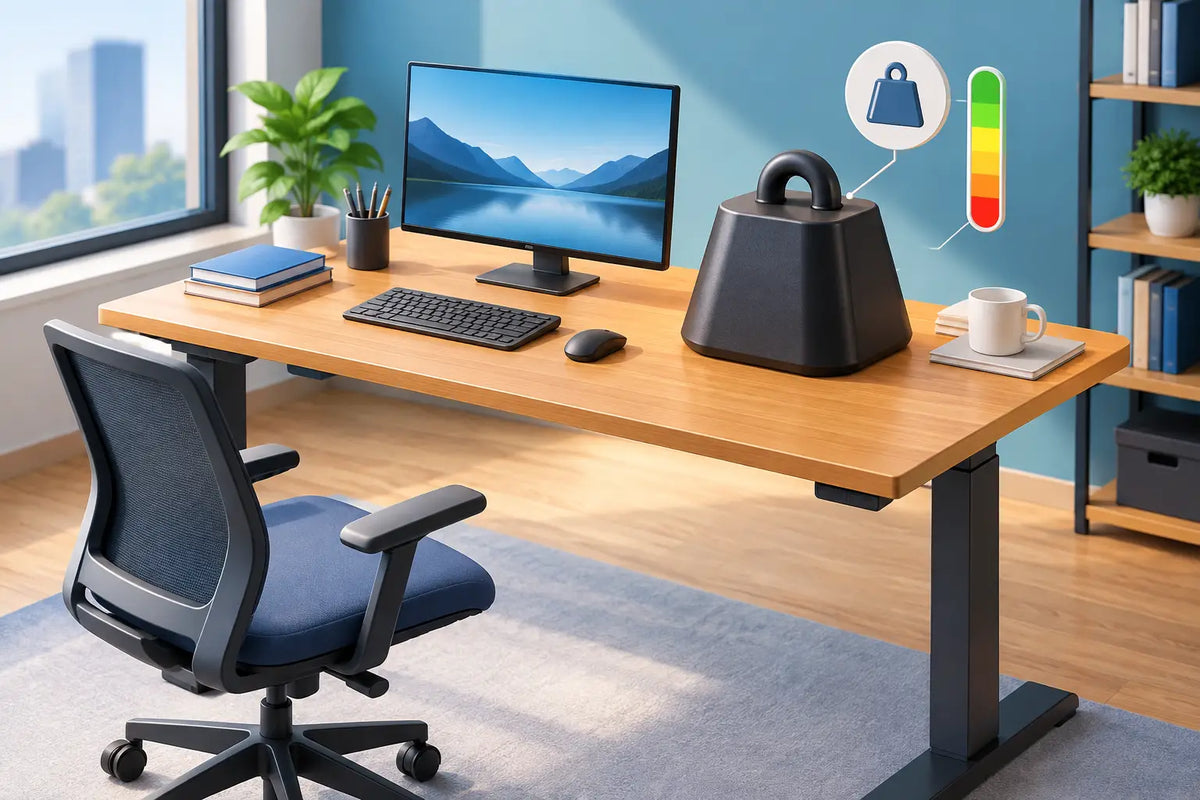
Keep your cable management equally considered. A tangle of charging leads can make raising a desk feel risky, particularly with a monitor, lamp or laptop connected. Route cables with enough length for the full lift range and keep heavier equipment stable. A calm surface and a clear floor make standing feel considered rather than improvised.
Set your desk for both positions
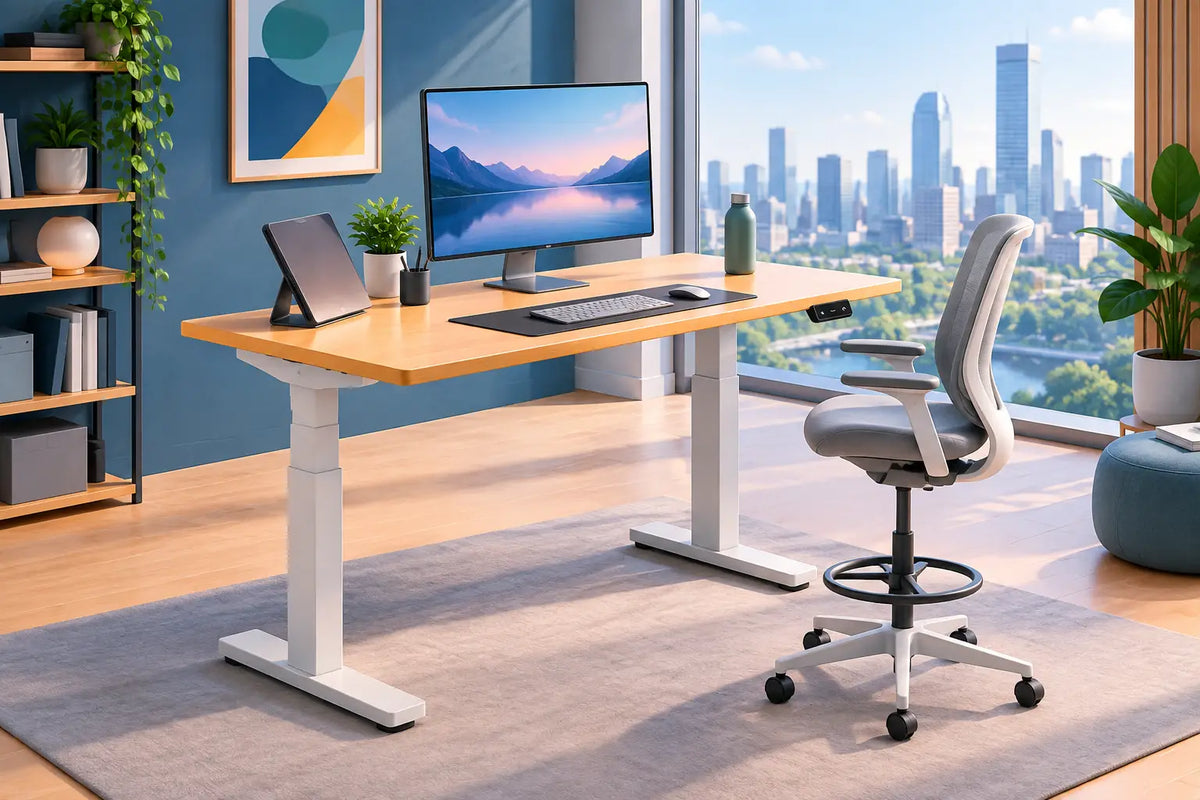
The desk height that feels right when seated will not work when standing. Each position deserves its own setup. When seated, aim for relaxed shoulders, elbows close to a roughly 90-degree angle, and feet supported by the floor or a footrest. Your chair should support a neutral, comfortable posture rather than force you into a formal pose.
When standing, adjust the desktop so your forearms can rest comfortably while typing, without lifting your shoulders or bending your wrists upward. Keep your screen directly in front of you, with the top around eye level or slightly below depending on your vision and comfort. If you use a laptop as your main screen, a separate keyboard and mouse make it far easier to place the display at a useful height.
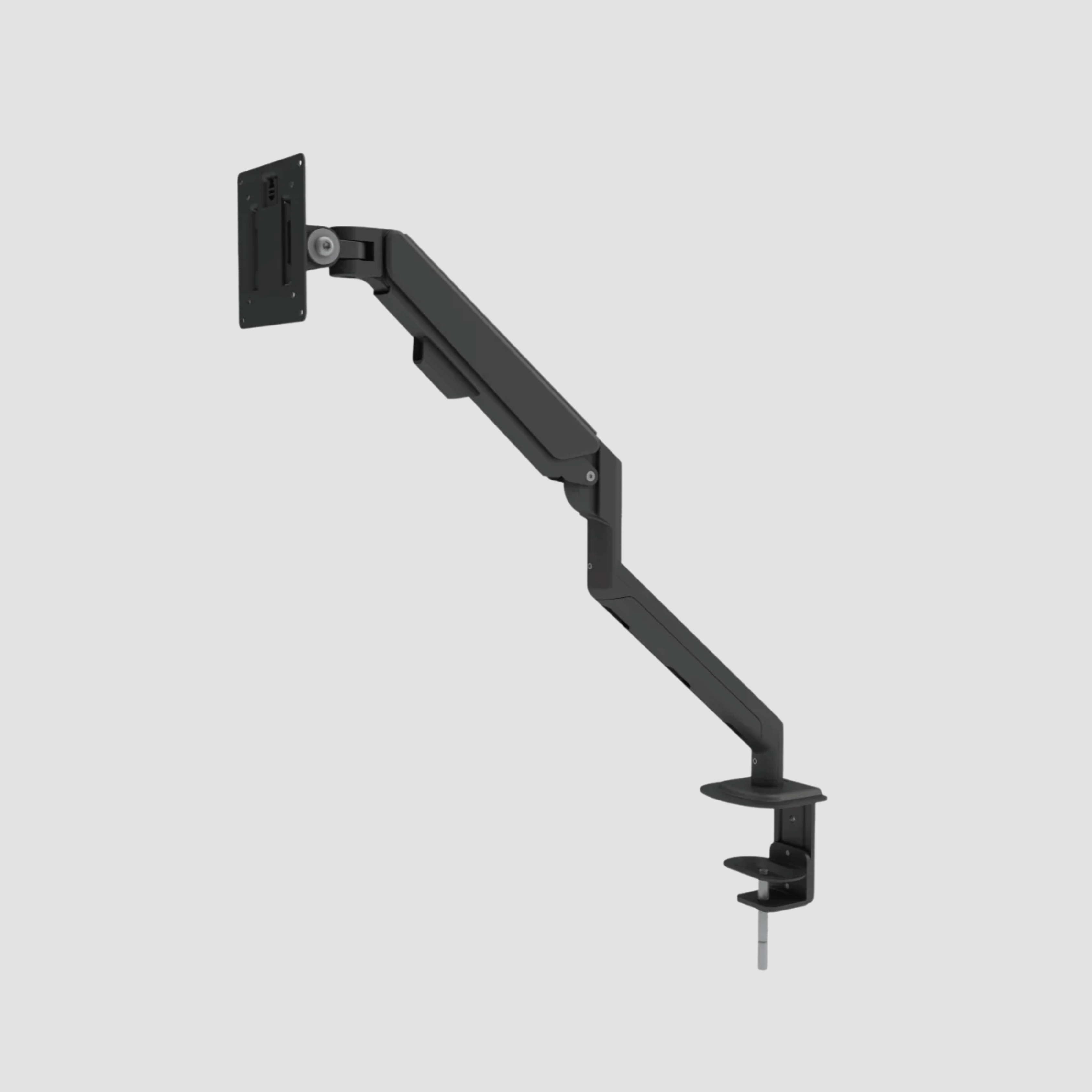
Monitor arms are especially valuable in a sit-stand setup because they preserve screen height as the desk moves. They also free valuable desk space, allowing the warm grain and solid depth of an oak desktop to remain visible rather than buried under equipment. For a workspace intended to last, this matters. Ergonomics and visual calm should reinforce each other.
Avoid locking your knees when standing. Shift your weight naturally, take a few steps while thinking, or rest one foot briefly on a low support if that feels comfortable. A supportive floor mat can help on hard surfaces, particularly if you stand for longer calls, though it is not a substitute for movement. The point is to create variety, not to remain perfectly still in a different posture.
Choose standing tasks with intention
Standing tends to work well for communication and lighter cognitive work. It can lend useful energy to a client call, a team check-in or a session spent organising the week ahead. Some people also find it helpful for reading, reviewing work or thinking through a problem aloud.
Sitting is often the better choice for sustained precision. Long-form writing, intensive illustration, close spreadsheet work and detailed editing can benefit from the stability of a good ergonomic chair. There is no prize for staying upright when your shoulders begin to tense or your focus declines.
Try assigning positions to categories of work for one week. Stand for calls and inbox administration. Sit for deep production work. Use the transition between them as a small reset: drink water, look away from the screen, roll your shoulders, then begin the next task. After several days, you will have a clearer sense of which combinations make you feel productive rather than merely active.
Common mistakes that make standing feel worse
The first mistake is treating a height-adjustable desk as a standing desk only. Overcorrecting from eight hours seated to four or five hours standing can cause soreness and quickly make the desk feel like a failed investment. Build capacity gradually and keep sitting available as a deliberate, valuable position.
The second is leaving the monitor too low. People often raise a laptop and assume the work is done, then spend the afternoon looking down with a rounded neck. Screen placement, keyboard height and mouse position have to work together. A beautifully made desk cannot compensate for equipment set at the wrong level.
The third is ignoring the workspace around the desk. An unstable chair, poor footwear, a cluttered under-desk area or a monitor that cannot move with the desktop can undermine the entire routine. Height adjustment works best as part of a complete workstation, where each element has a clear purpose.
Finally, do not confuse discomfort with progress. Mild adjustment is normal when introducing more variation. Sharp pain, numbness, persistent swelling or symptoms that worsen deserve attention, not determination. A better workday should feel more sustainable over time.
Let the desk support the day you actually have
A premium workspace earns its place by being used well. A solid oak top brings material warmth and permanence to a room, while a dependable dual-motor frame gives that surface the flexibility modern work demands. At OAKO, this meeting of natural material and considered technology is central: a desk can be substantial enough to keep for years and adaptable enough to suit a changing workday.
Do not aim for a perfect sit-stand record. Aim for a workspace that makes it easy to move when your body asks for it, sit when the work needs steadiness, and return to your desk with a little more comfort and clarity each time.

Laisser un commentaire
Ce site est protégé par hCaptcha, et la Politique de confidentialité et les Conditions de service de hCaptcha s’appliquent.